14
CHECKING BATTERY CAPACITY
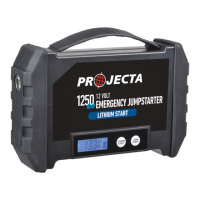
The jumpstarter is equipped with a LCD DIGITAL DISPLAY. When the BATTERY
VOLTAGE STATUS button is pressed the display will indicate the battery voltage level.
To check the battery capacity :
Step 1 Disconnect any appliance and accessories that might be running from
the jumpstarter, as this will effect the reading. Ensure the jumpstarter
is not being charged.
Step 2 Press the battery voltage button and read the LED voltage display
(displayed as volts).
Step 3 Refer to the table below for the conversion of volts to battery capacity
as a percentage.
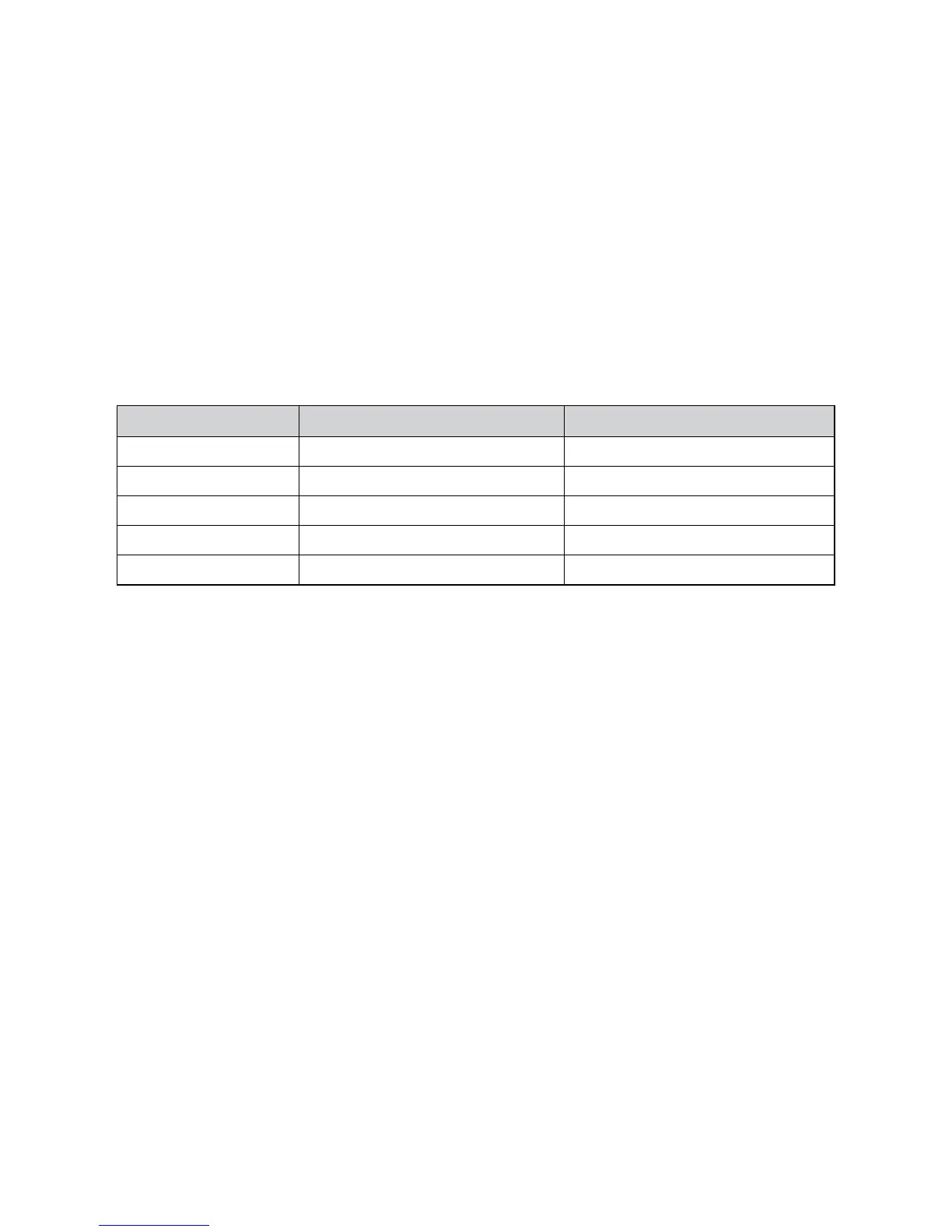
Battery Capacity Battery voltage reading (12V) Battery voltage reading (24V)
100% 12.6 Volt or greater 25.2 Volt
75% 12.4 Volt 24.8 Volt
50% 12.2 Volt 24.4 Volt
25% 12.0 Volt 24.0 Volt
0% 11.0 Volt 22.0 Volt



 To Next Page