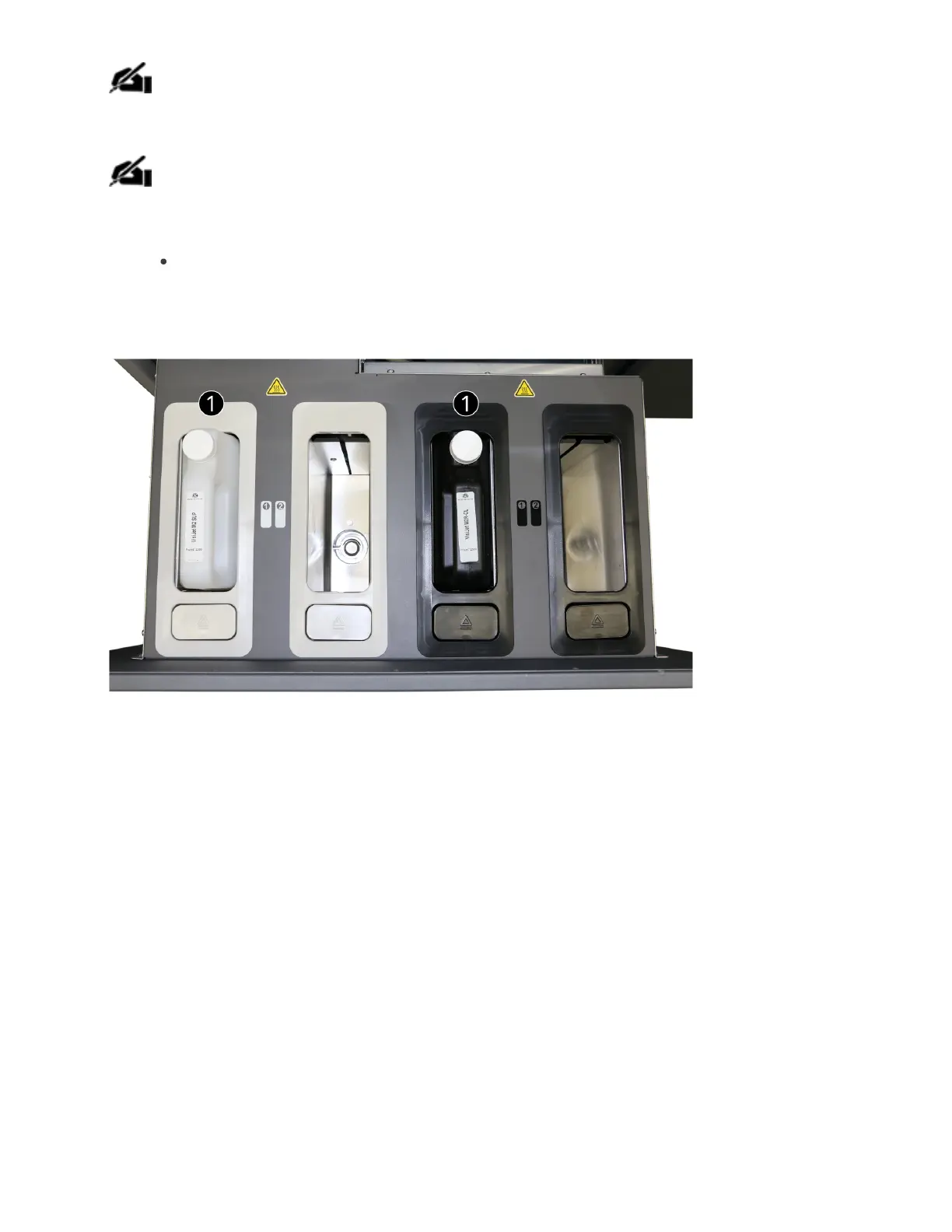
NOTE: To install cartridges into the MDM drawer properly ensure that the small cap
be installed away from the user.
NOTE:It is important to verify the cartridges have been audibly clicked into place,
have material in them, and the cartridge caps properly ventilated; otherwise the
printer may not be able to pull material from thebottles, potentially resulting in the
following fault codes:
93-134 thru 137
4. Place cartridge in slot and push down until you hear it click in place.
5. Vent each cartridge by loosening the material cap (A) by a 1/2 turn counterclockwise.



 To Next Page