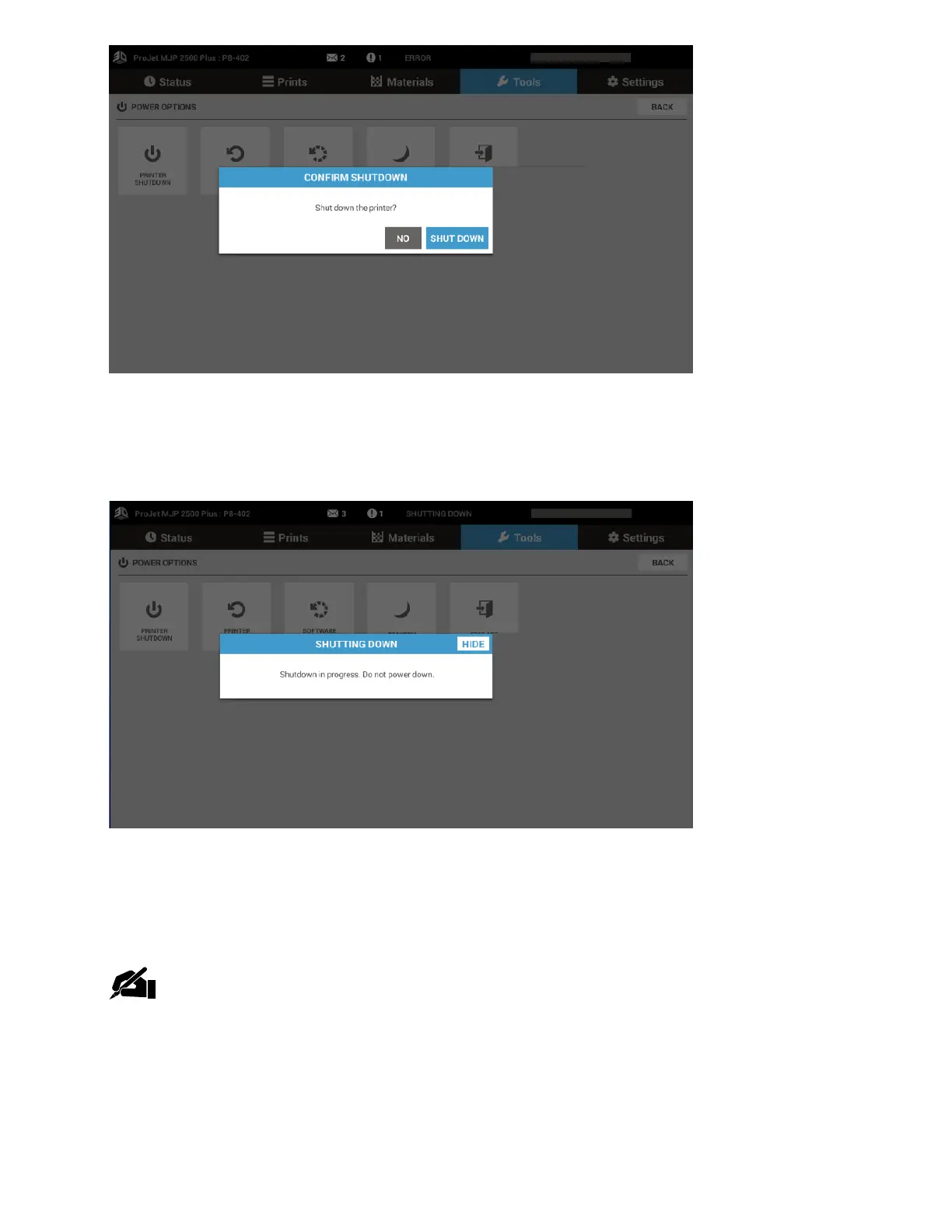
. The Shutting Down screen will appears next. This lets the user know that the printer is shutting
down and not to take any action.
7. A message will then come up that states it is now safe to turn the power switch off. Turn off
the printer switch on the back of the printer.
NOTE: Unless the printer will be idle for an excessively long time (>60 days) it is not
necessary to shut it down. Shutting down the printer will cause longer wait times for
warming, because it is warming from a cold state.



 To Next Page