6
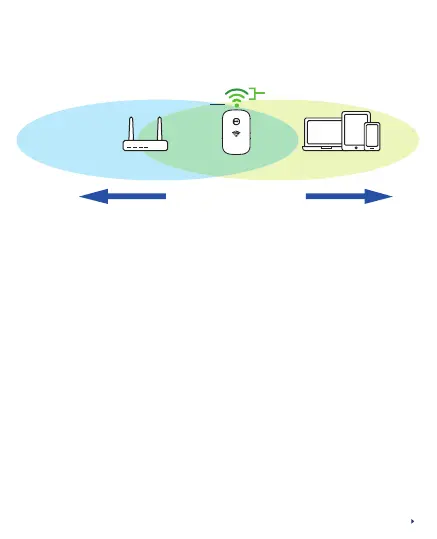
You may move the PEN1201 to be in between your home
router and Wi-Fi area which you intend to cover
Best
Good 2 LED bars light up
≥
Status Indicator (Power)
In between dead
zone and router
PEN1201
Router Devices
How to change Wi-Fi SSID/Password:
Step 1: Connect your device to the PEN1201 LAN port or
PEN1201 SSID (default is Prolink_XXXXX or Your
RouterSSID-ext)
Step 2: Launch a Web browser and type http://pen1201.setup
(please do type out http://)
Step 3: Locate, Click Wi-Fi Settings, and proceed to change
the SSID and/or Password
Step 4: Click Save to proceed



 To Next Page