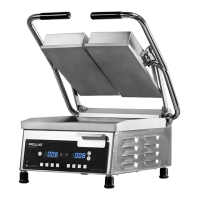
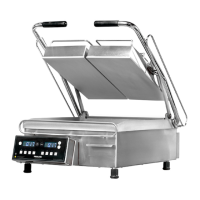
Digital controller is
constantly beeping.
No heat on either on
left, right, upper, or
lower platen.
Sensor in one of two zones lost it's
continuity. Depress TEMP. While
depressing TEMP depress either up
or down arrow to locate error
message PROB (zone 1, lower
platen, zone 2 left upper platen, zone
3, right upper platen.) If occurred
when depressing the up arrow
indicates either the left or right
platen has the open sensor or
probe.
Disconnect probe and check for
continuity (by using Ohm Meter)
and replace. Do not cut and splice
new sensor. Install new 2000
ohm RTD sensor to underside of
the platen and reconnect to
controller. Upper left and right
sensor for replacement on upper
platens, lower platen sensor for
replacement for lower platen.
Digital display shows
PROB. No heat on
any platen.
Sensor lost it's continuity as shown
on a muti-meter.
Disconnect prob that is open (no
continuity as shown on a multi-
meter. Must replace sensor
(RTD). Do not cut and splice new
sensor. Install new 2000 ohm
RTD sensor to under side of heat
platen and reconnect to the
controller.
Digital controller
beeping and is
overheating.
The mechanical relay on the switched
side is not opening to regulate
temperature. Hold TEMP button
then depress either the down or up
arrow (zone 1, lower platen, zone 2,
left upper platen and zone 3, right
upper platen.) RLY will display on
problem zone indicating the damage.
Replace the mechanical relay.
Either platen is not
heating but the
digital controller is
on and appears to be
functioning.
If the mechanical relay(s) on the coil
side are receiving 12vdc indicates the
controller is functioning properly. If
there is no voltage on the switching
side of the relay to the heaters, the
relay is not working properly.
Replace the mechanical relay.
Beeper is not
functioning.
One of the three
heater platens not
close to set point.
The offset function in the controller's
setting needs to be adjusted to
achieve proper shade of toast.
Call (800) 624-6717 for
instructions.
One heating zone is
not reaching setpoint
and another heater is
overheating.
Make sure each sensor is
connected to its prospective
position on the terminal block
and back to the controller.
Setpoint is reached
but slightly off in
temperature.
Offset may need to be calibrated and
adjusted.
Call (800) 624-6717 for
instructions.


 To Next Page
 Loading...