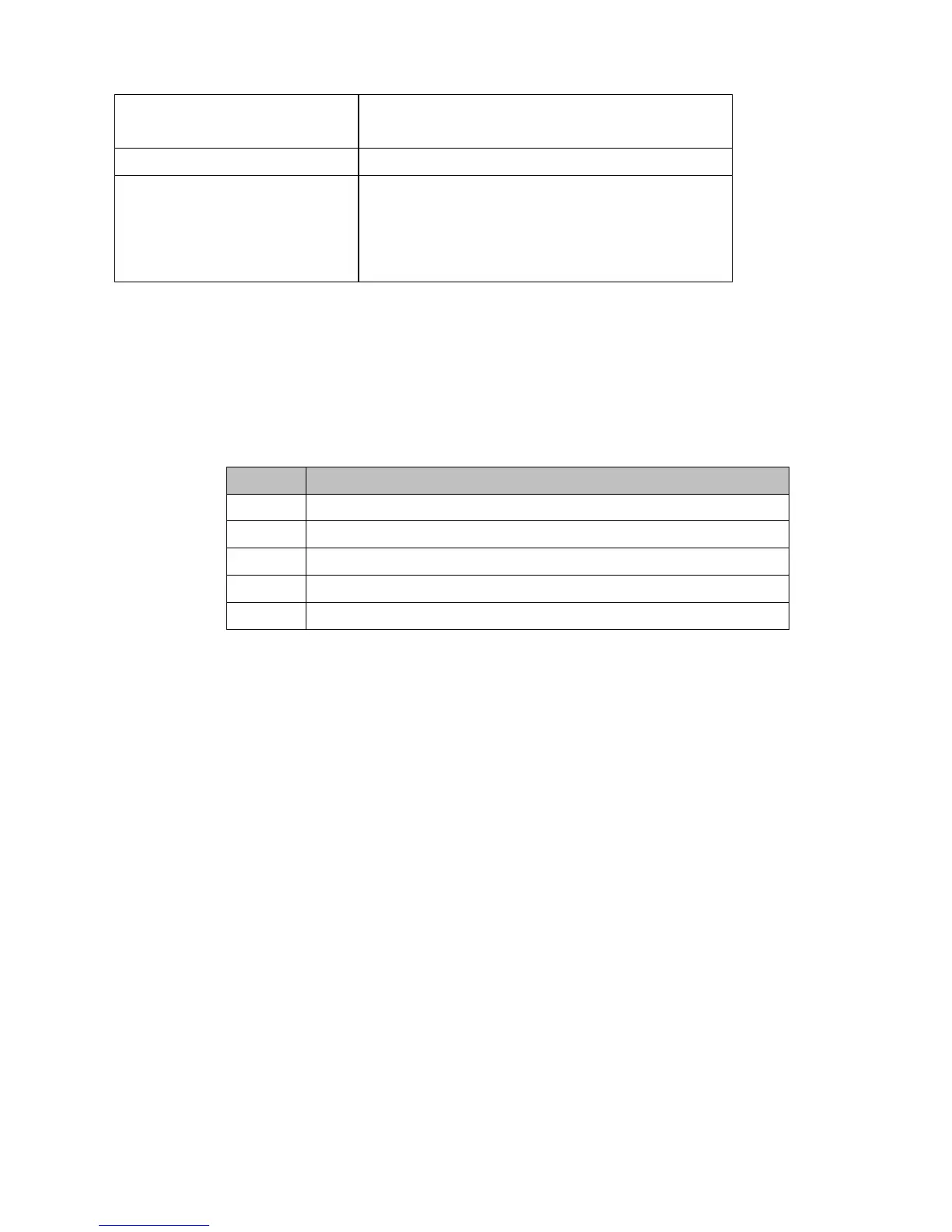
Set I/O Pin Status command
PSxs, where x is the I/O line number and s is
the desired status of the I/O line (0 or 1)
Example (VB6 Code):
Set the Status of Pin 0 to Low,
which the WEC200 IP is
192.168.100.216
Winsock1.RemoteHost = “192.168.100.216”
Winsock1.SendData = “PS01”
Note:
1. For more details, please refer to the on-line help file of DS Manager tibbo_docs.chm on [Set
I/O Pin Status (Sx) instruction] section.
7-B. Reply Codes
Listed below are all available reply codes:
OK (command completed successfully)
Error (incorrect command was issued)
Rejected (command was rejected by the DS)
Denied (access was denied by the DS)
Failed (command execution failed)


 To Next Page