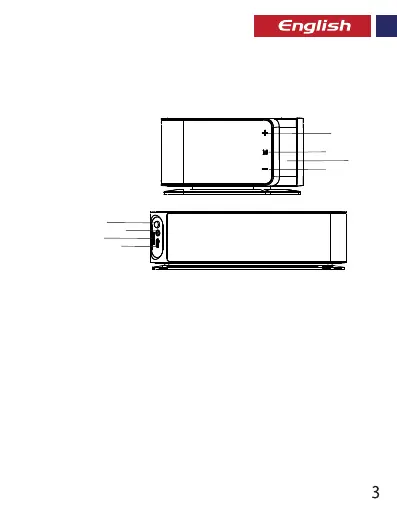
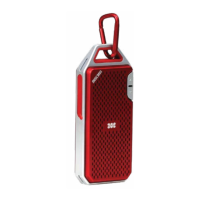
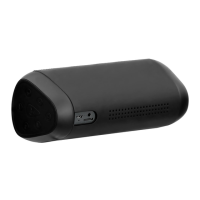
Appearance & Interface Description
Operation Instructions
1. Volume + Button
2. Multifunction Button
3. LED Display
4. Volume – Button
5. Power Button
6. AUX Port
7. MicroSD Card Slot
8. Charging Input
Charging The Speaker
•
Use the provided cable to charge the Speaker.
•
Connect one end of the USB Cable provided to The Speaker and the other end to any 5V/2A USB
Power Socket.
•
The LED charging indicator turns Red while charging and turns off once fully charged
Turn the Speaker On/Off
•
When the speaker is powered off, press and hold the power button for about 3 seconds to turn
on the speaker
•
Press and again the power button again to turn off the speaker
Set The Time:
•
Short press the Multifunction button to make the hour digits blink.
•
Set hour by pressing – or + button.
•
Short press Multifunction button again to make the minute digits blink.
•
Set minute by pressing – or + button.
•
Do not press any other buttons for 5 seconds to set the time.
1
2
3
4
5
7
8
6

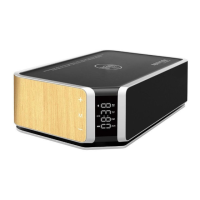

 To Next Page