EasyManua.ls Logo

Promate bluRock2 - User Manual

Promate bluRock2
9 pages
Print Icon
To Next Page IconTo Next Page
Loading...
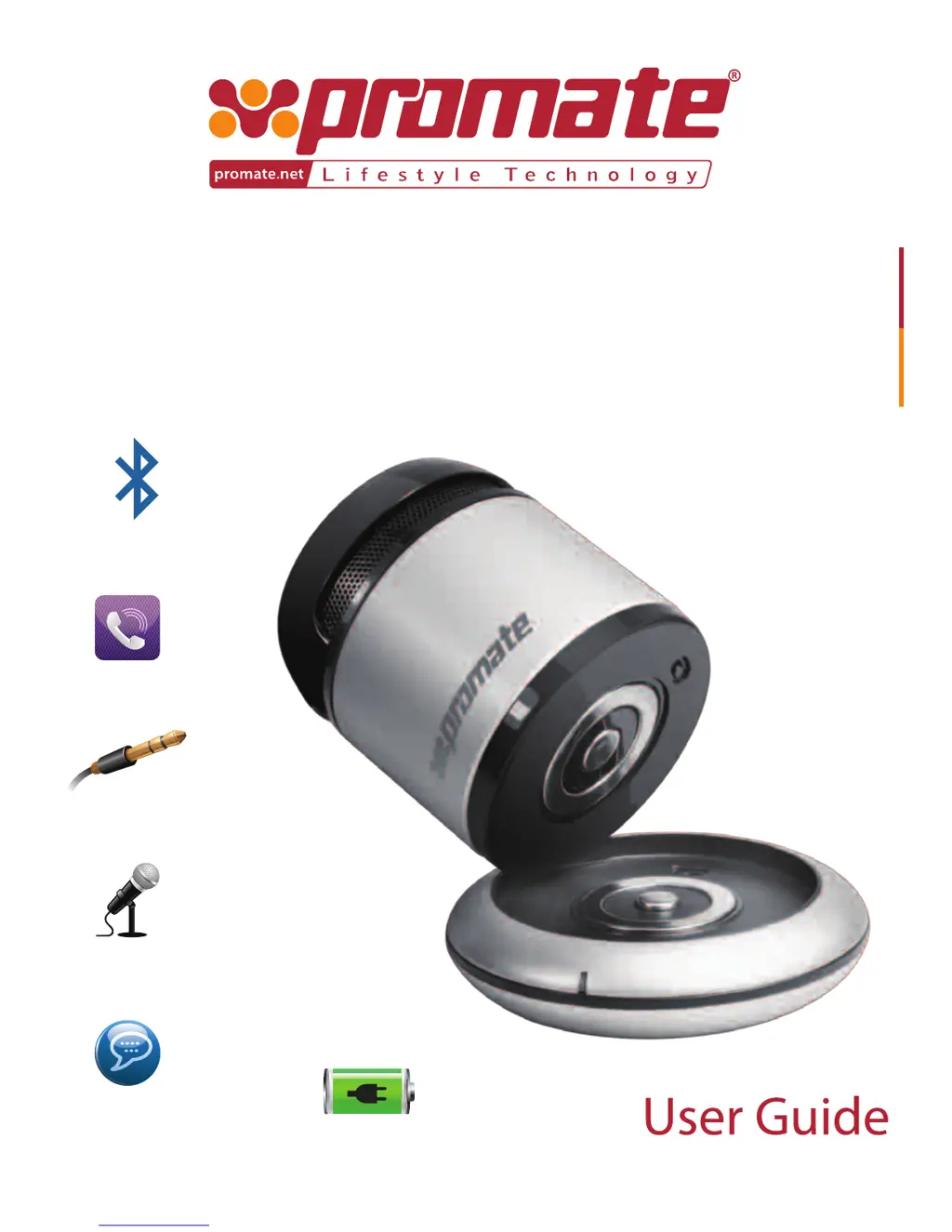
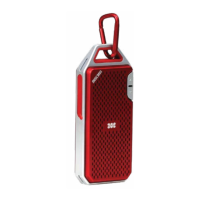
bluRock2
Bluetooth (2.1)
Microphone
Intelligent
Voice Prompt
Handsfree
Charging station
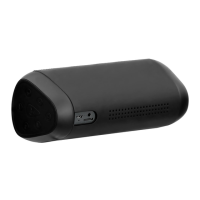
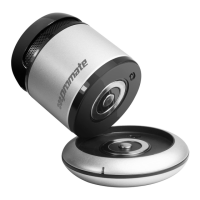
Bluetooth™ Mini Speaker
with Mic, AUX Input and Smartphone Power Bank
AUX Input Jack

Questions and Answers

  • S
    Sandra SmithAug 10, 2025
    What to do if my Promate Speakers sound is low or distorted?
    • Y
      yrichardsAug 10, 2025
      If you experience low or distorted sound with your Promate Speakers, check the volume settings on both the speaker and your Bluetooth device. Adjust them to a suitable level to improve the audio quality.
  • J
    jesserichmondAug 20, 2025
    Why my Promate Speakers cannot pair successfully?
    • S
      Sarah HarperAug 21, 2025
      If your Promate Speakers are not pairing successfully, ensure the speaker is in standby and searching mode. Also, check for nearby Bluetooth receivers that might be causing interference and turn them off before attempting to pair again.
  • R
    Richard Wright PhDAug 29, 2025
    What to do if Promate Speakers music is intermittent?
    • J
      Jesse FuentesAug 29, 2025
      If the music playback on your Promate Speakers is intermittent, the issue might be due to the distance between the speaker and your Bluetooth device exceeding the working range. Obstacles blocking communication could also be a factor. Try reducing the distance and removing any obstructions.

Summary

Introduction and Features

Product Features

Highlights the key features and benefits of the Promate bluRock2 mini speaker, covering its portability and functionality.

Packaging and Appearance Details

Packaging Contents

Lists all the items included in the bluRock2 package, such as cables, user guide, and warranty card.

Interface Description

Details the physical components and interface ports of the bluRock2 speaker with diagrammatic representation.

Instructional Usage

Bluetooth Pairing Guide

Step-by-step instructions on how to pair the bluRock2 speaker with Bluetooth-enabled mobile devices.

Charging Instructions

Guidance for charging the bluRock2 speaker and other USB chargeable mobile devices using the power station.

Music Playback Methods

Instructions on how to connect and play music via the AUX input or Bluetooth connection.

Troubleshooting Common Issues

Problem Resolution Steps

Provides solutions for common problems like pairing failures, sound distortion, and intermittent playback.

Product Precautions

Usage and Environmental Warnings

Outlines important precautions and conditions to avoid for optimal product performance and longevity.

Promate bluRock2 Specifications

General IconGeneral
BrandPromate
ModelbluRock2
CategorySpeakers
Bluetooth Version5.0
Battery Capacity2000mAh
Output Power10W
Water ResistanceIPX5
Driver Size52mm
Frequency Response100Hz-20kHz
Charging Time3 hours
ConnectivityBluetooth

Related product manuals