Features
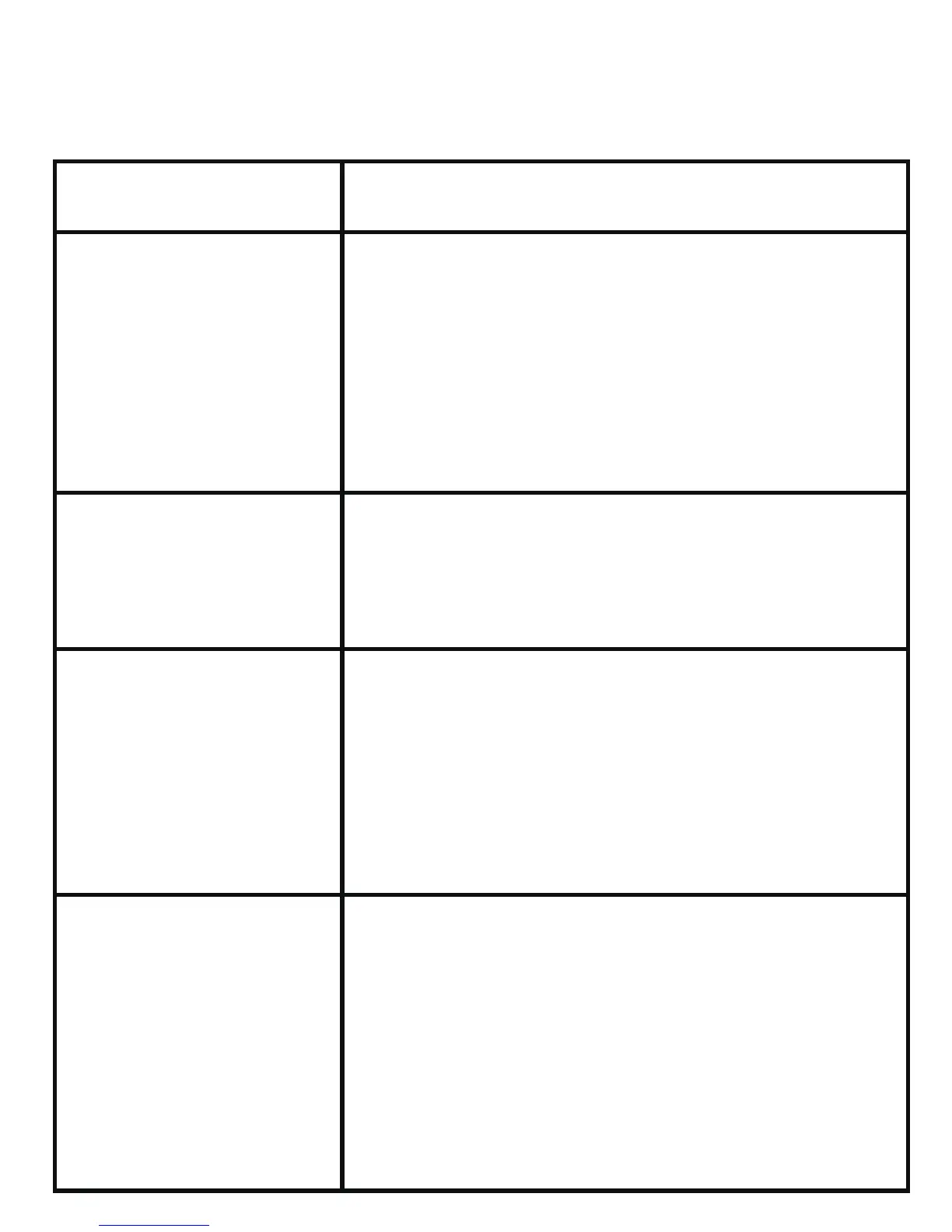
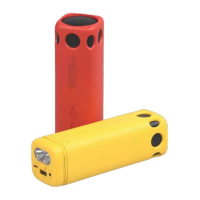
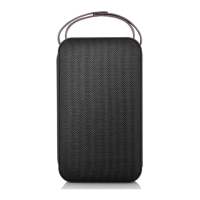
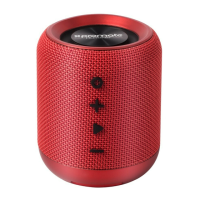
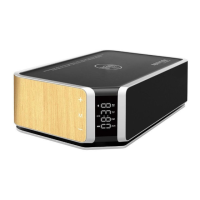
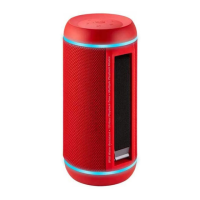
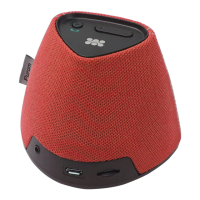
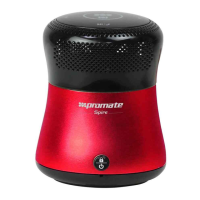
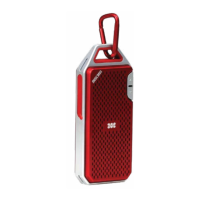
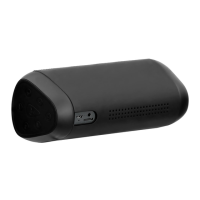
•Mini portable ideal for watching movies or listening to music on
mobiles and tablet devices
•Compable with all Bluetooth enabled mobile and tablet devices
•Handsfree funcon with ultra-sensive high quality microphone
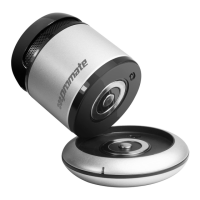
•Comes with in-built Aux input and wireless charging base for extra
power
•Enhanced in-built amplifier and extendable speaker design for
fantasc sound quality
•Custom-tuned vacuum bass for low frequency response
•Light-weight and portable, pocket-sized
•Power back up baery switch for the speaker or USB chargeable
smartphones
•Made from ABS plasc material
Troubleshoong
Symptom Possible problem and soluon
Cannot pair
successfully
Check the speaker is in standby and
searching mode.
Check whether there are too many
Bluetooth™ receivers around your
Bluetooth™ device. Turn off them to
avoid any disturbance. And pair again.
Check the volume seng on both the
speaker and your Bluetooth device and
adjust the volume to a suitable level.
Check whether the distance between
the speaker and your Bluetooth™
device is out of its working distance,
or whether there are some obstacles
block the communicaon between the
speaker and the Bluetooth™ device.
Probably it is power shortage, please
charge the speaker.
Press and hold the Play/Pause buon to
turn off the Bluetooth™, then press
and hold the Play/Pause buon to turn
on the Bluetooth™, re-pair the speaker
with the Bluetooth™ device.


 To Next Page