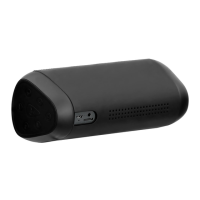
Features
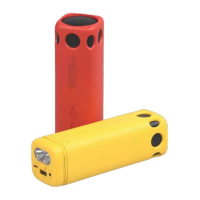
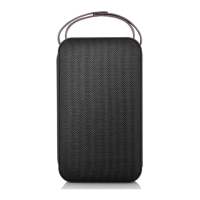
•Mini portable ideal for watching movies or listening to music on
mobiles and tablet devices
•Compable with all Bluetooth enabled mobile and tablet devices
•Handsfree funcon with ultra-sensive high quality microphone
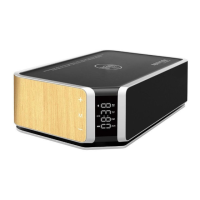
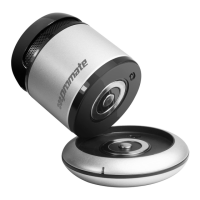
•Comes with in-built Aux input and wireless charging base for extra
power
•Enhanced in-built amplifier and extendable speaker design for
fantasc sound quality
•Custom-tuned vacuum bass for low frequency response
•Light-weight and portable, pocket-sized
•Power back up baery switch for the speaker or USB chargeable
smartphones
•Made from ABS plasc material
Charging the speaker
•Charging the speaker using the power staon: Turn the
switch to CH, then put the speaker on the spare power
staon correctly and connect the USB cable to the computer
or a 5V/1A power adaptor.
•Then power indicator:
•Red: means the speaker main unit is under charging.
•Blue: means the speaker spare power staon is
under charging (Speaker unit power is full).
Charging a USB chargeable mobile device:
•Charging the speaker using the power staon:
Turn the switch to PS, then put the Micro-USB to Female USB
charging cable on the spare power staon correctly and
connect to the mobile device for charging.
Playing music:
•Connect an audio aux in cable to the Audio input on the
speaker and on an external audio output such as MP3 players.
•Speaker will switch to Line-in mode automacally.
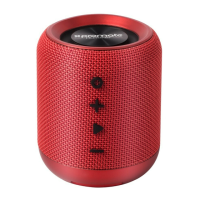
•Press the Vol-/+ buon or nave controls on the connected
MP3 player to control volume.
•Press Play/Pause on the speaker to play/pause the tune.
Or just control the tune by press Play/Pause on the MP3 player.
5


 To Next Page