Call Management
•
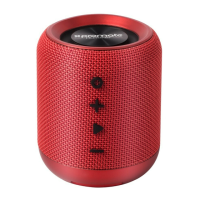
While in Bluetooth mode, press Multifunction button to accept a call.
•
Press Multifunction icon again to hang up the call.
•
Long press the Multifunction button to reject an incoming call.
Troubleshooting
The Speaker does not pair with a Bluetooth device:
•
Check if the Bluetooth hardware on your device supports A2DP profile which is necessary for
sound transmission over Bluetooth.


 To Next Page