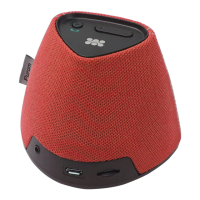
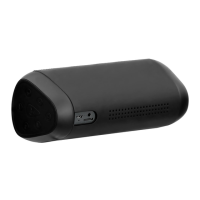
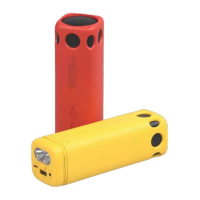
• Use the provided AC cable to charge Prime.
• Connect one end of the AC Cable provided to Prime and other end to a wall Power Socket.
• The Red LED will light up indicating that Prime is charging normally.
• The Red LED indicator will turn o once fully charged.
• The Red LED indicator will start ashing when the device is running out of power.
• To switch on Prime, press the “Power Button” once.
• The Green Power LED will turn on.
• Press the power button again to switch o Prime.
1. Charging Prime
• Prime automatically enters into Bluetooth pairing mode once powered on.
• To manually enter Bluetooth pairing mode, press and hold the “Multi-Function
Button” for about 2 Seconds.
• The “Bluetooth Mode Indicator” LED will begin ashing when in pairing mode.
• Turn on the Bluetooth function on your device and select “Prime” in the available devices list.
• Some Bluetooth devices may require you to enter a passcode to pair your device
to Prime. Enter “0000” and press submit.
• Once your device is successfully paired, the “Bluetooth Mode Indicator” LED will stop ashing.
• Control track playback and volume from your connected device.
3. Bluetooth Pairing
Operation Instructions:
2. Turning Prime On/O
• Turn On the NFC function of your device and touch it to Prime’s NFC Sensing Area.
• Your device will ask for permission to pair with Prime.
• Choose ‘YES’ to complete pairing.
• After successful pairing, the indicator will change to solid Blue.
• Control track playback and volume from your connected device.
4. NFC Pairing:
• Connect your device to Prime via the 3.5mm Aux cable provided.
5. Playing Music via Auxiliary Connection:
English
4



 To Next Page