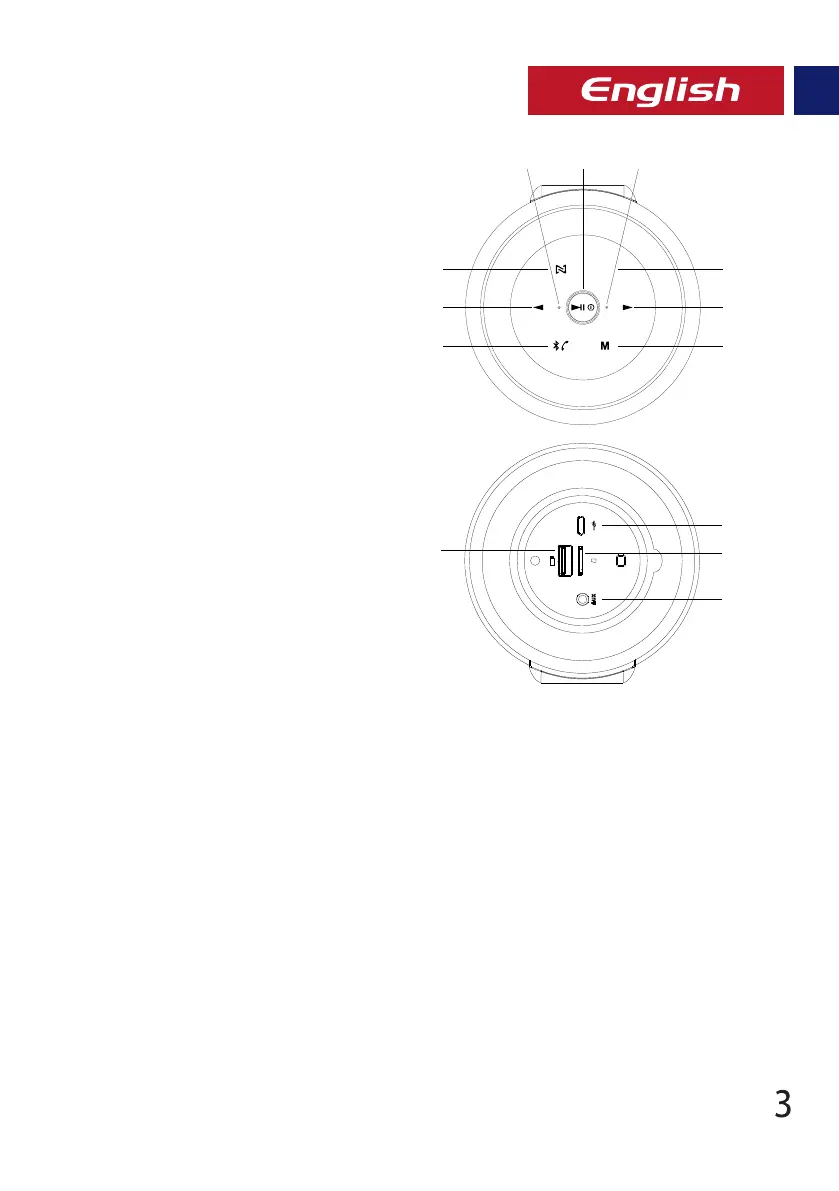
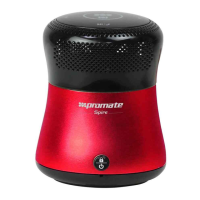
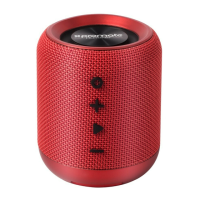
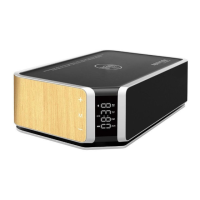
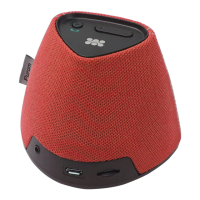
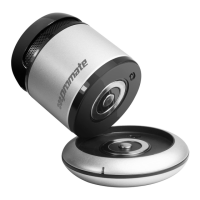
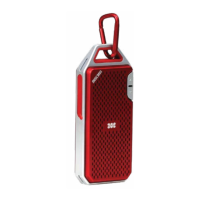
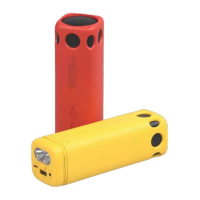
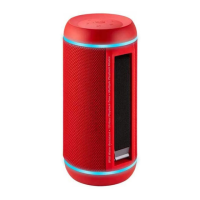
Appearance & Interface Description
Operation Instructions
1. Power Button
2. Mode Button
3. Multi-Function Button
4. Next Track / Vol+ Button
5. Previous Track / Vol- Button
6. EQ Mode Button
7. TWS Button
8. Charging Status LED
9. Bluetooth Status LED
10. Micro-USB Charging Port
11. MicroSD Card Slot
12. AUX Port
13. USB Flash Port
1. Charging Silox
• Use the provided cable to charge Silox.
• Connect one end of the USB Cable provided to Silox and the other end to any 5V/1A USB Power
Socket.
2. tTurning Silox On/Off
• To turn on Silox, press and hold the Power button for 2 seconds.
• Press and hold the Power button again for 2 seconds to turn off Silox.
3. Bluetooth Pairing
• Silox automatically enters into Bluetooth pairing mode once powered on.
• To enter Bluetooth pairing mode manually, short press the Multi-Function Button once.
• The Bluetooth LED indicator will begin flashing blue when in pairing mode.
• Turn on the Bluetooth function on your device and select “Promate Silox” in the available
devices list.
• Some Bluetooth devices may require you to enter a passcode to pair your device to Silox. Enter
“0000” and press submit.
• Once your device is successfully paired, the LED indicator will stop flashing in Blue.
• The speaker will turn off automatically within 10 minutes, if no device is paired to it.
EQ
1
7
5
3
98
6
4
2
13
10
11
12


 To Next Page