English
• Turn on the Bluetooth function of the device you wish to connect and search for “TrueBlue”.
From the list of found devices, select “TrueBlue”.
• TrueBlue is now connected to your device.
3. Call Function
• Answering a Call: Press the Multi-function Button on the left earpiece once to answer an
incoming call.
• Rejecting a Call: Press and hold the Multi-function Button on the left earpiece for 2 seconds to
reject an incoming call.
• Ending a Call: Press the Multi-function Button on the left earpiece once to end an ongoing call.
• Redial Function: Under standby mode, double press the Multi-function Button on the left
earpiece to redial the last dialled call.
4. Charging TrueBlue Earphones & Charging Case
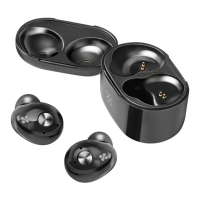
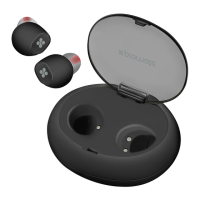
• TrueBlue’s charging case has a built-in battery.
• To charge the charging case, plug one end of the charging cable into TrueBlue charging case
charging input and the other end into a USB Power Adapter or a Laptop/Desktop.
• The red LED turns on to indicate that the charging case is charging. Once completely charged
the blue LED would turn on.
• Place the earpieces into the charging case to charge the earpieces.
• The red LED indicator on the headset turns on to indicate that the headset is charging normally
and will turn off once fully charged.


 To Next Page