1. Connect Wee to a PC/Laptop/Mac or 5V USB adaptor (not included) with the USB
cable included
2. Red LED turns ON during charging, turns OFF after the device is fully charged.
3. Red LED twinkles when the device has low power.
5
1. Press and hold the power button on Wee
2. A voice prompt “Bluetooth Enabled” indicates that Wee is now in Bluetooth®
pairing mode.
3. Turn on the Bluetooth function on your phone and search for “Wee” in the
available device list.
4. Pair the device to your phone using the passkey (0000).
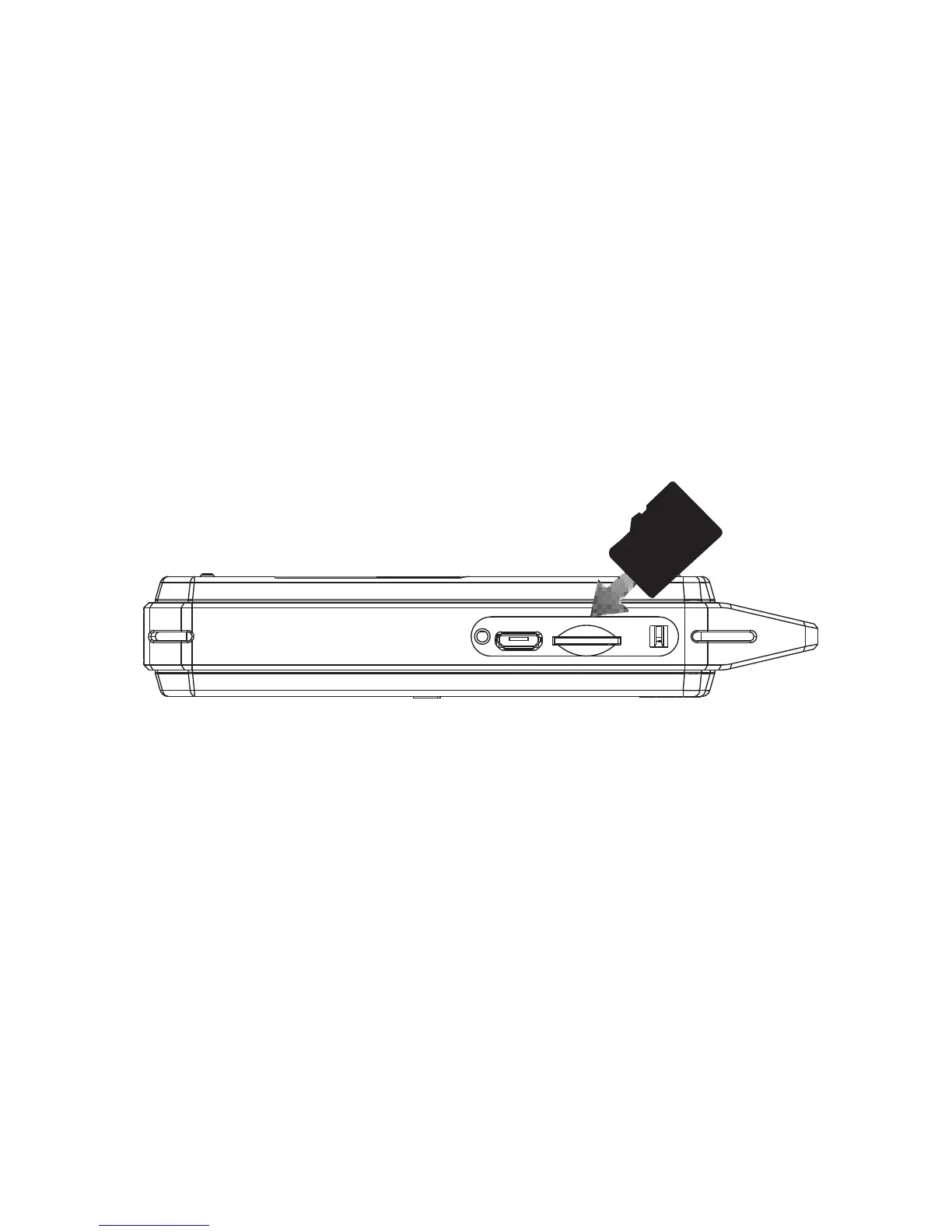
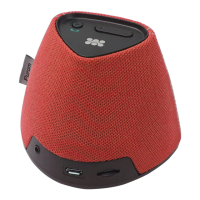
1. Turn on Wee and insert your Micro-SD card into the Micro-SD card slot as
indicated above.
2. You will hear a voice prompt “SD Card Enabled” and the first track on the
Micro-SD card begins playing automatically.
Playing Music via Micro-SD card


 To Next Page