EasyManua.ls Logo

ProMinent ProMaqua Dulcodes A - User Manual

ProMinent ProMaqua Dulcodes A
120 pages
Print Icon
To Next Page IconTo Next Page
Loading...
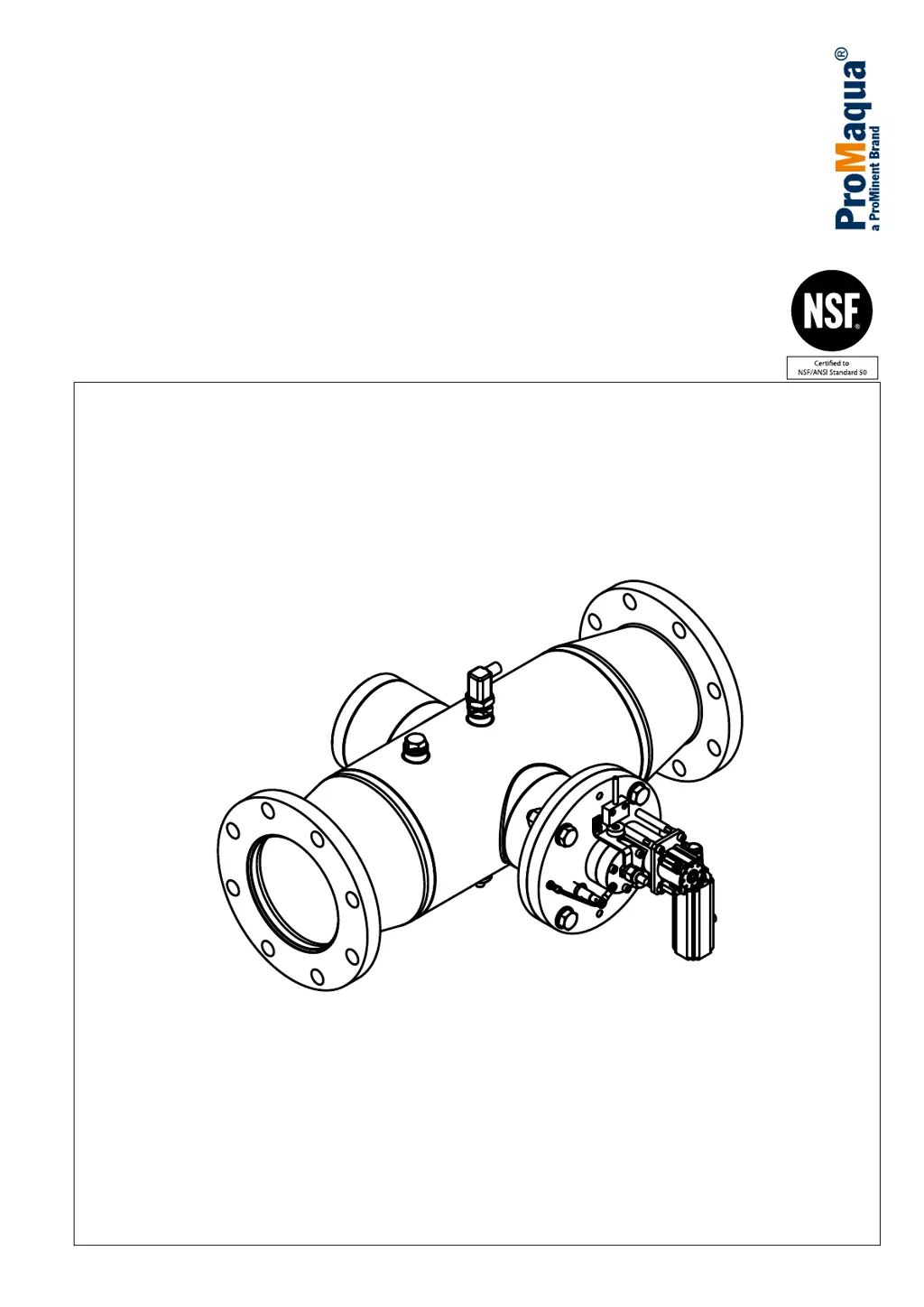
Dulcodes A
UV system
Assembly and operating instructions
A1144
Please stick the nameplate here
EN
Original operating instructions (2006/42/EC)Part no. 985175 Version: BA DS 064 09/19 EN
Please carefully read these operating instructions before use. · Do not discard.
The operator shall be liable for any damage caused by installation or operating errors.
The latest version of the operating instructions are available on our homepage.

Table of Contents

Questions and Answers

  • X
    xpetersonSep 23, 2025
    What to do if Lamp driver 1/2/3 - Error in ProMinent ProMaqua Dulcodes A Water System?
    • A
      Arthur TaylorSep 23, 2025
      If you see a 'Lamp driver 1/2/3 - Error', it means the lamp driver is either not ready for operation or is defective. Try switching the UV system off and on. If the issue persists, replace the lamp driver.
  • M
    Matthew FigueroaAug 23, 2025
    What to do if UV intensity is below warning threshold in ProMinent Water System?
    • D
      Daniel GonzalesAug 23, 2025
      If the UV intensity is below the warning threshold, it might be because the UV lamp has aged and the UVC power is too low, the water transmission is poor, or there's dirt on the lamp protection tube or UV sensor, or the UV sensor is faulty. You should: * Replace the UV lamp. * Check the water transmission and improve pre-treatment if necessary, or adjust system settings to water quality. * Manually clean the lamp protection tube. * Clean the UV sensor and replace it if needed.
  • S
    smithwilliamAug 25, 2025
    What to do if low UV intensity after wiper cycle in ProMinent ProMaqua Dulcodes A Water System?
    • A
      Angela LopezAug 26, 2025
      If the UV intensity remains low after a wiper cycle, it could be due to an aged UV lamp with low UVC power, poor water transmission, stubborn dirt on the radiator protection tube not fully removed by the wiping cycle, or a dirty or faulty UV sensor. Consider these steps: * Replace the UV lamp. * Check the water transmission and improve pre-treatment if necessary, or adjust system settings to water quality. * Manually clean the lamp protection tube. * Clean the UV sensor, and replace it if necessary.
  • C
    Christopher LopezAug 27, 2025
    What to do if temperature of control cabinet above 45 °C in ProMinent ProMaqua Dulcodes A Water System?
    • J
      Jerry RhodesAug 27, 2025
      If the control cabinet's temperature exceeds 45°C, it may be due to inadequate cooling caused by a used filter mat, a defective fan, high ambient temperature, or obstructed air inlet/outlet. Eliminate the source of the error and monitor the result.
  • J
    James DavisAug 27, 2025
    What to do if wiper is not calibrated on ProMinent Water System?
    • P
      Patricia RoseAug 27, 2025
      If the wiper is not calibrated, you should calibrate it.
  • J
    Jamie WagnerSep 18, 2025
    What to do if Wiper motor error in ProMinent ProMaqua Dulcodes A Water System?
    • S
      Susan MoranSep 18, 2025
      If the wiper motor reports a defect, check the wiper motor (both electrical and mechanical aspects) and replace it if needed. The UV system can continue running by disabling the wiper (wiper interval = 0) until the cause is eliminated.
  • M
    Mr. Brian MoranSep 15, 2025
    What to do if Lamp driver 1/2/63 - Cooling temperature error in ProMinent ProMaqua Dulcodes A Water System?
    • T
      Thomas HunterSep 15, 2025
      If you encounter a 'Lamp driver 1/2/63 - Cooling temperature' error, there's a fault on the cooling system or fan. Check the cooling system and fan, and replace the lamp driver if necessary.
  • A
    Andrea CampbellSep 16, 2025
    What to do if Wiper motor counter error in ProMinent ProMaqua Dulcodes A Water System?
    • K
      Kimberly AbbottSep 17, 2025
      If the counter on the wiper motor reports an error, check the wiring, re-calibrate the wiper, and replace the wiper motor if necessary. The UV system can continue running by disabling the wiper (wiper interval = 0) until the cause is eliminated.
  • M
    Michael WestSep 6, 2025
    What to do if Wiper not at HOME position in ProMinent ProMaqua Dulcodes A Water System?
    • D
      David HillSep 6, 2025
      If the wiper does not reach the ‘HOME position’ within the maximum run time, move the wiper to the ‘HOME position’.
  • D
    Denise RobinsonSep 3, 2025
    How to fix Lamp driver 1/2/3 - Lamp open error in ProMinent ProMaqua Dulcodes A?
    • K
      Kimberly HansonSep 4, 2025
      If you encounter a 'Lamp driver 1/2/3 - Lamp open' error, it means the UV lamp is defective and needs replacement.

ProMinent ProMaqua Dulcodes A Specifications

General IconGeneral
ManufacturerProMinent
UV lamp typeNot applicable
Product LineProMaqua
ApplicationSwimming pools
Disinfection MethodElectrolysis
Power Supply230 V, 50/60 Hz
Operating PressureMax. 3 bar
Operating Temperature5 - 40 °C
ControlMicroprocessor-based control
Communication InterfaceModbus
WeightDependent on model
CertificationsCE
MaterialTitanium
MonitoringRedox

Related product manuals