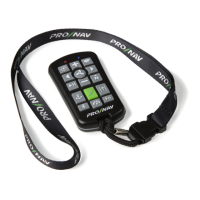
The remote’s compassneeds to be calibrated prior to using motion features to match alignment with the
calibratedProNavAngler compass.Visit pronavmarine.com/calibration for a demonstration.
Calibrating the Remote:
1. Rotate the remote three times along each axis.
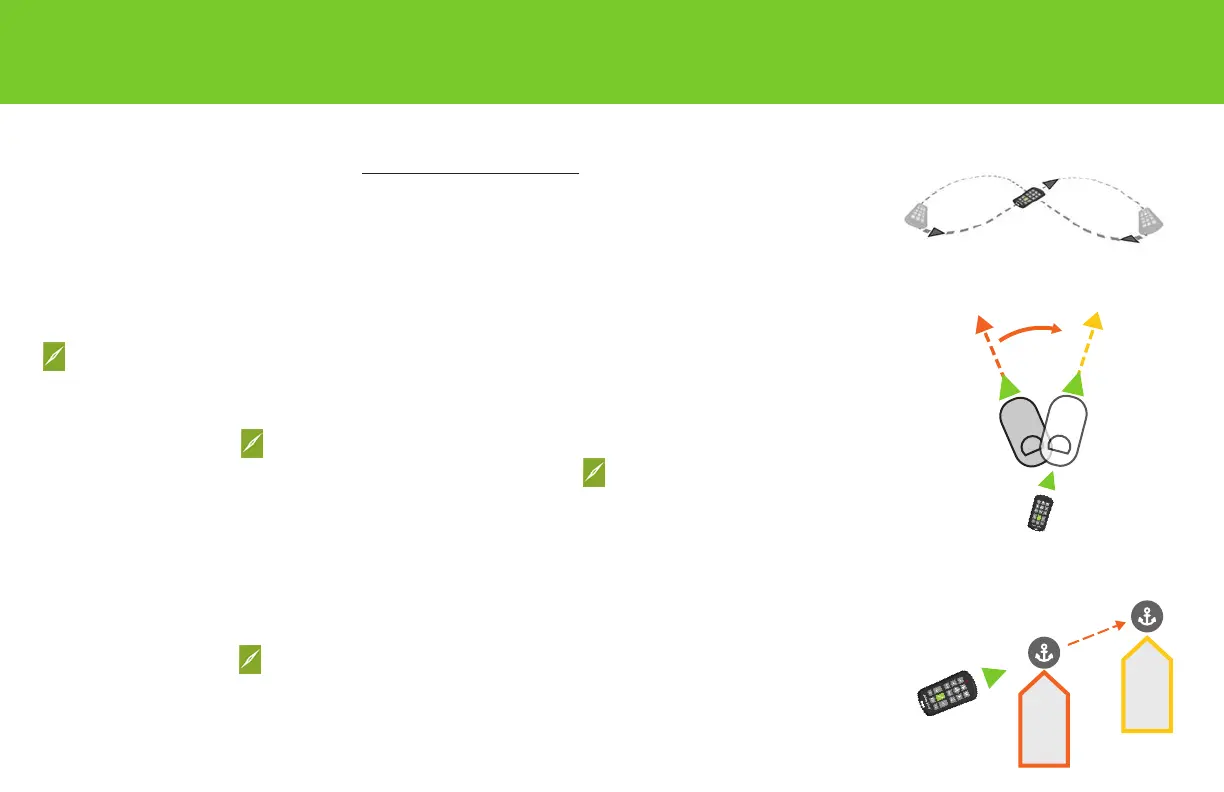
2. Wave the remote in a three-dimensional gure eight path as shown, keeping the remote parallel to
the path (similar to a car following a curved track). Extend the gure eight pattern out away from
you as long, wide and high as possible for an accurate calibration. Perform at least three gure
eight patterns to complete the calibration.
DrivePointDrive™ andPointJog™
PointDrive can be used to change heading while in GPS Vector or Compass Heading Mode. PointJogcan
be used to changeanchor location by 10’ while in Anchor Mode.
How to Use PointDrive
1. Press and release while pointing the remote in the direction you want to go.
2. Adjust GPS Vector or Compass Heading by pressing and releasing while pointing remote in new
direction.
Notes
• PointDrive is not active for manual controls.
• In GPS Vector Lock it may appear that themotorissteering in a direction different
thanperceivedcurrent GPS Vector Lock direction.By checking the “Map View” screen on
theProNavApp you should see that your boat is actually following the current GPS Vector Lock
direction.
How to Use PointJog
1. Press and release while pointing remote in the direction you want to Jog. Anchor location will
move 10’ in the direction you pointed.
Notes
• This anchor change location can be veried by viewing anchor location on the “Map View” screen in
the ProNavApp.
MOTION FEATURES
Remote Calibration
PointDrive
PointJog
Jog distance
(default 10’)


 To Next Page
 Loading...