6
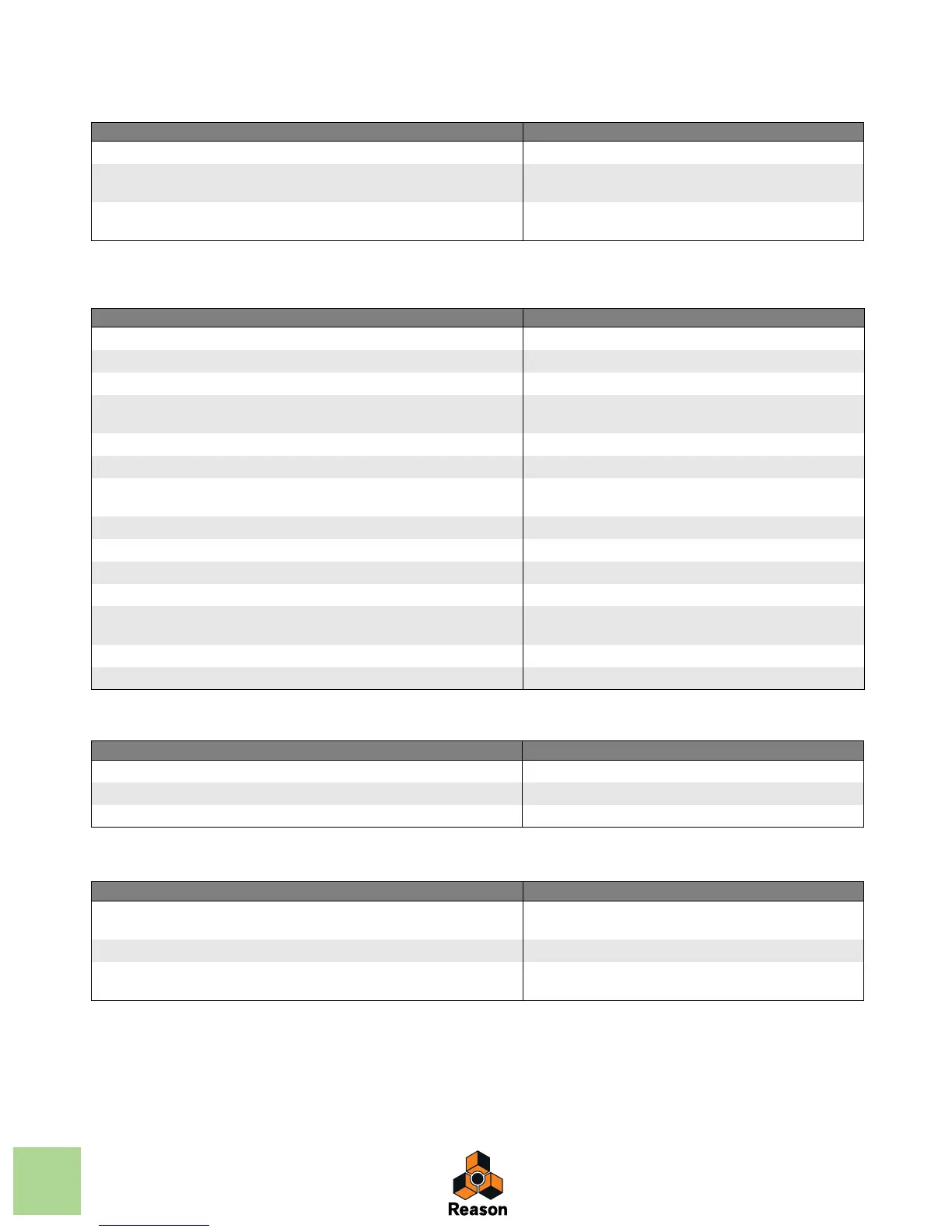
Sequencer keyboard shortcuts in Audio Edit Mode
Sequencer modifier keys
Sequencer modifier keys with mouse wheel
Sequencer modifier keys in Audio Edit Mode
Function Key/Action
Select Speaker tool [I]
Change Comp Row assignment in the segment with focus in Comp Mode [Command]+[Option]+[Shift]/[Ctrl]+[Alt]+[Shift] and
up/down arrow keys
Change segment focus in Comp Mode [Command]+[Option]+[Shift]/[Ctrl]+[Alt]+[Shift] and
left/right arrow keys
Function Key/Action
Select alternate tool in Toolbar [Command]/[Alt]
Toggle Pencil/Line tool (velocity edit lane only). [Option]/[Ctrl]
Edit velocity of selected notes only [Shift]+click/draw with Pencil tool on Velocity lane
Create automation lane for parameter. If device has no track, a track will also be
created.
[Option]/[Alt]+Click knob/fader/button
Restrict movement direction to either horizontal or vertical. [Shift]+Move events/clips
Zoom in/out horizontally on the Edit/Arrange pane. [Shift]+Drag any of the Song Navigator handles sideways
Zoom in/out horizontally on the Edit/Arrange pane. (Drag sideways to scroll hor-
izontally at the same time)
[Shift]+Drag up/down in Song Navigator frame
Copy data instead of moving it. [Option]/[Ctrl]+Move data
Set Left Locator in ruler. [Option]/[Ctrl]+Click
Set Right Locator in ruler. [Command]/[Alt]+Click
Set End Marker in ruler. [Shift]+Click
Switch to zoom out with the Magnifying Glass tool instead of zoom in (with either
the Magnifying Glass- or the Hand tool selected).
[Option]/[Ctrl]+Click
Limit movement to one direction only. Horizontal or vertical. [Shift]+Drag with Hand tool or Eraser tool
Disable vertical zooming. Horizontal zoom only. [Shift]+Zoom with Magnifying Glass tool
Function Key/Action
Scroll horizontally. [Shift]+Mouse wheel
Zoom in/out vertically. [Command]/[Ctrl]+Mouse wheel
Zoom in/out horizontally. [Shift]+[Command]/[Shift]+[Ctrl]+Mouse wheel
Function Key/Action
Switch from Arrow tool to Cut (Razor) tool on the comp rows in an open audio
clip
[Command]/[Altl]
Switch from Arrow tool to Speaker tool on the comp rows in an open audio clip [Command]+[Shift]/[Alt]+[Shift]
Duplicate the Comp Row and create a new Cut or Segment in the duplicated
Comp Row.
[Command]+[Option]/[Ctrl]+[Alt] and click or swipe on Comp
Row



 To Next Page