THE RECYCLE WINDOW
48
Slice Handles
Right-clicking (Windows) or [Ctrl]-clicking (MacOS) directly on a slice handle,
brings up a context menu with the following items:
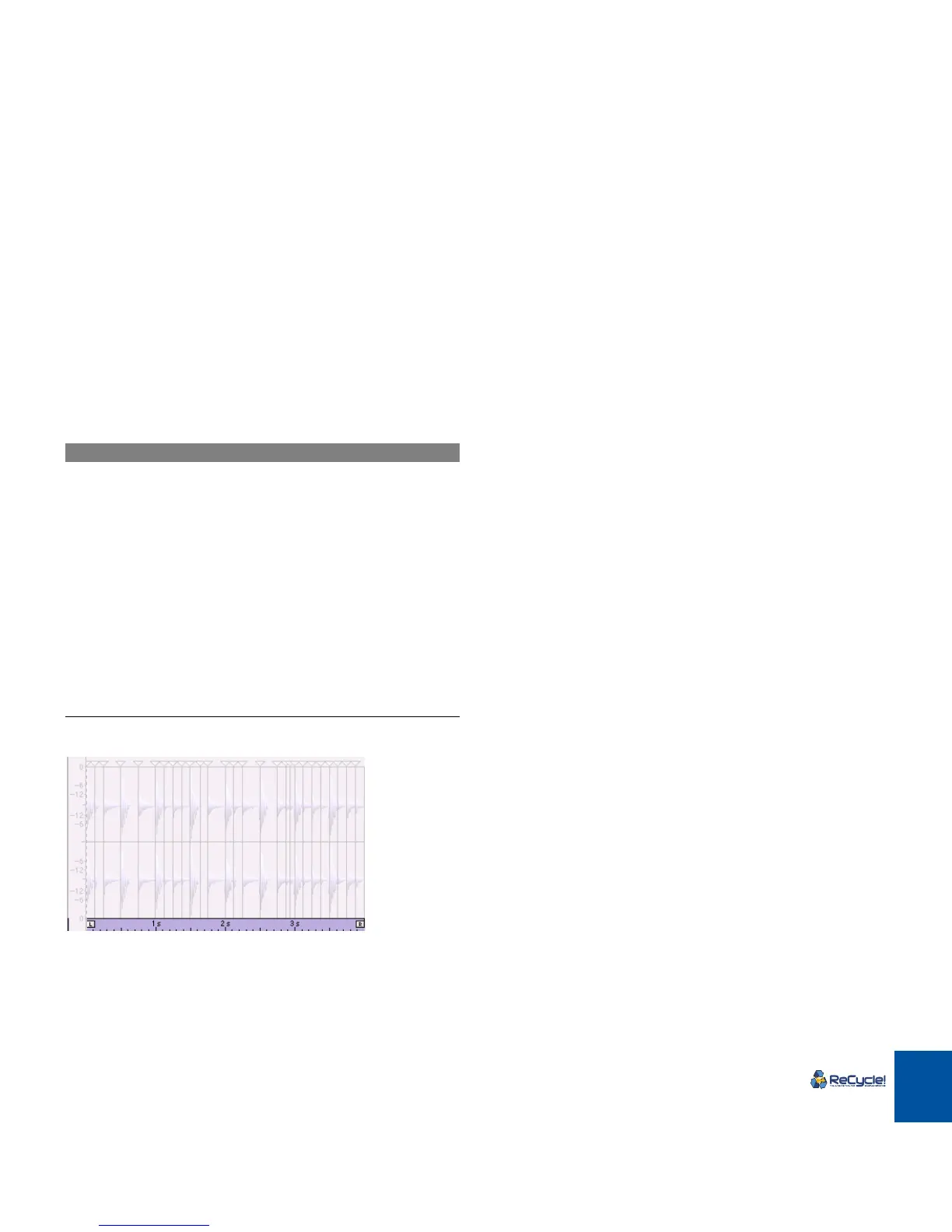
Left/Right Locator Area
The highlighted area indicates the Locator area.
By right-clicking (Windows) or [Ctrl]-clicking (MacOS) in the Locator Area, the
“Magnify to Fit/Magnify to Fit Loop” menu items are available.
|
Menu Item
|
Description
Locked Toggles the “Locked” status on or off for the
slice handle you click on. See page 56.
Hidden Toggles the “Hidden” status on or off for the
slice handle you click on. See page 54.
Delete This will delete any selected slice(s). See
page 58.
Select All This will select all slices. See page 57.
Invert Selection See page 57.
Set Left Locator to
This Slice
This sets the left locator to the slice handle
you click on.
Set Right Locator to
This Slice
This sets the right locator to the slice handle
you click on.
Magnify to Fit/Magnify to Fit
Loop
See “The View Menu” above.



 To Next Page