Page
OPERATION – GAS ONLY HEATER
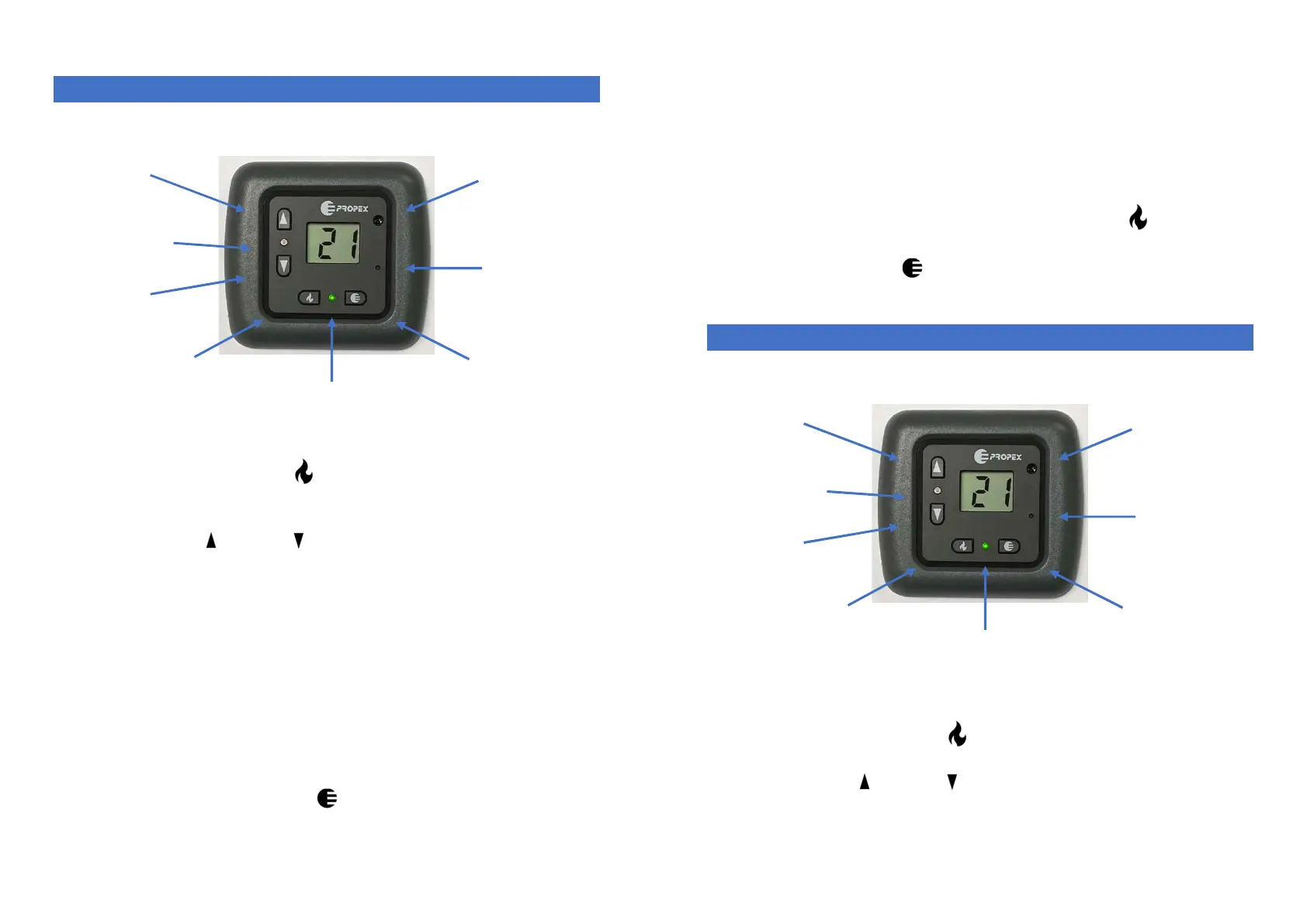
Pressing the ‘Gas Control’ button will power on the thermostat;
the screen will illuminate and display the current ambient
temperature.
Using the up and down arrows on the left-hand side will enable
the desired room temperature to be set. As soon as an arrow is
pressed the current ‘set’ temperature will be displayed.
Once the set temperature is greater than the ambient (room)
temperature the green LED will come on and the thermostat will call
to the heater for heat.
The heater will start its ignition cycle and when a flame is successfully
established the red LED will illuminate.
To turn off the heater press the Gas Control button.
Countdown Timer
Pressing the countdown timer button will bring onto the display the
number of hours to countdown from, before the heater will start to operate.
temperature
temperature
temperature
sensor
Page
Repeated pressing of the button will allow you to toggle through 1 –
16 hours until the desired time is met.
5 seconds after the button has stopped being pressed then the timer
will start counting down and the display will alternate between the
hours and minutes remaining.
Once the timer has reached zero the heater will start and operate.
You do not need to switch on the Gas control button
To cancel the timer operation, wait until the countdown has started
and press the timer button again.
OPERATION – GAS AND ELECTRIC HEATERS
To operate on Gas
Pressing the ‘Gas Control’ button will power on the thermostat;
the screen will light up and display the current ambient temperature.
Using the up and down arrows on the left-hand side will enable
the desired room temperature to be set. As soon as an arrow is
pressed the current ‘set’ temperature will be displayed.
temperature
temperature
sensor


 To Previous Page
 Loading...