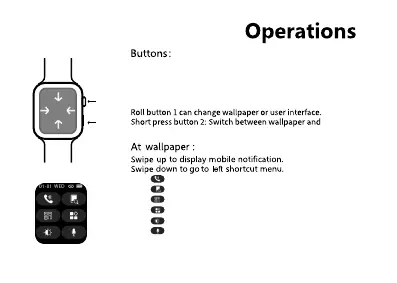
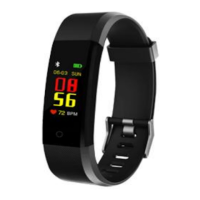
Long Press button 1 for 3 seconds to Power ON/ Power OFF watch.
On wallpaper interface,quick click power on/off button for 2 times
to go to user interface.
Short press to turn on / turn off screen.
Dark screen by short press button 1 to wake up screen.
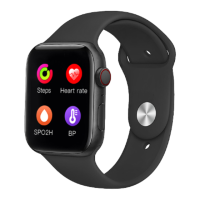
Swipe left to go to steps,heart rate,blood pressure,blood
oxygen,sleep monitor,weather.
Swipe right to go to shortcut interface.
7
button 1
button 2
sport modes.
Tap to open dual bluetooth call function.
Tap to look for phone function.
Tap to dowload QRunning APP.
Tap to change different UI style.
Tap to change watch brightness.
Tap to go to sri function.


 To Next Page