ON
OFF
DC IN
AV-IN
AV-OUT
SD/MMC
USB
12
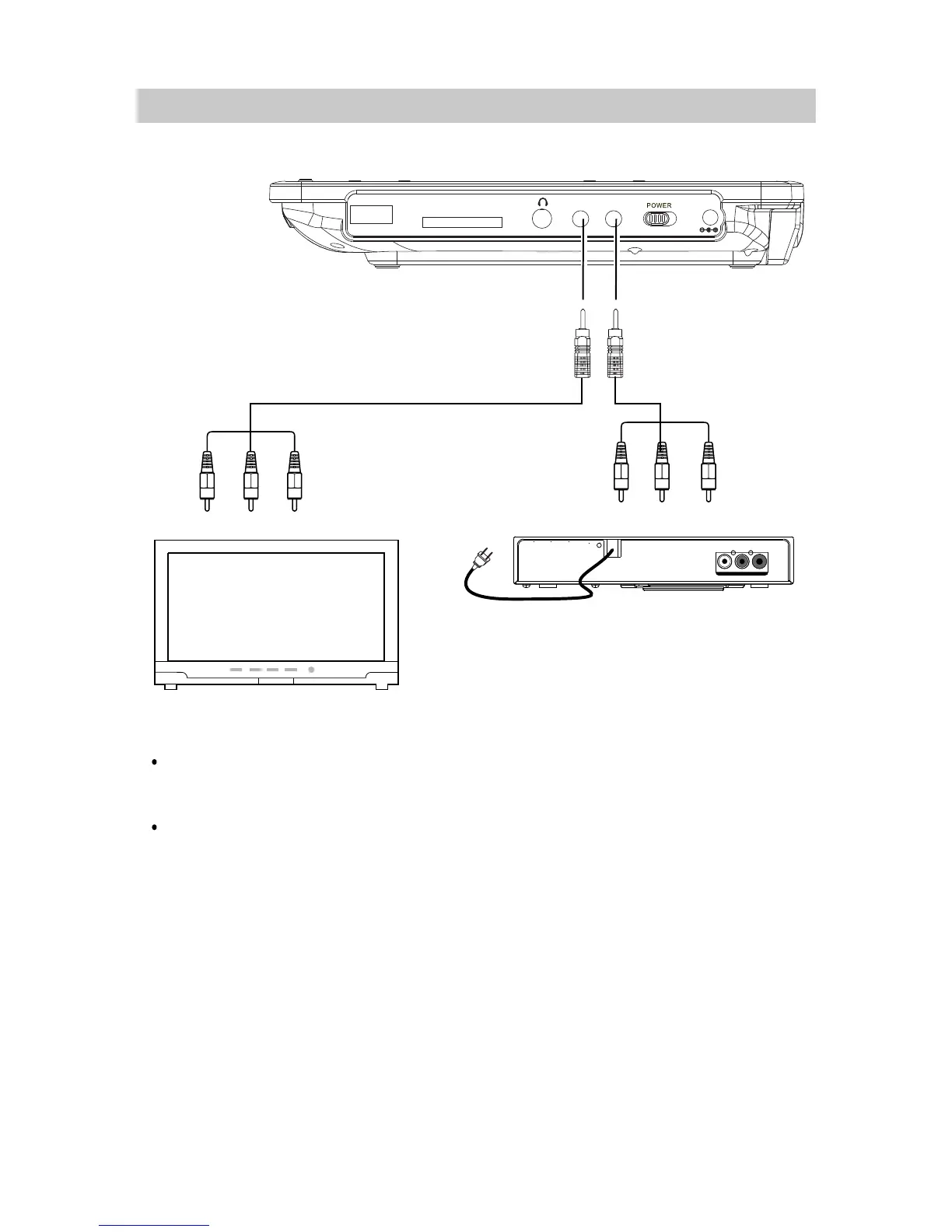
Audio/Video
cable ( included )
Connected to the TV
Connected to the Video Player
AUDIO OUT
LR
120V ~ 60Hz
VIDEO OUT
VIDEO
Video Player
DIGI TAL
Video input jack ( Yellow )
Audio left channel input jack ( White )
Audio right channel input jack ( Red )
NOTE:
CONNECTIONS
1.Connecting to a TV or Video Player (such like DVD; VCR; DVR Players ... ) with supplied AV connection cable
The default setting of the unit is AV Out, if connect to external Video
to turn back to AV Out mode.
Player (such like DVD;
VCR; DVR Players ... ), press the SOURCE Button
to set to AV IN mode ("AV IN" will appear
on the screen). Press again
Using the supplied earphone to listen privately.



 To Next Page