Setup
Menu Language
Transparency
Closed Caption
Restore Default
Setup Wizard
Blue Screen
English
25%
Off
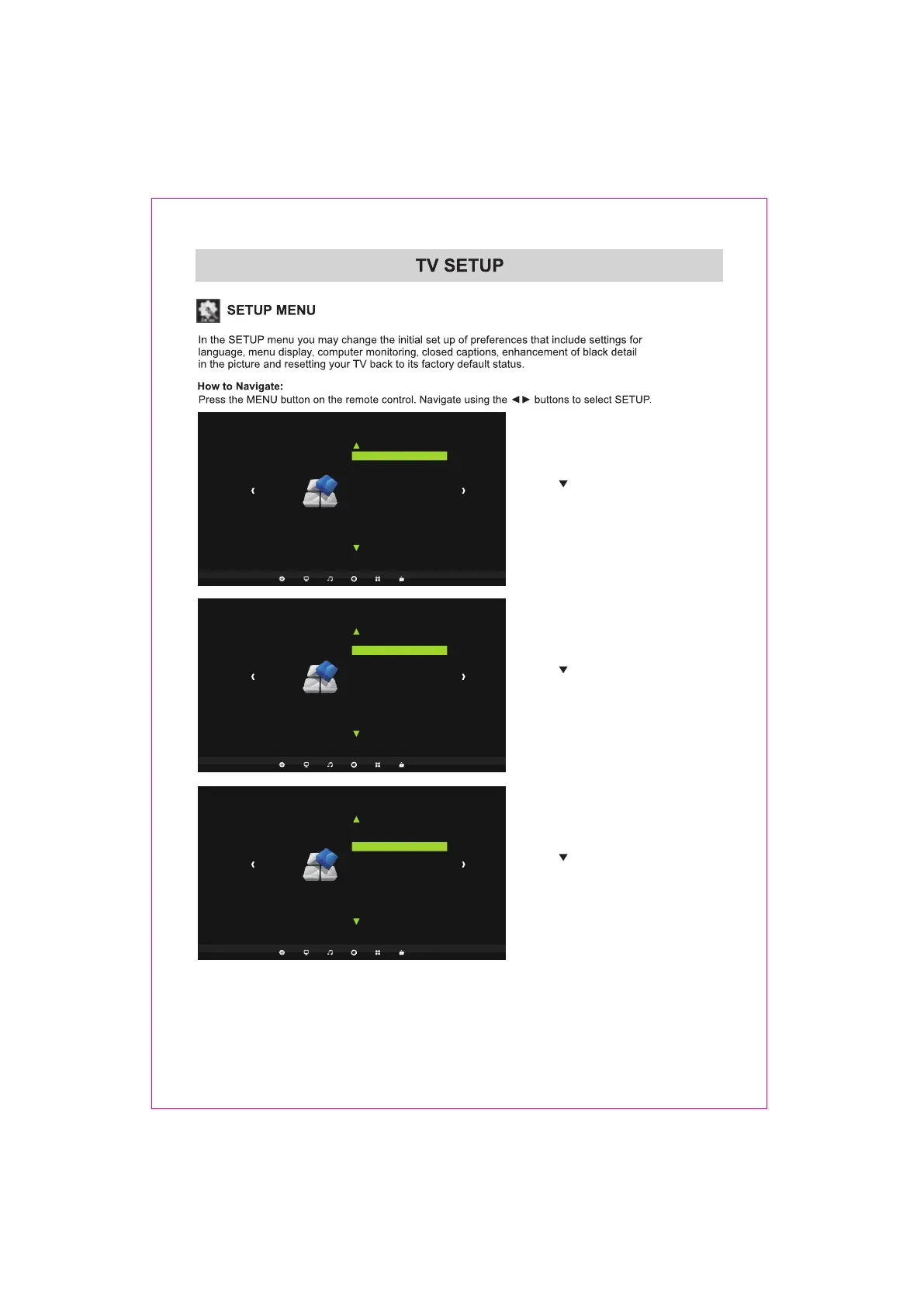
Use the button to highlight Menu Language.
Navigate using the ENTER buttons to select
the language your prefer among English,
French and Spanish.
Setup
Menu Language
Transparency
Closed Caption
Restore Default
Setup Wizard
Blue Screen
English
25%
Off
Use the button to highlight Transparency.
Navigate using the ENTER buttons to turn
this feature 0%,25%,50%,75%,100%.
Setup
Menu Language
Transparency
Closed Caption
Restore Default
Setup Wizard
Blue Screen
English
25%
Off
Use the button to highlight Closed Caption.
Navigate using the ENTER buttons to turn
the CC On,CC on Mute,CC Off.
21















 To Next Page