Setup
Menu Language
Transparency
Closed Caption
Restore Default
Setup Wizard
Blue Screen
English
25%
Off
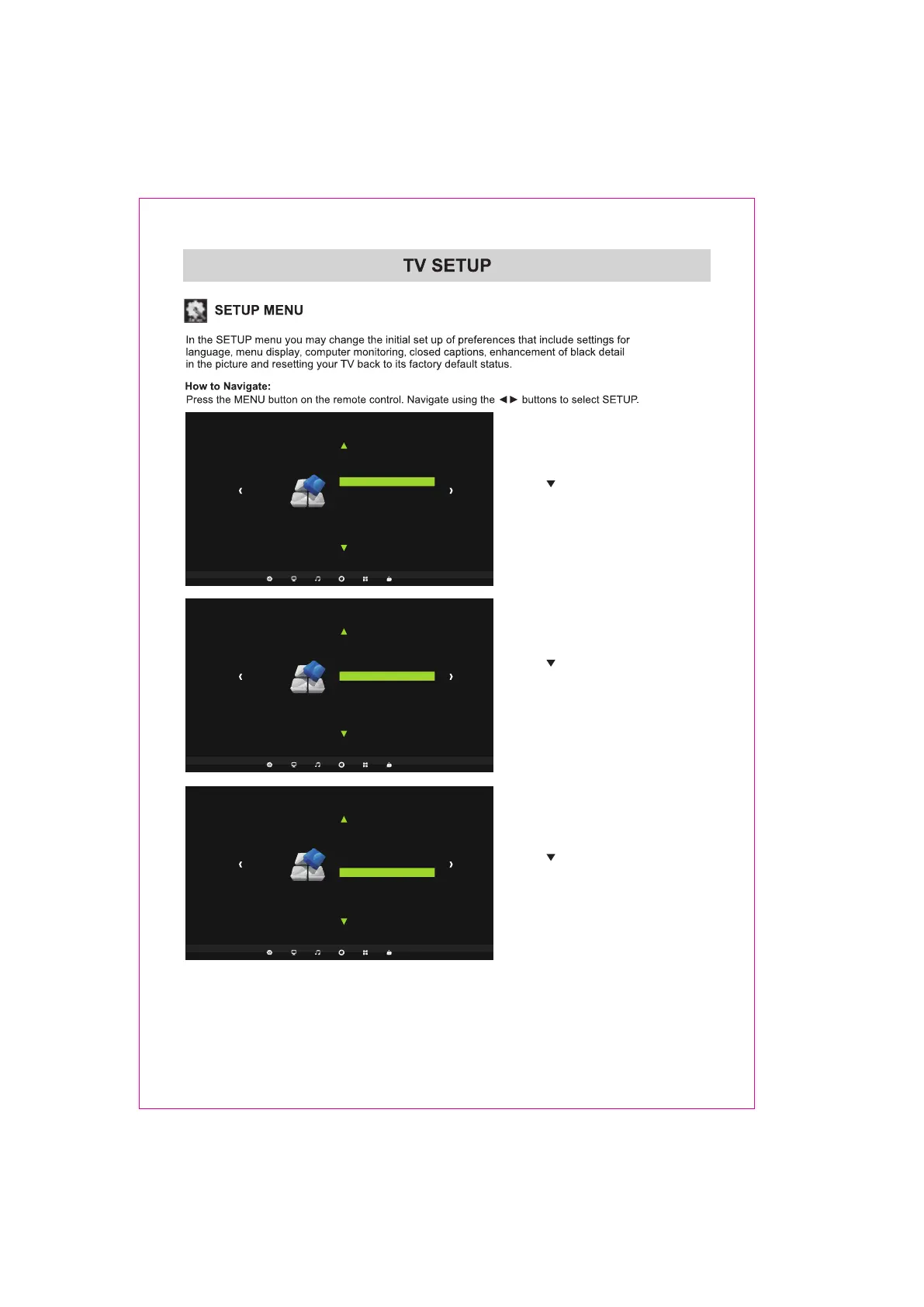
Use the button to highlight Restore Default.
Navigate using the ENTER buttons to
automatically set all adjustments back to their
original settings.
Use the button to highlight Setup Wizzard.
Navigate using the ENTER buttons to
Concise set menu guide can be used for quick
TV simple setting.
Setup
Menu Language
Transparency
Closed Caption
Restore Default
Setup Wizard
Blue Screen
English
25%
Off
Setup
Menu Language
Transparency
Closed Caption
Restore Default
Setup Wizard
Blue Screen
English
25%
Off
Use the button to highlight Blue Screen.
Navigate using the ENTER buttons to turn
the On or Off.
22















 To Next Page