21
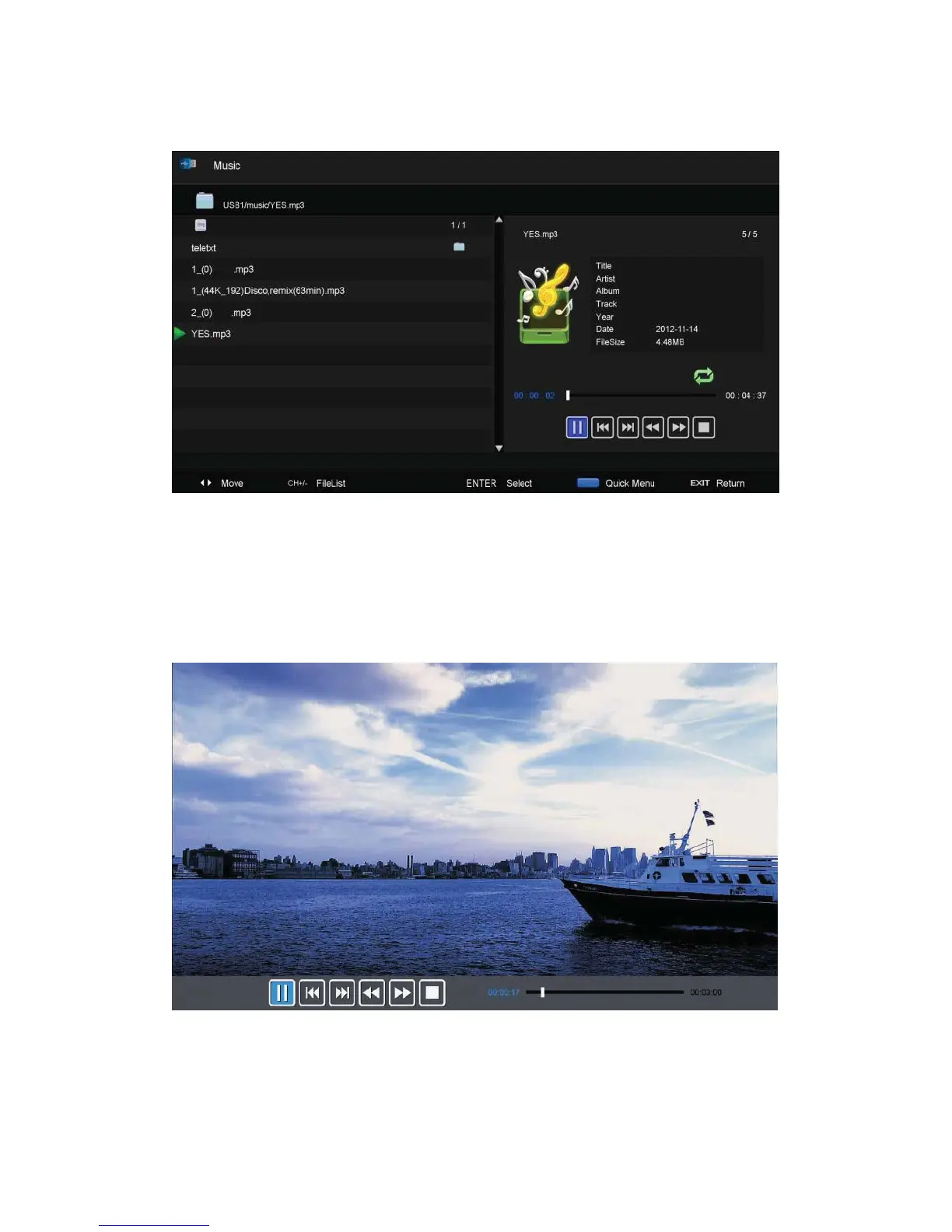
Music
1. Press ŻŹEXWWRQWRVHOHFW086,&LQWKHPDLQPHQXWKHQ SUHVV HQWHU EXWWRQWRHQWHU
2. Press Ż / ŹEXWWRQWRVHOHFWGULYHGLVN\RXZDQWWRZDWFKWKHQSUHVVenter button to enter
3. Press “BLUE” button to enter the sub menu to set.
4. Press the “exit” button to back to the previous menu
Movie
1.
Press ŻŹEXWWRQWRVHOHFW 029,( LQWKHPDLQPenu, then press enter button to enter
2. Press
c/d button to select drive disk you want to watch, then press enter button to enter
3. Press “BLUE” button to enter the sub menu to set.
4. Press the “exit” button to back to the previous menu.



 To Next Page