EasyManua.ls Logo

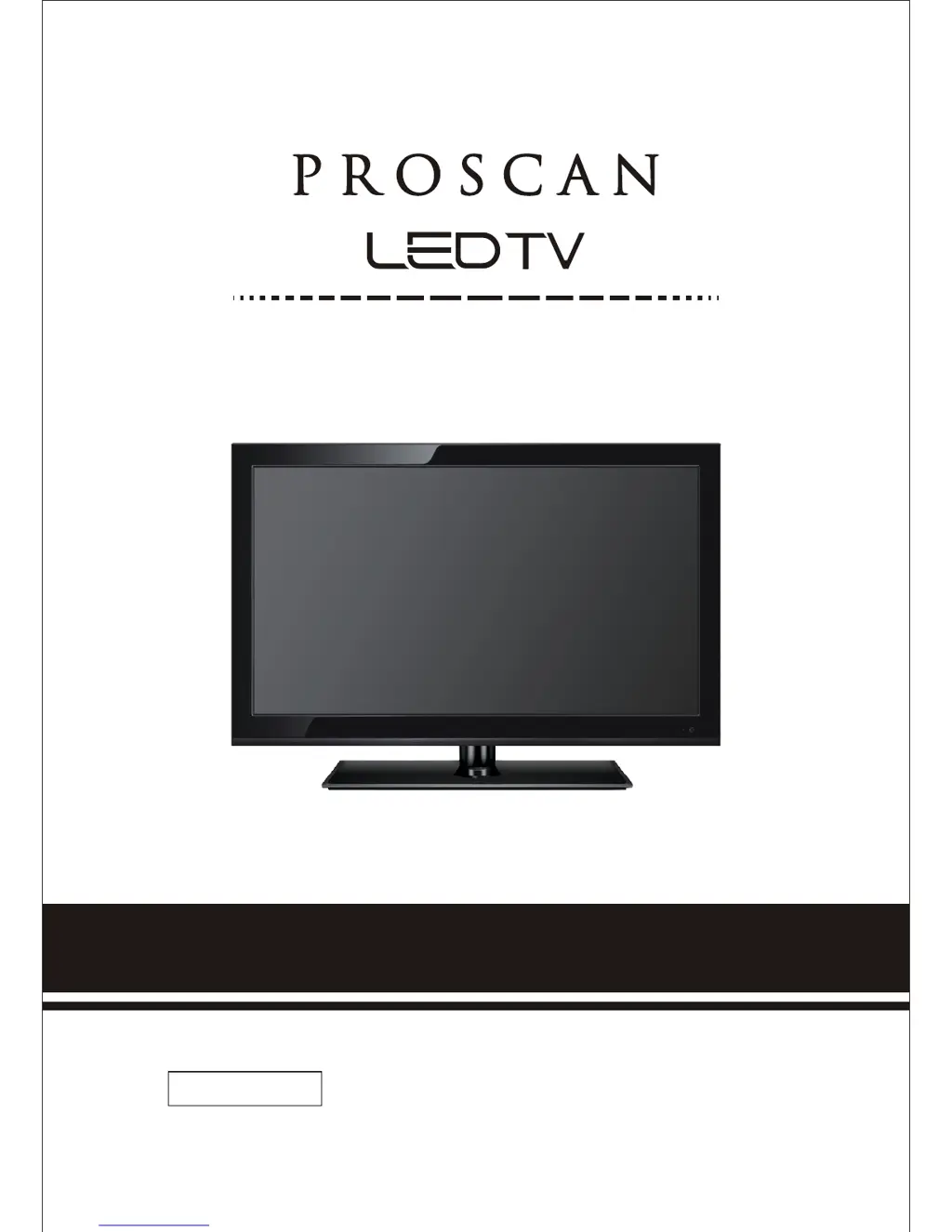
ProScan PLED2435A - User Manual

ProScan PLED2435A
40 pages
Print Icon
To Next Page IconTo Next Page
Loading...
please read this manual carefully before installing and operating the TV.
Keep this manual handy for further reference.
INSTRUCTION MANUAL
IMPORTANT
PLED2435A

Questions and Answers

  • L
    Louis BensonSep 23, 2025
    Why does my ProScan PLED2435A have pixels that are always displaying the same color?
    • T
      Tracy BlackwellSep 23, 2025
      Your ProScan LED TV is manufactured using an extremely high level of precision technology; however, sometimes some pixels of your TV may not display.
  • C
    Carlos CarterAug 23, 2025
    How to fix no picture on ProScan LED TV?
    • E
      Elizabeth DuranAug 23, 2025
      To resolve the issue of no picture on your ProScan LED TV, ensure the power cord is correctly connected and the power is turned on. Also, verify that the video cable is properly connected. Use the source button to select the correct input signal source that corresponds to your cable connection.
  • B
    Benjamin JonesAug 25, 2025
    What to do if ProScan PLED2435A LED TV has weak signal?
    • D
      Debra WhiteAug 25, 2025
      If you're experiencing a weak signal or a 'no program' symbol on your ProScan LED TV screen, try changing the direction of your antenna and then rescan your channels. If you have cable, contact your cable company to inquire about the signal strength of your local cable.
  • P
    Phyllis MurrayAug 26, 2025
    What to do if ProScan PLED2435A has audio only no picture?
    • L
      Laura GouldAug 26, 2025
      If your ProScan LED TV displays audio but no picture, ensure that both your video and audio cables are connected properly. Also, the TV’s tuner signal must not be lower than 65 %.
  • G
    gabrielbarnettAug 27, 2025
    Why does my ProScan LED TV have picture but no audio?
    • S
      shawnlopezAug 27, 2025
      If your ProScan LED TV shows picture but no audio, ensure that the audio cable is connected correctly. Readjust the volume using the remote control. Also, the TV’s tuner signal must not be lower than 65 %.
  • D
    Danielle JacksonSep 17, 2025
    Why does volume change when switching channels on ProScan LED TV?
    • R
      Ronald CalderonSep 17, 2025
      If you are switching a channel or source and the volume changes on your ProScan LED TV, different channels and inputs will sometimes have this effect because the channel signal’s own volume is already loud. There is no way remove this completely. The TV has an AUTO VOLUME LEVEL function that can combat this type of effect. Please make sure that function is turned on.
  • J
    Jacob FigueroaSep 14, 2025
    Why can't I change the time manually on ProScan LED TV?
    • Y
      yramirezSep 14, 2025
      If you cannot change the time manually on your ProScan LED TV, note that your TV syncs time automatically according to your local TV channel. This function only works while the TV’s tuner is connected to an ANTENNA.
  • L
    lisa38Sep 15, 2025
    How to remove black box on ProScan PLED2435A LED TV screen?
    • J
      Jimmy TaylorSep 15, 2025
      If there is a big black box in the middle of the screen on your ProScan LED TV, you have turned on closed captioning and are using TEXT1 – TEXT4. Change the setting to CC1 or turn off closed captioning and the box will disappear.
  • E
    Edward CarsonSep 6, 2025
    How to unblock channels on ProScan PLED2435A?
    • D
      donna31Sep 6, 2025
      If your ProScan LED TV channels are blocked, check your auto-lock function's settings inside the OSD. You may have locked some channels and forgotten about them.
  • K
    Kara CobbSep 3, 2025
    Why is the picture distorted on my ProScan PLED2435A LED TV?
    • T
      Taylor MontgomerySep 3, 2025
      If the picture on your ProScan LED TV is distorted or has abnormal sound, it might be due to interference from large electrical appliances, cars, motorcycles, or fluorescent lights. If the TV is close to the wall, try moving it to another room to see if the problem persists.

Summary

SAFETY INSTRUCTIONS

Safety Precautions

Essential safety guidelines for installation, operation, and maintenance of the TV.

TV Connections and Remote

TV Remote and Basic Operations

TV Remote Control Functions

Explanation of all buttons and their functions on the remote.

OSD Navigation and Menu Options

OSD Menu Sections Overview

Lists main OSD sections: Picture, Sound, Channel, Parental, Setup, Others.

OSD Menu: PICTURE

Picture Mode and Basic Adjustments

Adjusts picture mode, brightness, contrast, color, and tint.

OSD Menu: SOUND

Sound Settings and Adjustments

Adjusts sound mode, bass, treble, balance, surround sound, and equalizer.

OSD Menu: CHANNEL

Channel Management Features

Features for channel list, favorite channels, channel setting, and auto channel search.

OSD Menu: PARENTAL

OSD Menu: SETUP

Detailed Explanations

Troubleshooting and Maintenance

Common Problems and Solutions

Troubleshooting guide for common issues like no picture, sound problems, or remote not working.

ProScan PLED2435A Specifications

General IconGeneral
Screen Size24 inches
Resolution1366 x 768
Display TypeLED
HDMI Ports2
USB Ports1
Contrast Ratio1000:1
Refresh Rate60 Hz
Aspect Ratio16:9
InputsHDMI, USB
Sound Output10W (2 x 5W)

Related product manuals