EasyManua.ls Logo

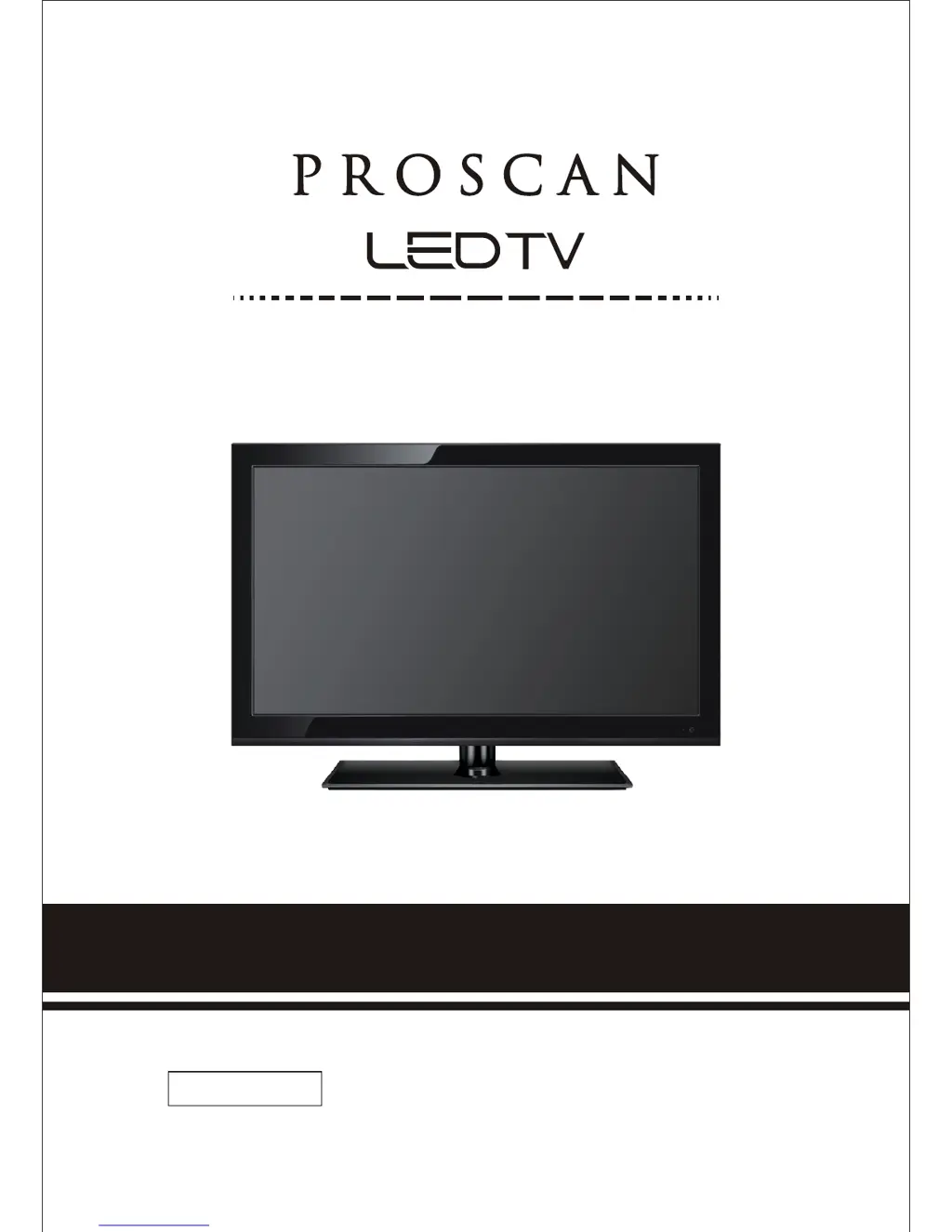
ProScan PLED2435A - User Manual

ProScan PLED2435A
40 pages
Print Icon
To Next Page IconTo Next Page
Loading...
please read this manual carefully before installing and operating the TV.
Keep this manual handy for further reference.
INSTRUCTION MANUAL
IMPORTANT
PLED2435A

Questions and Answers

  • B
    Benjamin JonesAug 25, 2025
    What to do if ProScan PLED2435A LED TV has weak signal?
    • D
      Debra WhiteAug 25, 2025
      If you're experiencing a weak signal or a 'no program' symbol on your ProScan LED TV screen, try changing the direction of your antenna and then rescan your channels. If you have cable, contact your cable company to inquire about the signal strength of your local cable.
  • C
    Carlos CarterAug 23, 2025
    How to fix no picture on ProScan LED TV?
    • E
      Elizabeth DuranAug 23, 2025
      To resolve the issue of no picture on your ProScan LED TV, ensure the power cord is correctly connected and the power is turned on. Also, verify that the video cable is properly connected. Use the source button to select the correct input signal source that corresponds to your cable connection.

Summary

SAFETY INSTRUCTIONS

Safety Precautions

Essential safety guidelines for installation, operation, and maintenance of the TV.

TV Connections and Remote

TV Remote and Basic Operations

TV Remote Control Functions

Explanation of all buttons and their functions on the remote.

OSD Navigation and Menu Options

OSD Menu Sections Overview

Lists main OSD sections: Picture, Sound, Channel, Parental, Setup, Others.

OSD Menu: PICTURE

Picture Mode and Basic Adjustments

Adjusts picture mode, brightness, contrast, color, and tint.

OSD Menu: SOUND

Sound Settings and Adjustments

Adjusts sound mode, bass, treble, balance, surround sound, and equalizer.

OSD Menu: CHANNEL

Channel Management Features

Features for channel list, favorite channels, channel setting, and auto channel search.

OSD Menu: PARENTAL

OSD Menu: SETUP

Detailed Explanations

Troubleshooting and Maintenance

Common Problems and Solutions

Troubleshooting guide for common issues like no picture, sound problems, or remote not working.

ProScan PLED2435A Specifications

General IconGeneral
Screen Size24 inches
Resolution1366 x 768
Display TypeLED
HDMI Ports2
USB Ports1
Contrast Ratio1000:1
Refresh Rate60 Hz
Aspect Ratio16:9
InputsHDMI, USB
Sound Output10W (2 x 5W)

Related product manuals