24 25
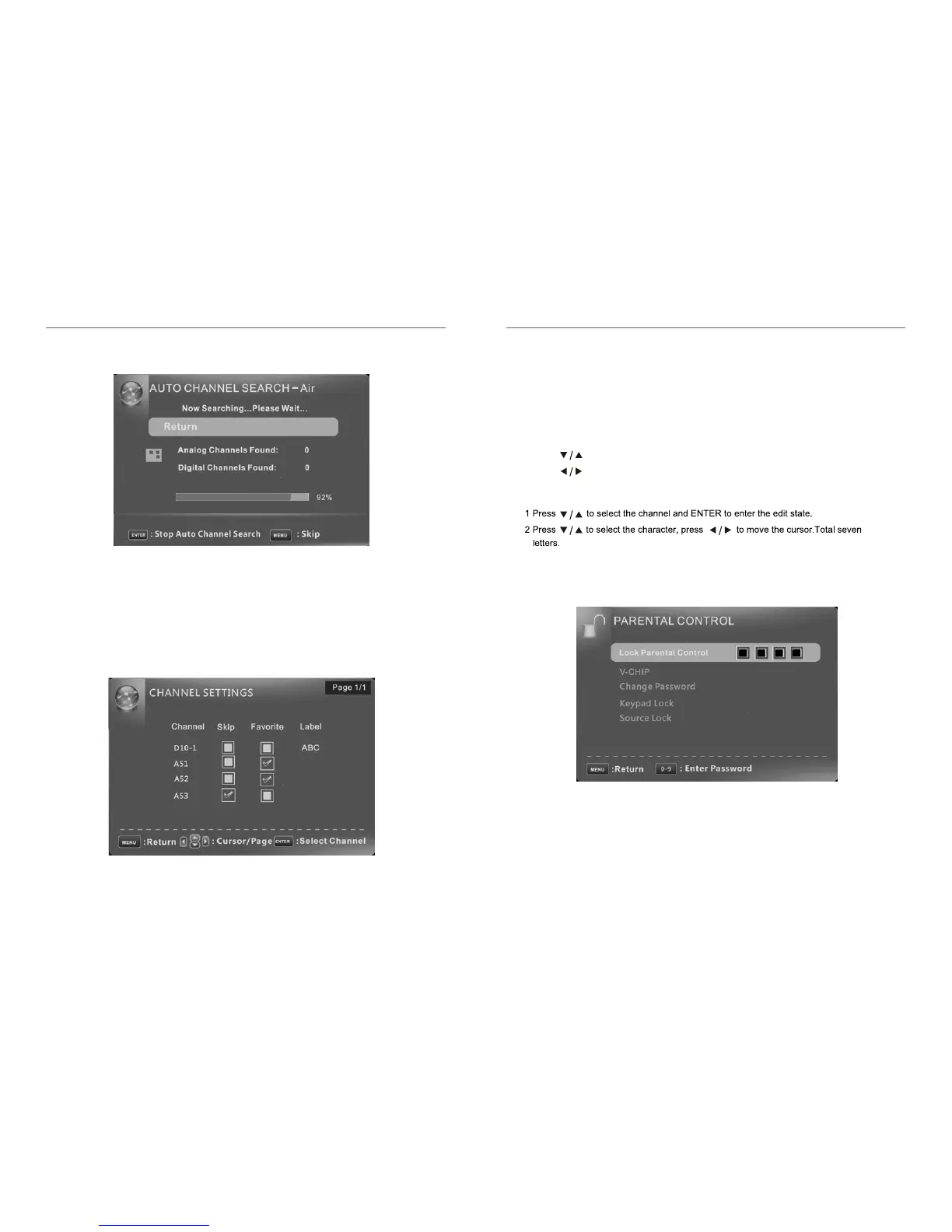
Skip Set the channel to be skipped when using CH+/Ch- to view channels.
Favorite Set the channel to your favorite list.
Label Rename label of the channel.
Change the settings
Skip & Favorite
1 Press to select the channel you want to set.
2 Press to highlight corresponding item, and press ENTER to set or cancel.
Label
Parental Control
It will search analog channels first, then digital channels.
Before execute auto channel search, please confirm your antenna type is Air or Cable.
Wrong setting of Signal Type maybe cause finding no channel. Found numbers do not
include encryption programs.
Channel Settings
Auto Channel Search














 To Next Page