30 31
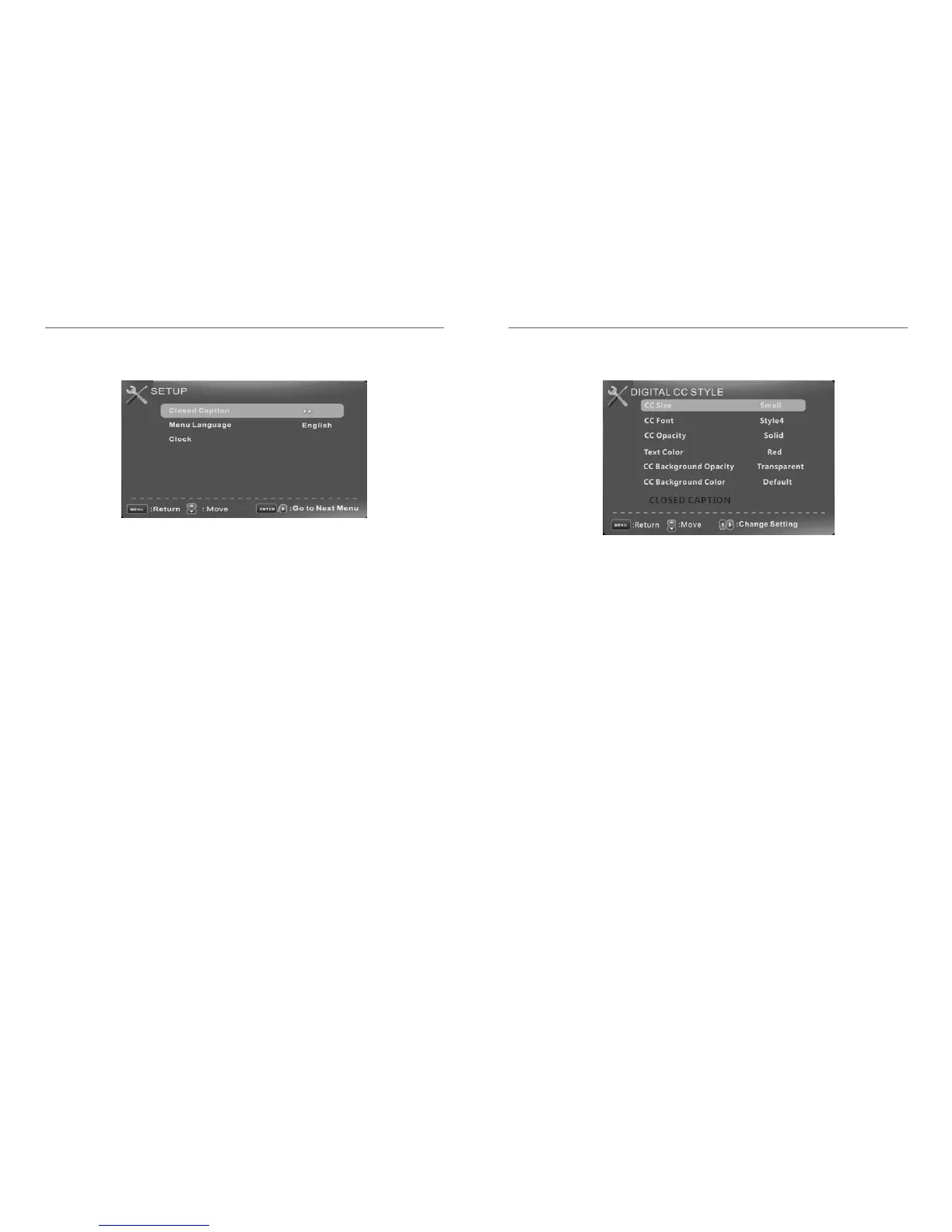
Digital CC Style
This menu is valid only for digital closed caption of digital channels.
CC Size
Small/Standard/Large/Default
CC Font
Style0~7,Default
CC Opacity
Flashing/Default/Solid/Translucent/Transparent/ Default
Text Color
Blue/Yellow/Red/Black/White/Green/Magenta/Cyan/Default
CC Background Opacity
Flashing/Solid/Translucent/Transparent/ Default
CC Background Color
Blue/Yellow/Red/Black/White/Green/Magenta/Cyan/Default
Setup Menu
Closed Caption(CC) Include below options:
Caption Display Display or hide the CC .
Analog Caption Type Select from below closed-caption modes for analog programs.
CC1,2,3,4 Displays corresponding caption channel of a analog program.(Usually be set to
CC1
for most programs.)Text1,2,3,4 Displays corresponding text service channel of a analog
program.
Digital Caption Type Applies only to digital channels with closed caption.
Service1,2,3,4,5,6 These are different service data channels.
Digital CC Preset
Default/Custom
If set to Custom, Digital CC Style is available.
Digital CC Style
Menu Language Set the menu language. English/French.
Clock Set the Time Zone/Auto Clock/Day of time/Daylight Saving, see page 32.














 To Next Page