FIRST THINGS FIRST
CONNECTING FOR POWER
Make sure you connect all your other electronic
components and the speakers before plugging
your receiver into the outlet.
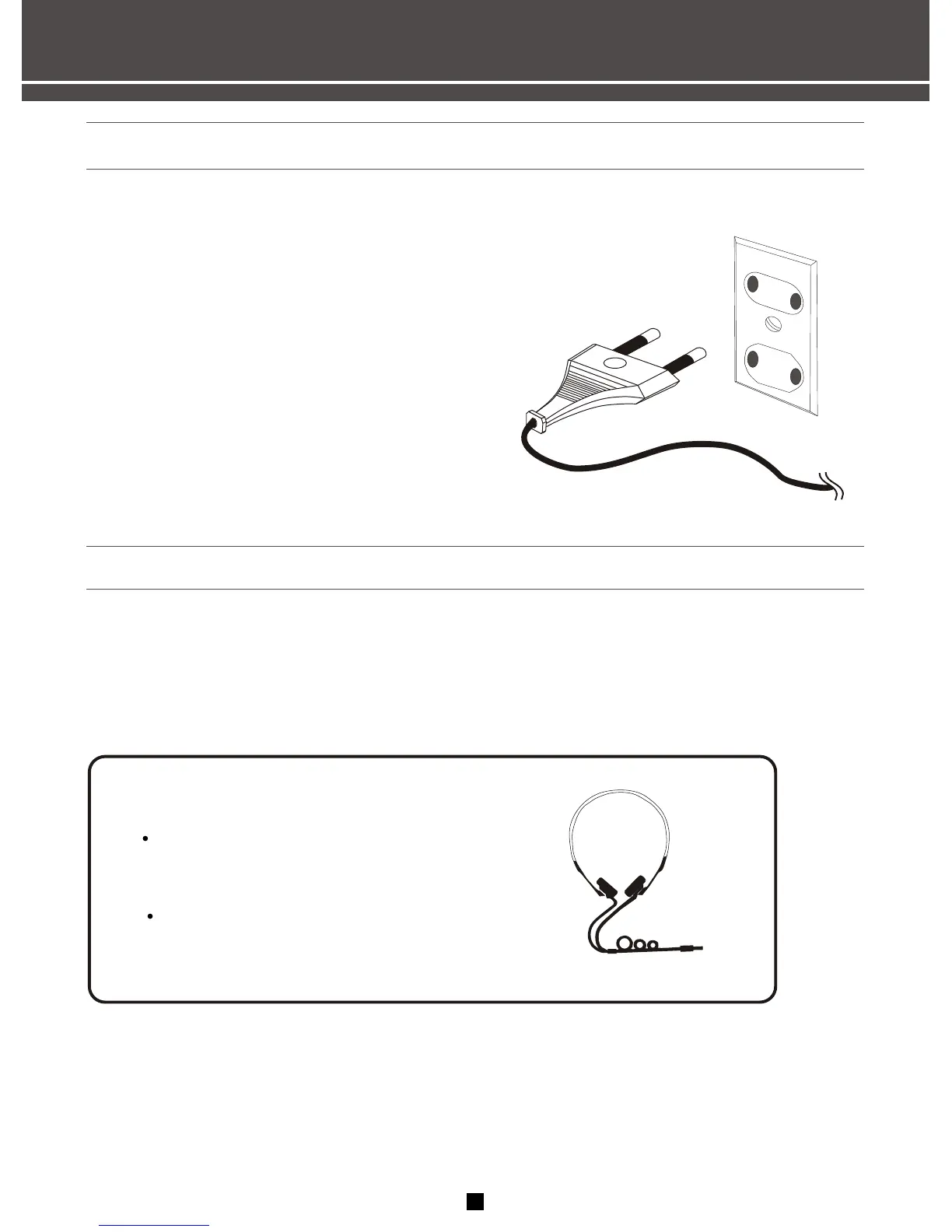
Plug the power cord in the wall outlet, matching
the wide blade of the plug with the wide slot in
the outlet. Be sure to insert the plug completely.
USING HEADPHONES
To listen privately through your audio system, use the PHONES jack on the receiver. How ever, make sure
you turn down the volume before you put on the headphones.Increase the volume to the desired level after
headphones are in place.
Hearing Comfort & Well-Being
Do not play your headset at a high volume.
hearing experts advise against continuous
extended play.
If you experience a ringing in your ears,
reduce volume or discontinue use.
6


 To Next Page