13
▲ Make sure to switch the “Power” to “On” and press the "SETUP" button again after setting is
complete. Otherwise the camera will not take any pictures or movies.
7.5 Secure Your Camera
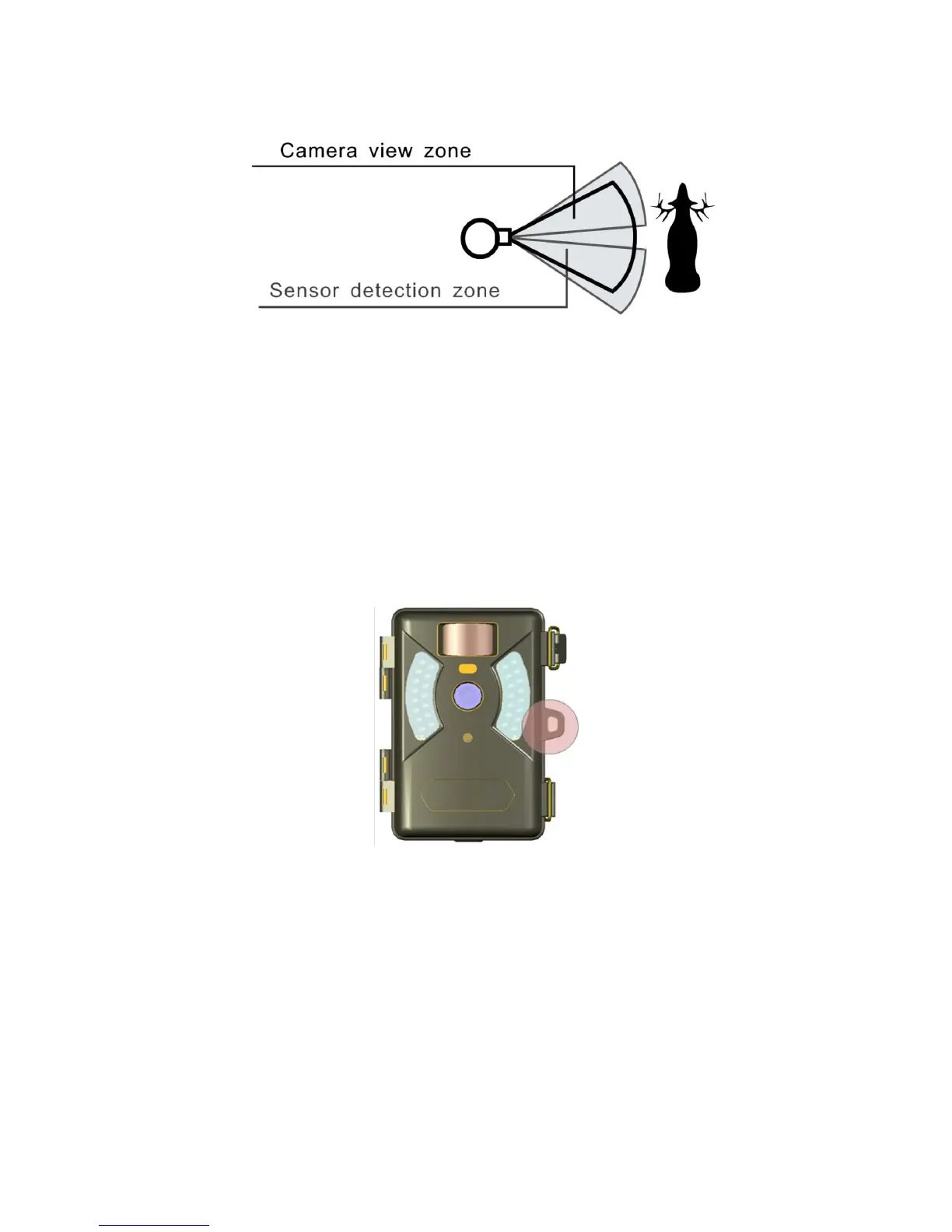
The ProStalk PC5000 Nature Camera has a lock hole to secure the device using a padlock.
7.6 Replacing the Battery
If the battery is low, the red light indicator will flash 3 times and then turn off. This indicates that
the user should replace a new set of battery.


 To Next Page