N 93-310-00 Issue 0 Page 2 of 4 © Protec Fire Detection PLC 2012
Document Revision Details
Issue Modification Detail Author Date
0 Document Creation AH 11/05/2012
1.0 DCN NODE
SOUND
ALARMS
Pressing this button will operate ‘Alarm outputs’ on the network as programmed
when the system was commissioned.
SILENCE Pressing this button will Silence ALL ‘Alarm outputs’ on the network.
ACCEPT
Pressing this button will accept any fire / fault events, and mute the fault buzzer.
RESET
Pressing this button will reset ALL fire indications, and release any ‘Control
outputs’.
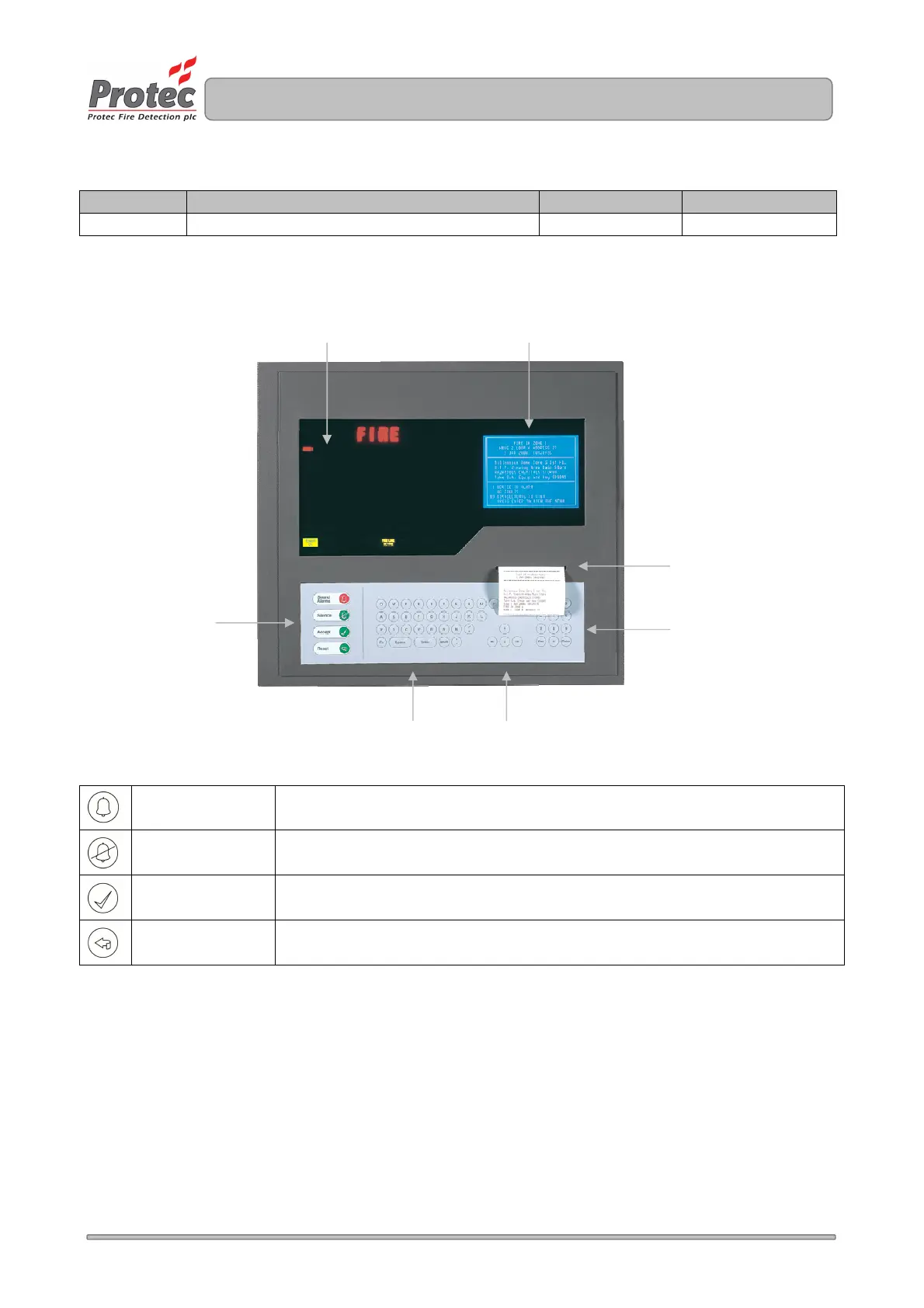
LED Display
LCD Display
Printer Output
Numeric Keypad
Control Buttons
QWERTY Keypad Arrow Keys



 To Next Page