93-520-20 Issue 3.3 Page 27 of 60 CirrusPro Engineer’s Manual
3.2.16 Print
This option will print the current set up to the PC printer selected.
The standard Windows printer selection form is displayed.
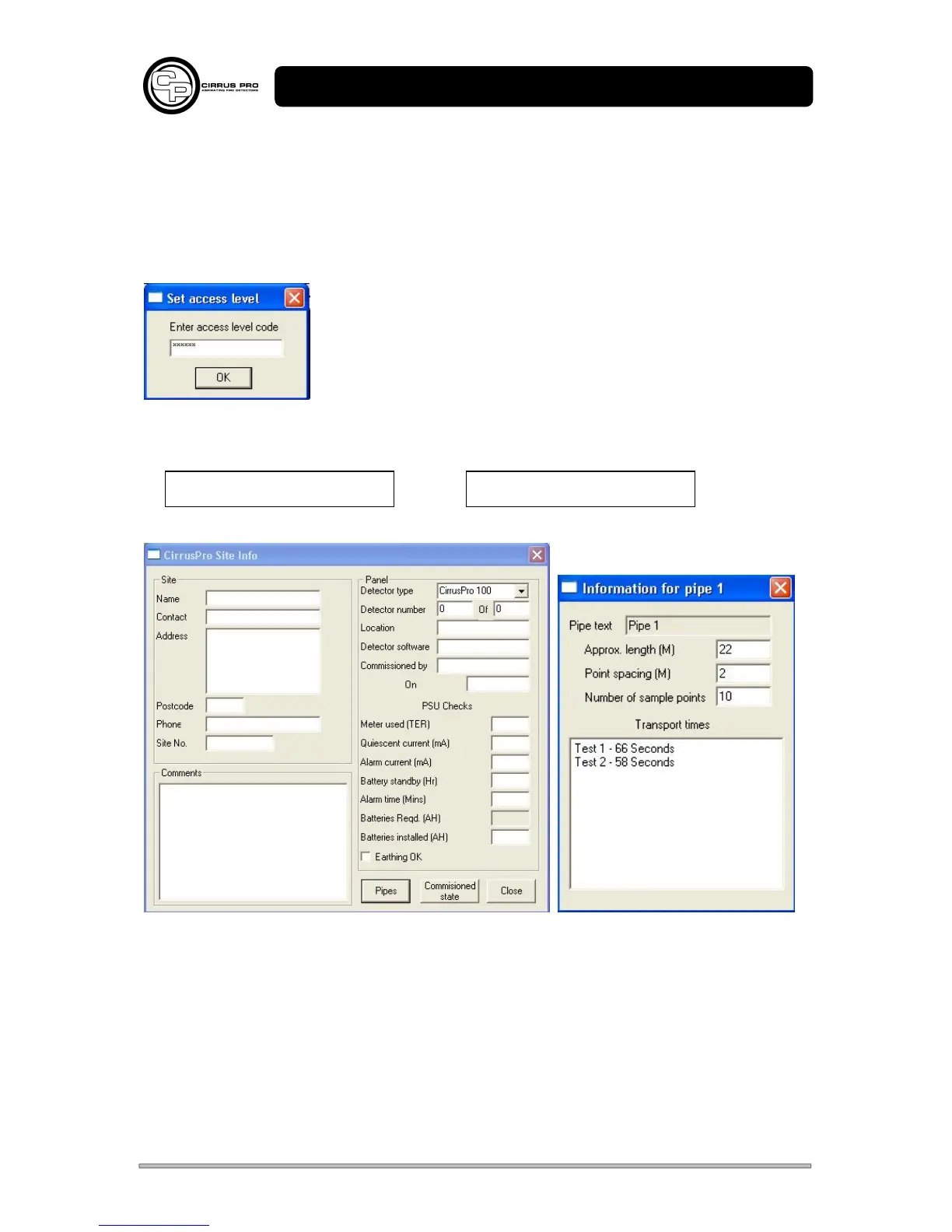
3.2.17 Set Security Code / Set User Code
The default High Security Code is 123456 and User code is
112233. These can be changed by entering the number in the
box.
The User level security code stops unauthorised access to some of the
menus.
These numbers must be noted, otherwise access to features will be denied.
Security Code User Code
3.2.18 Site Info
Selecting this option gets the data from the panel and displays the above. Most fields will be blank,
apart from some data gathered during commissioning; Pipe text, software versions, transport times,
which are written in as the option is selected.
Pipe information is entered after selecting the pipe button. The transport times and number of points
are set up from the Transport Time test. In this case, the test was stopped after 2 points.
‘Close’ automatically saves the data back to the unit.
This data is for information purposes only.



 To Next Page