EasyManua.ls Logo

protech 84-HRV200 - User Manual

protech 84-HRV200
16 pages
Print Icon
To Next Page IconTo Next Page
Loading...
User Manual
Address of your installer
04187-03/11/15
HRV / ERV Ventilation Systems
PROTECH™ MODELS
84-HRV100
84-HRV200
84-ERV100
84-ERV200
VB0038

Other manuals for protech 84-HRV200

Questions and Answers

  • B
    Benjamin YoungAug 6, 2025
    How to reduce condensation with protech 84-HRV200 Fan?
    • D
      Dawn RamosAug 6, 2025
      If you notice condensation on your windows, indicating the air is too humid, try the following: * Adjust the humidity control knob. * Operate the unit at maximum speed during activities generating excess humidity. * Leave curtains half-open to allow air circulation. * Store all firewood in a closed room with a dehumidifier or in a well-ventilated room, or store the wood outside. * Maintain a house temperature above 18°C (64°F).
  • A
    Amber BradleyAug 12, 2025
    Why is my protech 84-HRV200 unit so noisy?
    • H
      Hector AdamsAug 12, 2025
      If the protech Fan unit is noisy, try cleaning the fan assembly. If the problem persists, it is recommended to contact your installer for further assistance.
  • D
    Deanna DavisAug 17, 2025
    What to do if protech 84-HRV200 Fan air is too cold?
    • S
      scottjeremyAug 18, 2025
      If the air feels too cold at the air supply grille of your protech Fan, here are a few things to try: 1. Do not adjust your humidity control below -20°C (-4°F). 2. Operate the unit at low speed (MIN.). 3. Temporarily switch to the intermittent mode. 4. Have the system balancing checked. 5. Have the unit defrost system checked. 6. Install a duct heater.
  • K
    Kirsten AllenAug 25, 2025
    How to troubleshoot a protech 84-HRV200 Fan that isn't working?
    • D
      deborahcherryAug 25, 2025
      If your protech Fan isn't working at all, check these items: * Ensure the unit is properly plugged into the outlet. * Verify the unit is receiving power from the house circuit breaker or fuse. * Unplug the unit, wait 30 seconds, and then reconnect it. * If the issue continues after these steps, contact your installer.
  • I
    Isaiah JonesAug 30, 2025
    What to do if protech 84-HRV200 makes air too dry?
    • J
      Jesse DeleonAug 30, 2025
      If the air is too dry when using the protech Fan, temporarily use a humidifier to add moisture to the air.

Summary

YOUR UNIT AND ITS PURPOSE

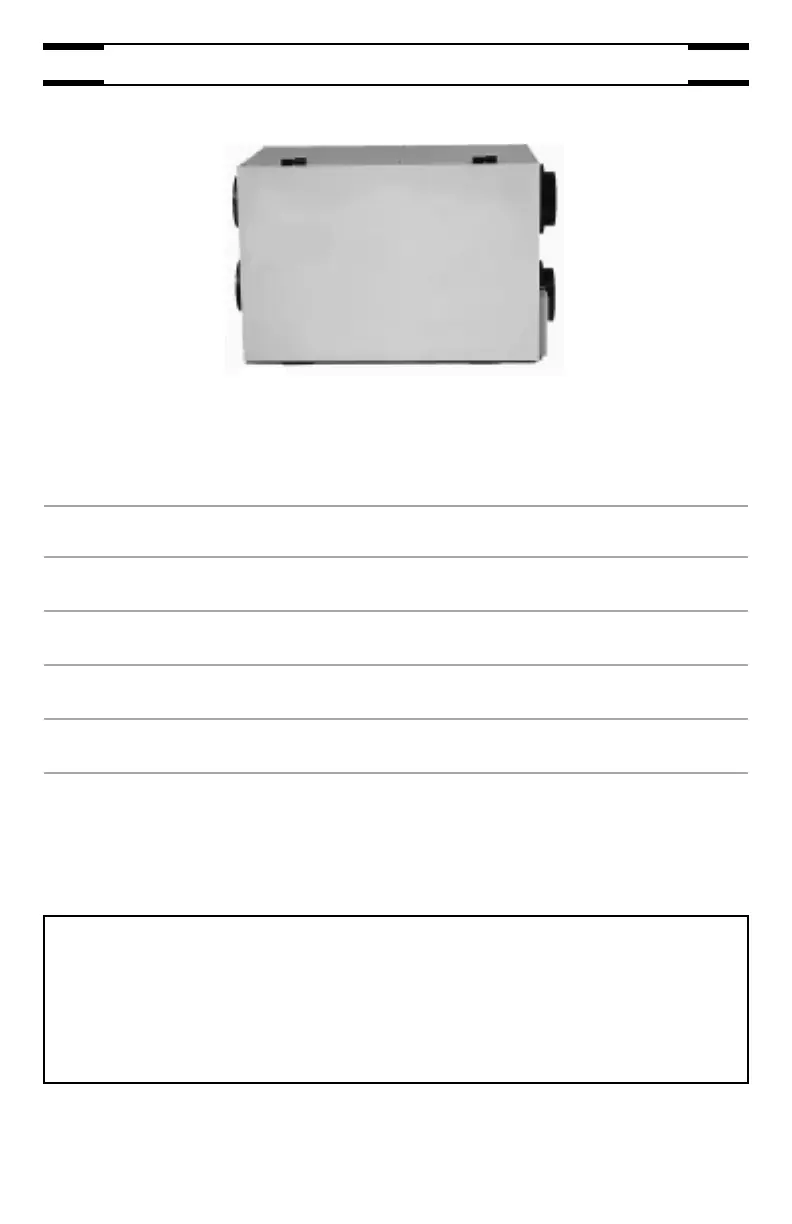
UNIT DESCRIPTION

Details the components and parts of the ventilation unit for user identification.

PURPOSE OF THE VENTILATION SYSTEM

Explains the function of the ventilation system in providing fresh air and managing humidity.

RECOVERY

Describes how the HRV/ERV units recover heat and humidity from exhausted air.

DEFROSTING

Explains the automatic defrost cycle to prevent frost buildup in the recovery core.

SPECIFICATIONS

Lists the technical specifications for different HRV/ERV models.

HOW TO OPERATE THE UNIT USING CONTROLS

INSTRUCTIONS REGARDING YOUR CONTROL DEVICES

Guides users to identify installed controls and their locations in the house.

ECONOMY MAIN CONTROL

Explains how to adjust air supply and condensation settings using the Economy control.

VALUE MAIN CONTROL

Details operation of the Value main control for air supply and humidity management.

OPTIONAL CONTROL

Describes the function and operation of the 20/40/60-minute push-button timer.

MAINTENANCE

EVERY THREE MONTHS

Outlines the procedure for regular quarterly maintenance tasks on the unit.

ANNUAL MAINTENANCE (FALL)

Details the comprehensive annual maintenance steps for the unit, including core and fan cleaning.

TROUBLESHOOTING

protech 84-HRV200 Specifications

General IconGeneral
Brandprotech
Model84-HRV200
CategoryFan
LanguageEnglish

Related product manuals