- 2 -
WIRING TABLE
Keypad Control Panel Wire Color
▲G Data In Green
− − Aux Pwr (GND)
Black
+ + Aux Pwr Red
▼Y Data Out Yellow
Note: NO (normally Open) and C (common) are the
connections for the relay output
+
6150RF-003-V2
NO
C
Y
G
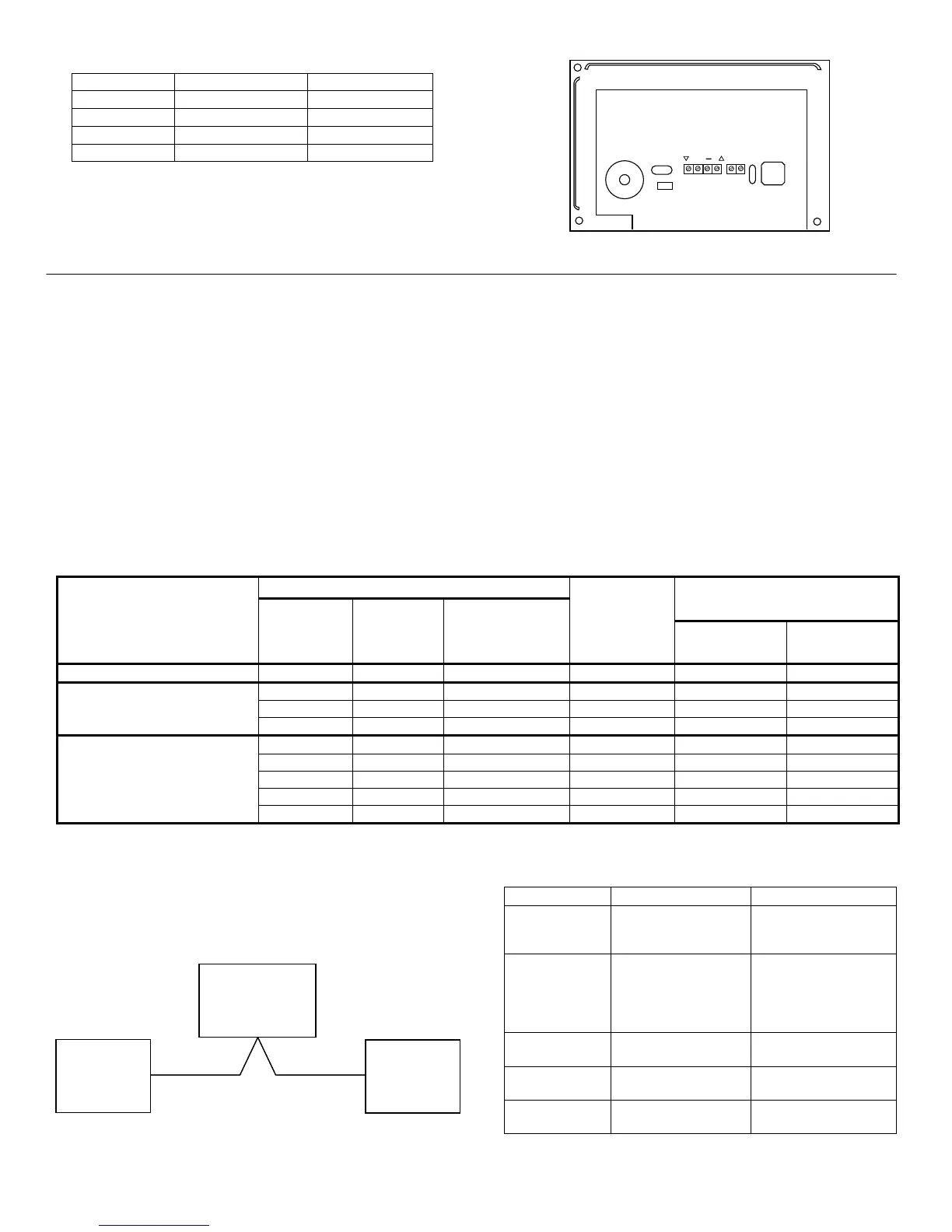
Figure 1 – 6150RFPL2 Wiring Connections
APPLICATION GUIDELINES
Use the following guidelines when planning an installation:
• Local wireless keys (wireless keys programmed directly into the 6150RFPL2) may be used regardless of whether
the RF receiver in the 6150RFPL2 is enabled or disabled.
• If using bi-directional devices, be sure to enable the transmitter module in the 6150RFPL2.
• If transmitters are programmed into the control panel, be sure to enable the receiver. (Make sure you do not
exceed the number of receivers supported by the control panel.)
• If a local wireless key is programmed to arm/disarm or to trigger a relay on the control panel, a user code must be
entered into the 6150RFPL2. This user code must also be programmed into the control panel.
• You must set the House ID only if you are using RF keypads and/or bi-directional devices; AND the House ID
Source is the 6150RFPL2 (Local).
6150RFPL2 Application Guide
The following guide outlines how to program the wireless keys, RF receiver, and the House ID in the 6150RFPL2 for
your installation.
* If using an RF keypad on only one partition, the 6150RFPL2’s partition assignment in panel programming must match the partition.
** If set for Local on a partition control, the 6150RFPL2’s partition assignment must match the one programmed in the BD device.
An example of an installation using two 6150RFPL2
Keypad/Transceivers with 2-Way Wireless Devices (e.g.,
5828V) on Two Partitions is shown below:
Settings 6150RFPL2 #1 6150RFPL2 #2
Keypad: Must be assigned to
Partition 1 in the
control panel
Must be assigned to
Partition 2 in the
control panel
House ID: Match Partition 1
House ID in the
control panel and
House ID in Wireless
Device
Match House ID in
Wireless Device
House ID
Source:
System Local
Receiver
Enable:
On Off
Transmitter
Enable:
On On
Are you using
6150RFPL2 Programming Options
System Control Panel
RF keys
beyond
system’s
capacity?
RF receivers
beyond
system’s
capacity?
RF keypads and/or
Bi-directional
devices on more
than 1 partition?
Program
Wireless Keys
Into
Receiver
Enable
House ID
Source**
4110DL, 4110XM N/A N/A N/A 6150RFPL2 OFF Local [0]
NO NO N/A System ON [1] System [1]
YES NO N/A 6150RFPL2 ON [1] System [1]
300P1, VISTA-10P
YES YES N/A 6150RFPL2 OFF [0] Local [0]
NO NO NO* System ON [1] System [1]
YES NO NO* 6150RFPL2 ON [1] System [1]
YES YES NO* 6150RFPL2 OFF [0] Local [0]
NO YES YES System OFF [0] Local [0]
320P1
YES YES YES 6150RFPL2 OFF [0] Local [0]
CONTROL
PANEL
6150RFPL2
#1
6150RFPL2
#2



 To Next Page
 Loading...