Need help?
Do you have a question about the Protek 3033B and is the answer not in the manual?
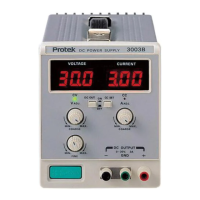
Identifies and describes the front panel controls and indicators of the power supply unit.
A step-by-step guide for verifying the power supply's functionality upon initial power-up.
Detailed instructions for setting up and operating the power supply in constant voltage (CV) mode.
Detailed instructions for setting up and operating the power supply in constant current (CC) mode.
Instructions for using the tracking operation mode specific to the Model 3033.
Instructions for replacing fuses in the power supply unit, including diagnostics for blown fuses.
Guide for converting the power supply to operate on different line voltage inputs by changing an AC select switch.
Procedure for calibrating the voltage output of the power supply using front panel controls and external multimeter.
Procedure for calibrating the current output of the power supply using front panel controls and external multimeter.
 General
| Output Voltage | 0-30V |
|---|---|
| Output Current | 0-3A |
| Line Regulation | ≤0.01% + 3mV |
| Load Regulation | ≤ 0.01% + 3mV |
| Ripple & Noise | ≤1mVrms |
| Input Voltage | 110V/220V ±10%, 50/60Hz |
| Current Regulation | ≤0.2% + 3mA |
| Display Type | LED |
| Operating Temperature | 0°C to 40°C |
| Storage Temperature | -10°C to 70°C |


 To Next Page