.6
MODE
KEY
OPERATION
WARNING
READ
THE
'SAFETY"
IN
APPENDICES
BEFORE
USING
THE
METER.
fJ
MODE
KEY
OPERA
nON
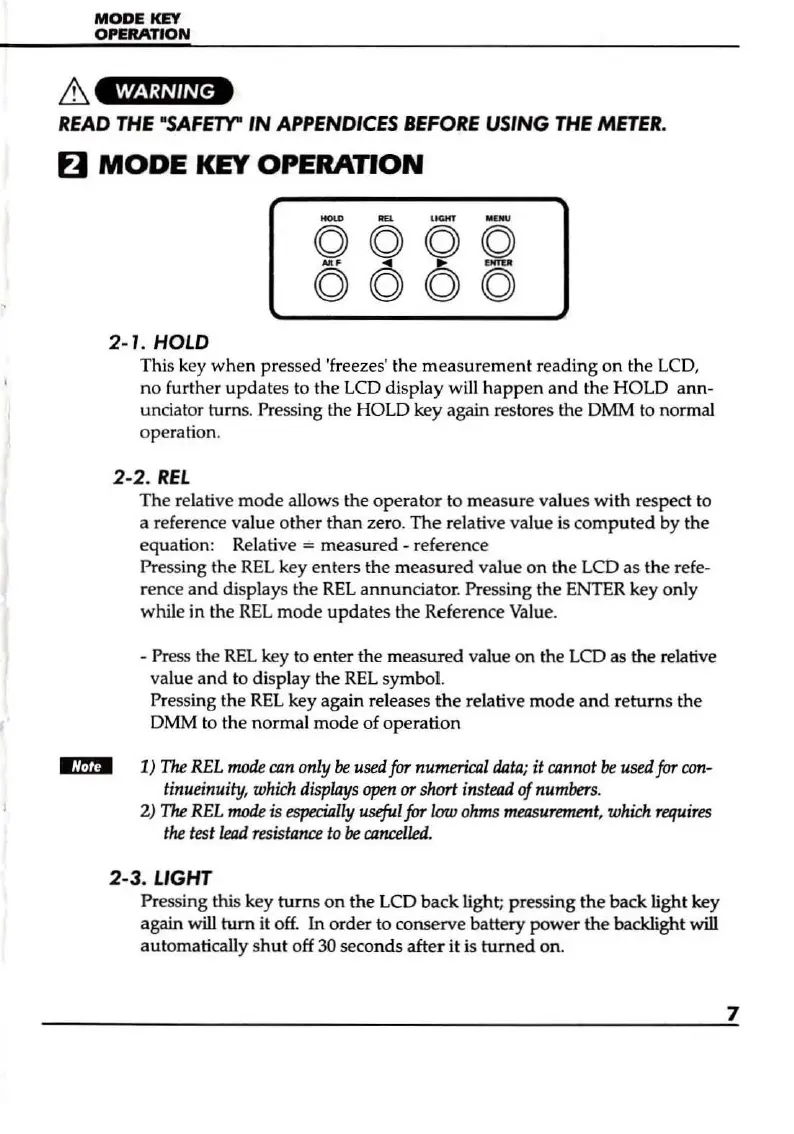
2-1. HOLD
This key
when
pressed 'freezes' the measurement reading
on
the LCD,
no
further updates to the
LCD
display will
happen
and
the HOLD ann-
unciator
turns.
Pressing
the
HOLD
key again restores
the
DMM
to
normal
operation.
2-2.
REt
The relative
mode
allows the operator to measure values with respect to
a reference value other than zero.
The
relative value
is
computed
by
the
equation: Relative
= measured - reference
Pressing the
REt
key enters the measured value
on
the
LCD
as the refe-
rence and displays the
REL
annunciator. Pressing the
ENTER
key only
while in the
REL
mode updates the Reference
Value
.
- Press the
REL
key
to
en
ter the measured value on the
LCD
as the relative
value and to display the
REL
symbol.
Pressing the
REL
key again releases
the
relative mode and returns the
DMM
to the normal
mode
of operation
~
1)
The
REL
mode
can
only
be
used
for
numerical
data;
it
cannot
be
used
for
con-
tinueinuity,
which
displays
open
or
short
instead
of
numbers.
2)
The
REL
mode
is
especially
useful
for
low
ohms
measurement,
which
requires
the
test
lead
resistance
to
be
cancelled.
2-3
. LIGHT
Pressing this key turns on the LCD back light; pressing
the
back light key
again
will turn it
off.
In
order
to
conserve battery power the backlight will
automatically
shut
off 30 seconds after it is turned on.
7


 To Next Page