C5
Types of Loads
There are different types of electric loads.
1. Loads that are normally OFF. Turns on at no
predictable intervals. Eg: Sump pump, backup
generator, etc.
2. Loads that are normally ON. Eg: Main Pump/ Motor.
3. Loads that go ON and OFF, at predictable intervals
based on specific conditions. Eg: Fridge, AC,
Configurations available on C5
Once you have the Proteus C5 connected to Wi-Fi and
you are able to login to the cloud, it is time to get
familiar with the different configuration settings
available to you in order to set them correctly for
proper operation.
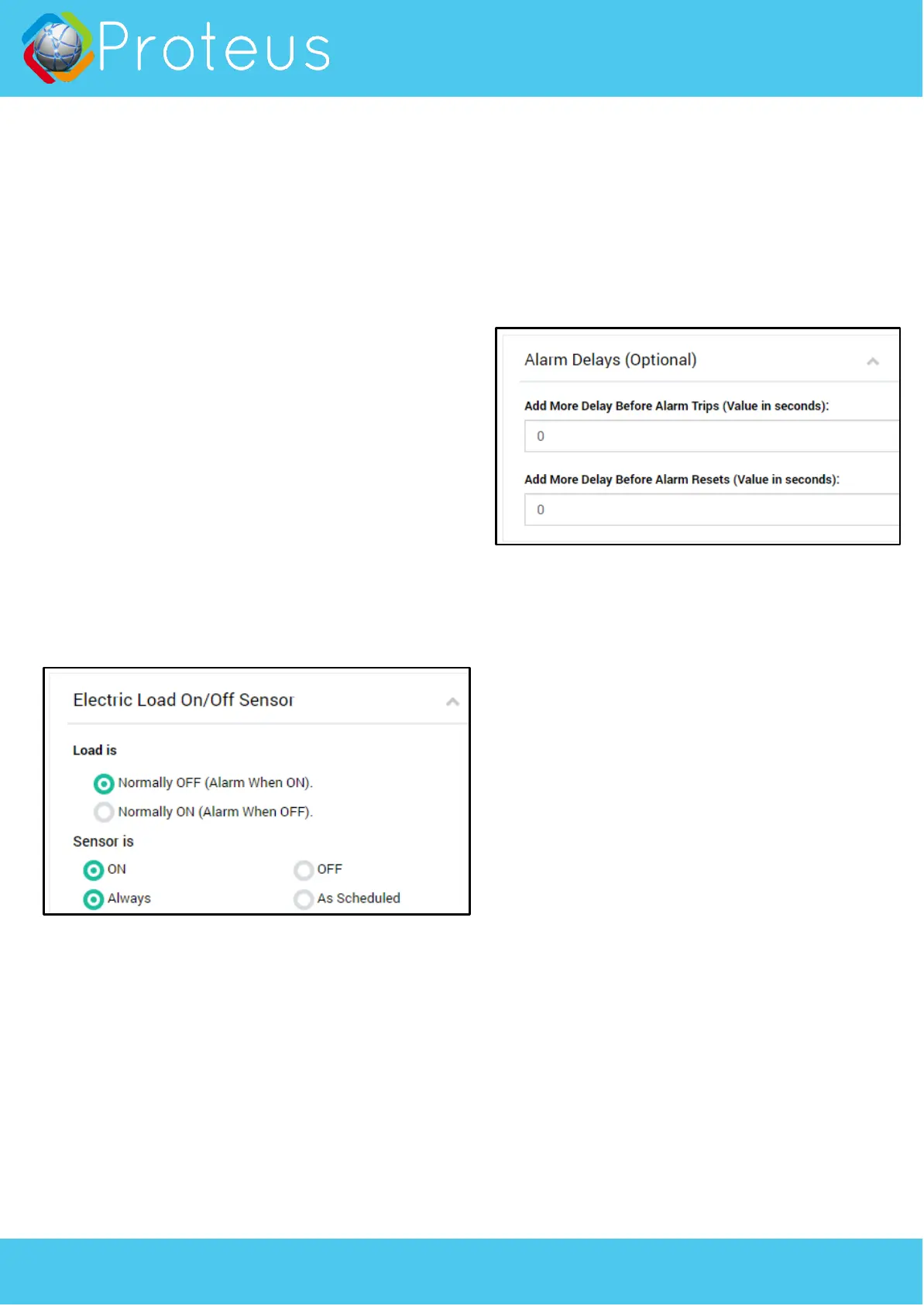
1. Normal State
Depending on your load, you need to select the normal
state of your sensor.
2. Monitoring Schedule
By default, the sensor is scheduled to monitor all the
time. But if you want the sensor to be active only
during certain days of week/ hours of day, select “As
scheduled” option and set the days, time, etc.
3. Alarm Delays (Optional)
By default, when the normal state of your electric load
changes, an alarm is tripped within seconds. But you
can add delays so any temporary changes can be
ignored.
For example: You want to know if your sump pump
keeps running for more than 2 minutes each time it
turns on. To do this, simply add 120 seconds in the
“Alarm Delay” field. This means, if your pump turns
on, runs for a minute and turns off, it will not alert
you. It will alert you only if the pump keeps running
for more than 2 minutes.
Similarly, if you have a cycling load like a
refridgerator, you can use this delay to ignore
normal ON/OFF cycles by adding an alarm delay. See
examples below.
Sample Configuration 1
In this example, we will setup Proteus C5 to monitor
a normally OFF electric load. Eg: Sump pump
monitor. C5 can be used to know when the sump
pump turns on, and off. To achieve this,
1. Set Load normal state to “Normally OFF”
2. Set schedule to ON Always.
3. Leave Alarm Delay to 0. Save settings.
To test this setup, simply lift the float on your pump
to turn the pump on. The light on the clamp on
module will turn orange. In few seconds, the base
unit will start beeping. Alarm notifications will be
sent. After you drop the float down, pump stops,
and the alarm should reset.



 To Next Page
 Loading...