16
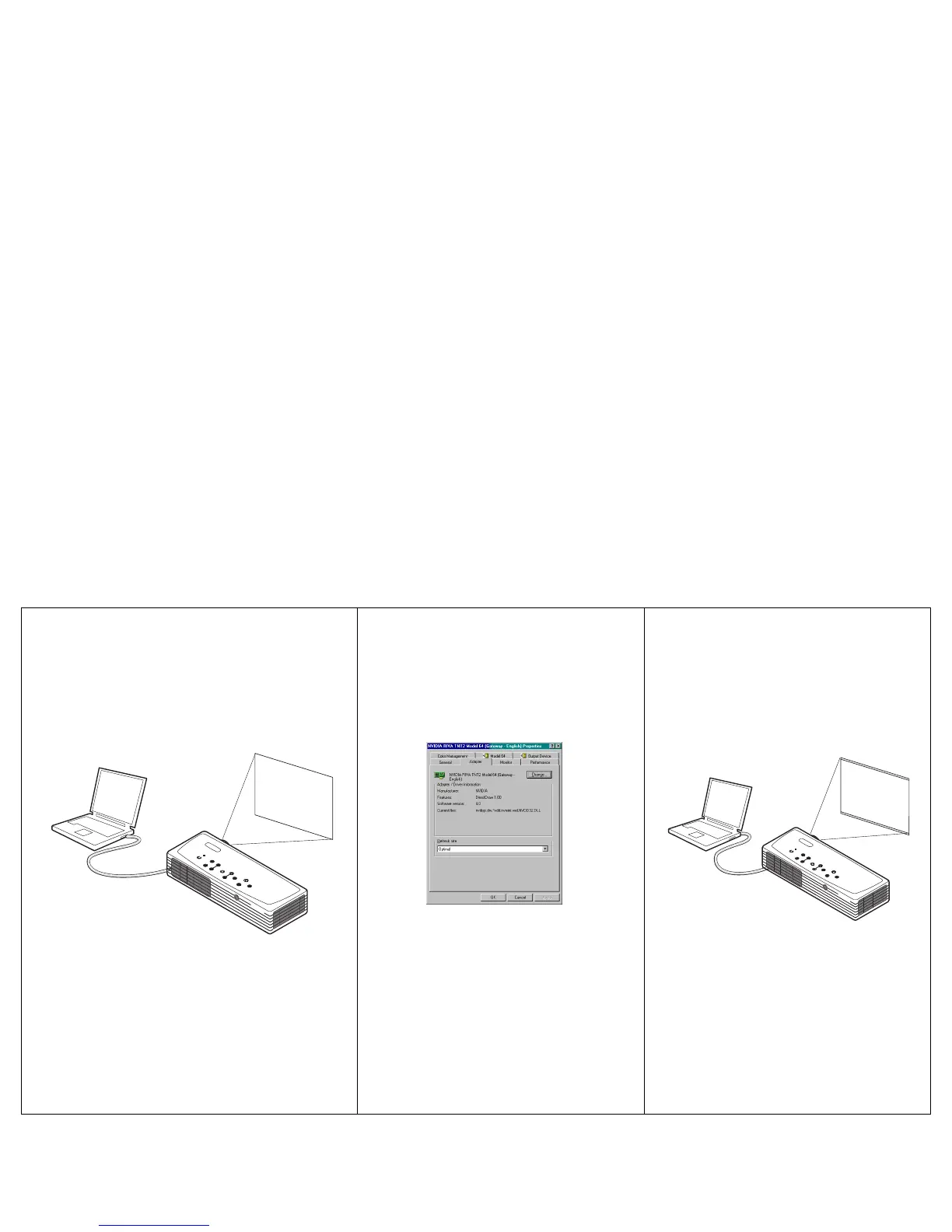
No computer image, just the words “Signal out of
range”
Adjust computer refresh rate in Control
Panel>Display>Settings>Advanced>
Adapter (location varies by operating
system)
Computer image projected
A
Signal out of
range
You may also need to set a different
resolution on your computer, as shown
on the following page
A
A


 To Next Page