24
Using the audio
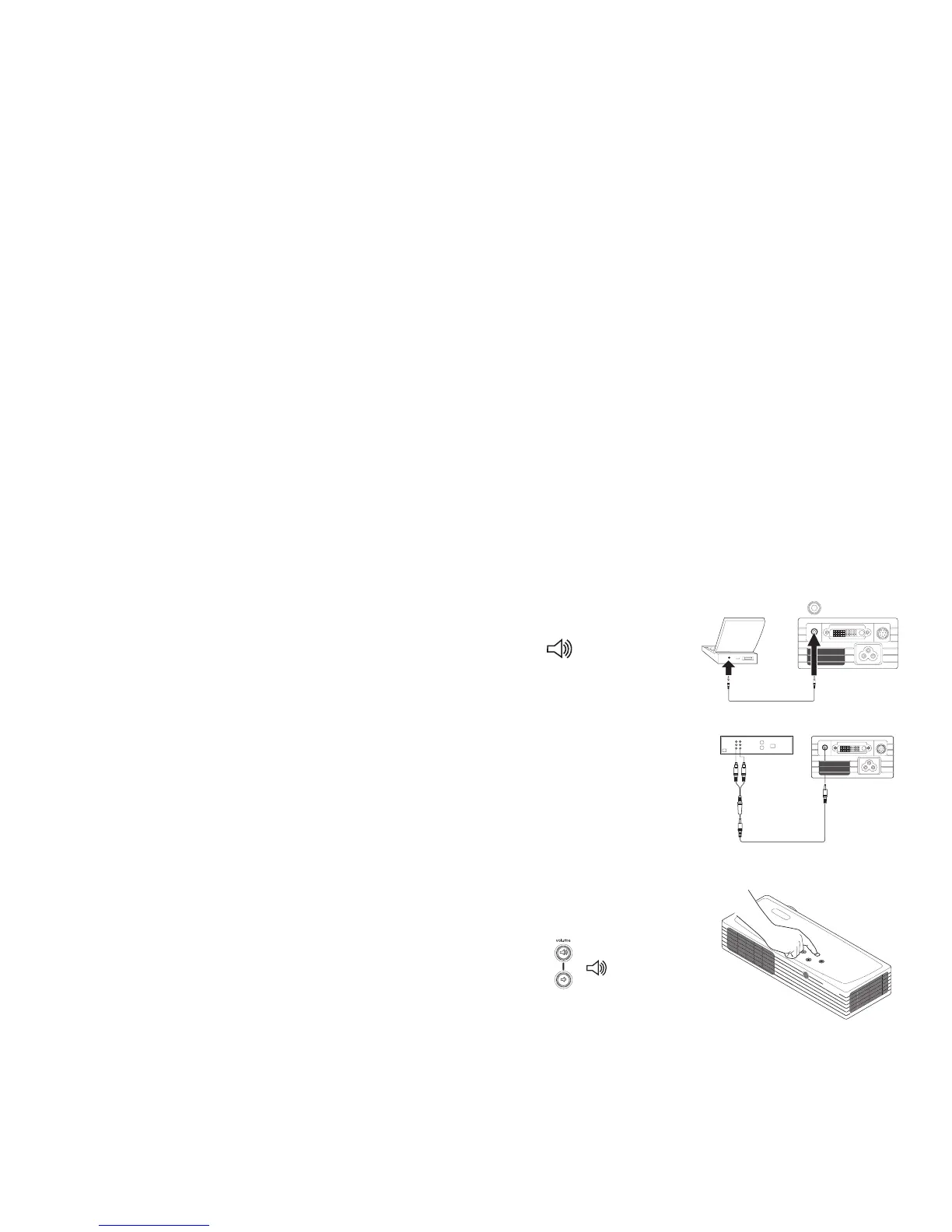
To play sound from the projector, connect your source to the Audio In con-
nector on the projector.
To adjust the volume, use the buttons on the keypad.
Troubleshooting audio
If there is no sound, check the following:
• Make sure the audio cable is connected.
• Make sure mute isn’t active (used with the Effect key).
• Make sure the volume is turned up enough. Press the volume button
on the keypad.
• Adjust the audio source.
• If playing a video, make sure the playback has not been paused.
connect audio cable
computer: audio cable
video: audio cable and adapter
adjust volume


 To Next Page