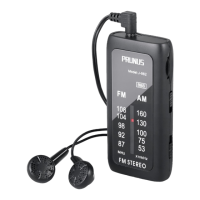
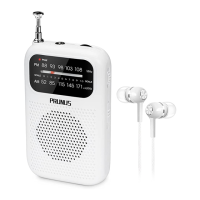
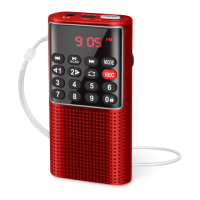
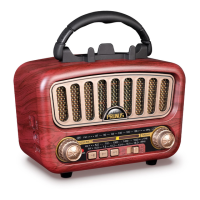
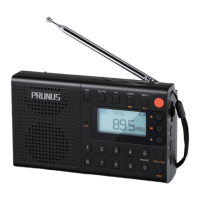
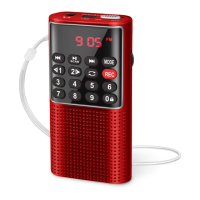
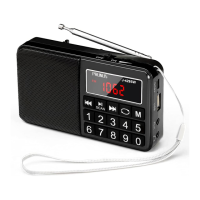
The PRUNUS R-818 is a retro mini FM radio that also functions as a Bluetooth speaker and MP3 player. It is designed to be a versatile audio device, offering multiple ways to enjoy music and radio broadcasts.
Function Description:
The primary function of the PRUNUS R-818 is to receive FM radio broadcasts. It features a tuning knob for selecting stations and a volume knob for adjusting the audio output. In addition to FM radio, the device supports music playback via Bluetooth connectivity, allowing users to stream audio wirelessly from their smartphones, iPods, computers, and other Bluetooth-enabled devices. It also includes an AUX input, enabling wired connection to audio sources for music playback. The device is powered by a built-in rechargeable battery, making it portable.
Important Technical Specifications:
- Model No: R-818
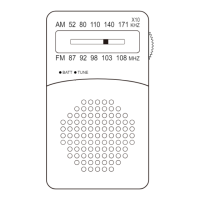
- Band: FM: 87 - 108MHz
- Music Playback: Bluetooth / AUX
- Charging Time: 3-5 hours
- Built-in Battery: Li-ion 3.7V 450mAh
- Dimension: 88 x 50 x 65mm
- Weight: 136g
- Package Included: Radio x 1, USB Charging Cable/AUX Cable x 1, User Manual x 1, Lanyard x 1
Usage Features:
-
FM Radio Listening:
- To listen to FM radio, turn the OFF/FM/BT/AUX switch to "FM".
- Use the Tuning Knob to select the desired radio station.
- Adjust the volume using the Volume Knob.
- For better reception, rotate or reposition the radio. When indoors, approach the radio to a window and keep it away from electronic devices such as computers, TVs, refrigerators, and mobile phones. Holding the radio in your hands can temporarily improve reception, a phenomenon known as "Human Body Induction."
-
Bluetooth Music Playback:
- Turn the OFF/FM/BT/AUX switch to "BT". A "Ding Dong" sound indicates that the Bluetooth connection is available and ready for pairing.
- On your device (mobile phone, iPod, computer, etc.), switch on Bluetooth, search for, and connect to the device named "FY-R818". A "Dingdong" sound confirms a successful connection.
- Open your music application or software and choose your preferred music to play.
-
AUX Music Playback:
- Turn the OFF/FM/BT/AUX switch to "AUX". The radio will announce "AUX Mode," indicating that the AUX connection is available and ready for use.
- Insert one end of the AUX cable into the "AUX" jack of the radio and the other end into the earphone jack of your mobile phone or computer.
- Open your music application or software to play music.
Maintenance Features:
After-Sales Service:
- For radio failures, scan the provided QR code, click "Ask a question" on Amazon, and log in to contact customer service for support.
- Customer service can also be reached via email at prunus-technik@hotmail.com.
- For customers in America, local customer support is available at (805) 712-2661.

 Need help?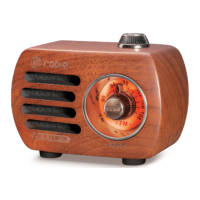

 To Next Page
 General