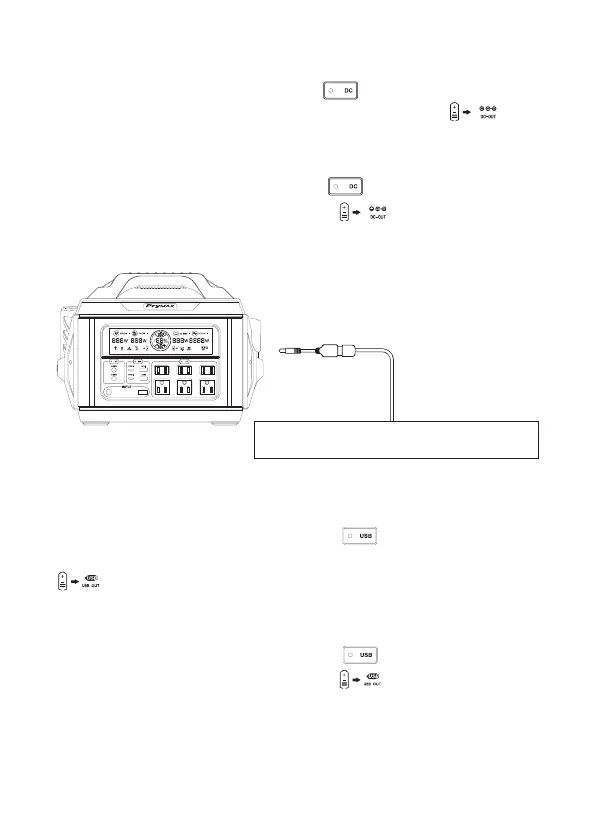
2.DC Output Switch
Turn on DC output: Press the DC power button to turn on DC output, the
corresponding indicator light will light up and the display screen will show“ ”. DC
output will switch off within 1 hour automatically when there are no loads(less than 2W).
Turn off DC output: Press the DC power button to turn off the product,the
corresponding indicator light and the display screen “ ” will turn off.
3.USB Output Switch
Turn on USB output: Press the USB power button to turn on USB/TYPE-C
output, the corresponding indicator light will light up and the display screen will show “
”. USB output will switch off within 1 hour automatically when there are no loads
(less than 1W).
Turn off USB output: Press the USB power button to turn off the product, the
corresponding indicator light and the display screen “ ” will turn off.
Support DC12V Devices, Such as Vacuum Cleaner,
Inflation Pump, Electric Wrench, Car Fridge, Etc.
6


 To Next Page