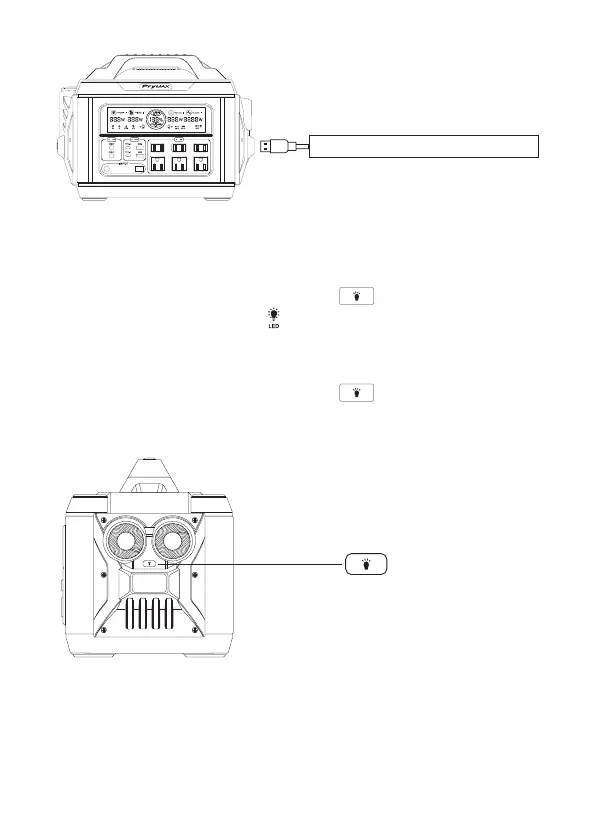
4.LED Light Switch
Turn on LED light: Press and hold the LED button for 2 seconds to turn on the
light, and the display screen will show “ ”. One more click to switch the modes,including
High light, Low light, SOS and Strobe.
Turn off LED light: Press and hold the LED button for 2 seconds to turn off the
light.
Smartphone, Digital Camera, Tablet, Etc.
7


 To Next Page