®
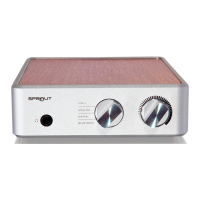
Owner’s Reference Sprout
4826 Sterling Drive, Boulder, CO 80301 . PH: 720.406.8946 . www.psaudio.com
©2014 PS Audio Inc. All rights reserved.
Connect the inputs rst
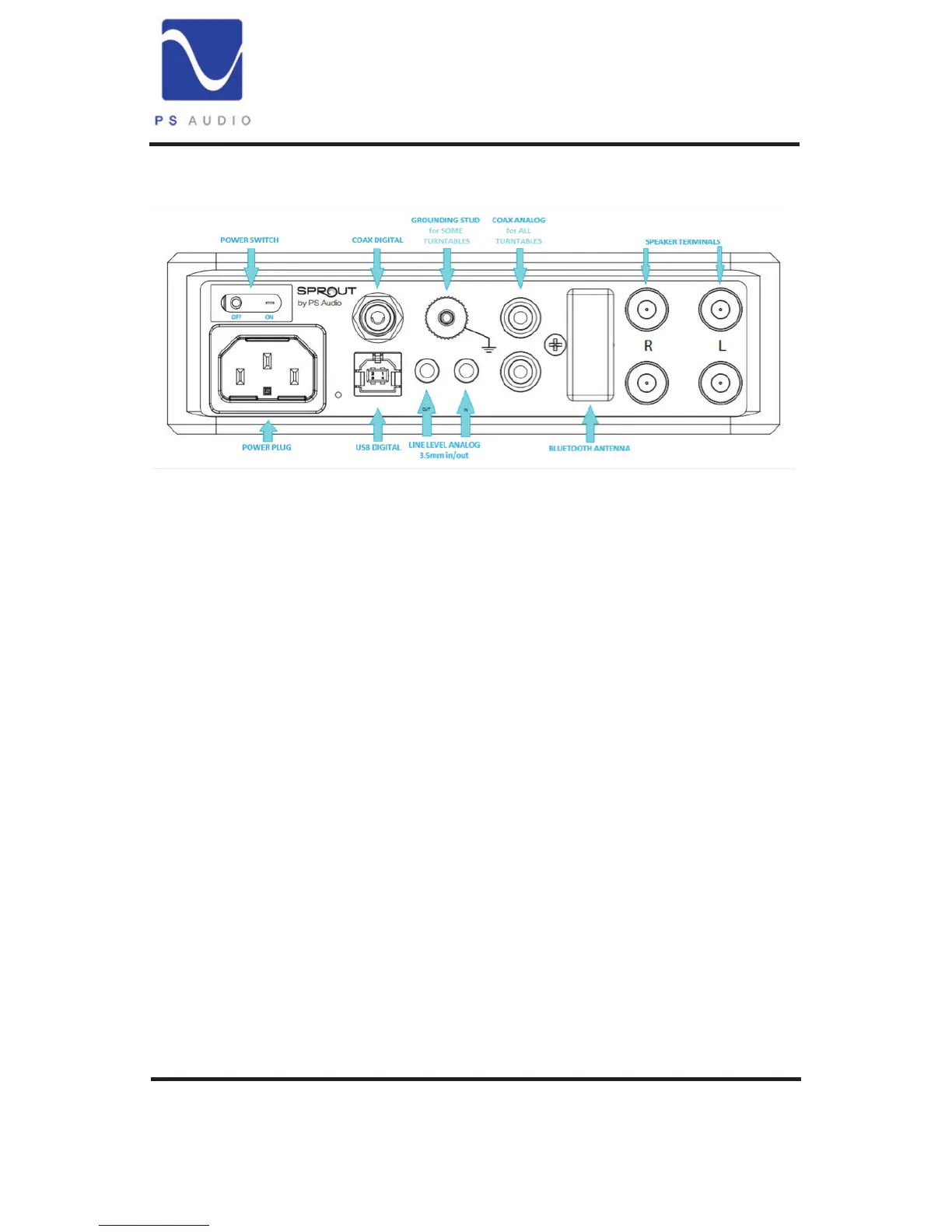
Sprout has four rear panel inputs you can connect your sources to:
two digital, one analog and one phono for your vinyl. It can connect
wirelessly via Bluetooth
Digital sources
Digital technology is the force behind our land-lines, smart phones,
computers, and the internet itself. It’s also a great way to hang on to
your music. We use digital formats, (like FLAC, ALAC ,WAV, and MP3s)
to store our favorite tunes. Sprout can play these formats using your
computer or smart phone.
Sprout can connect to three digital devices, two from the rear panel
connections and one wirelessly via Bluetooth from your phone,
computer or tablet.
The two digital inputs available on the rear panel are USB and COAX.
USB Connection. USB connects Sprout to your computer. Once
connected, Sprout will become the audio output of your computer,
playing from programs like iTunes or Windows Media Player. Using a


 To Next Page