ENGLISH
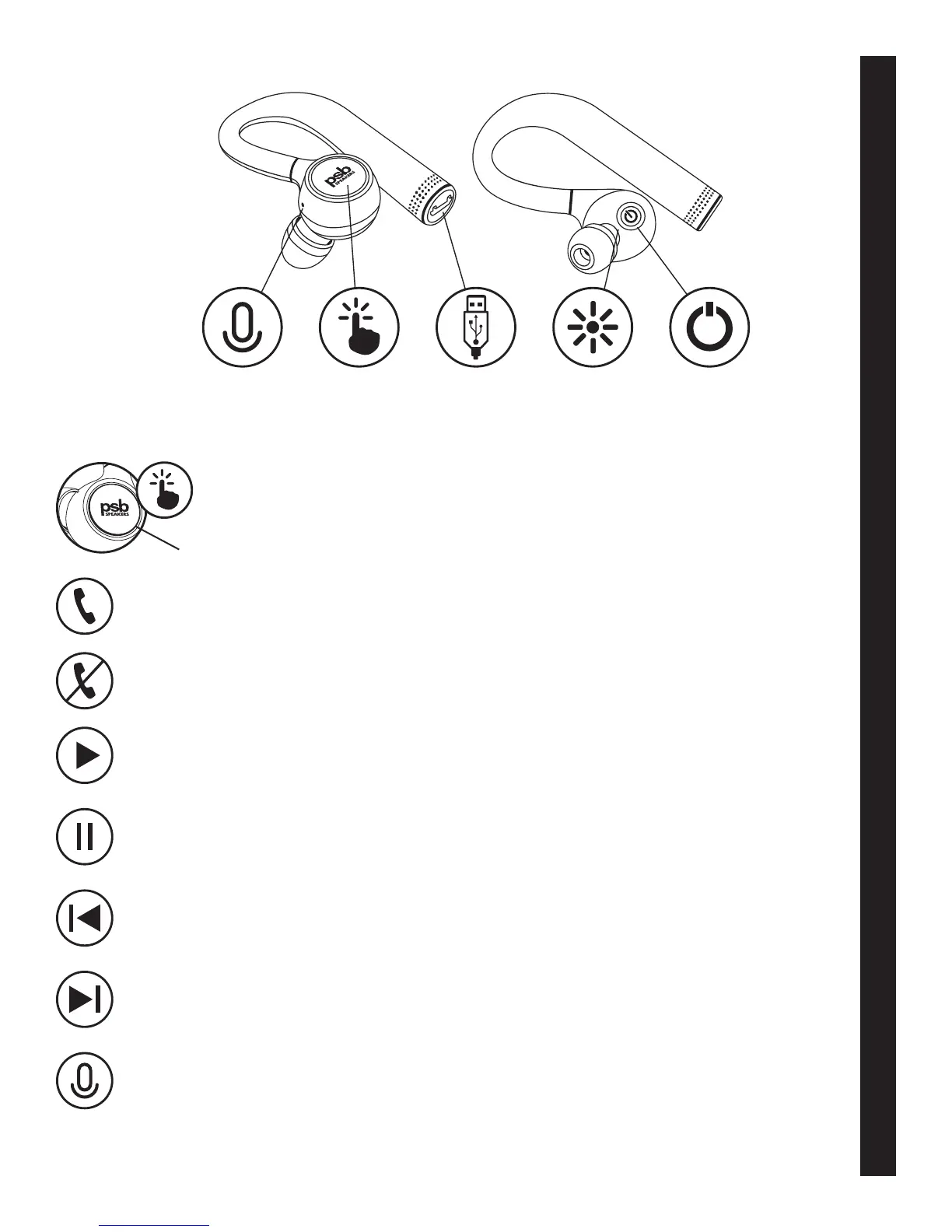
To answer a phone call, tap the touch button. Tap again to end the call.
To reject a phone call, press and hold the touch button until an audio prompt is heard.
When connected to a device, double tap the touch button.
To pause playback, double tap the touch button.
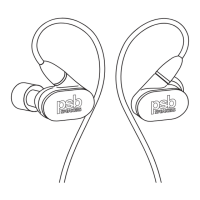
To skip back a song, press and hold the left earphone touch button until the previous song starts.
To skip forward a song, press and hold the right earphone touch button until the next song starts.
To activate a voice assistant on your device, press and hold either touch button for 5 seconds.
Touch Button
Microphone Touch
Controls
USB
Connection
LED
Indicator
Power
Button
TOUCH CONTROLS…



 To Next Page