EasyManua.ls Logo

PSB M4U - User Manual

PSB M4U
7 pages
Print Icon
To Next Page IconTo Next Page
Loading...
1
Music for You
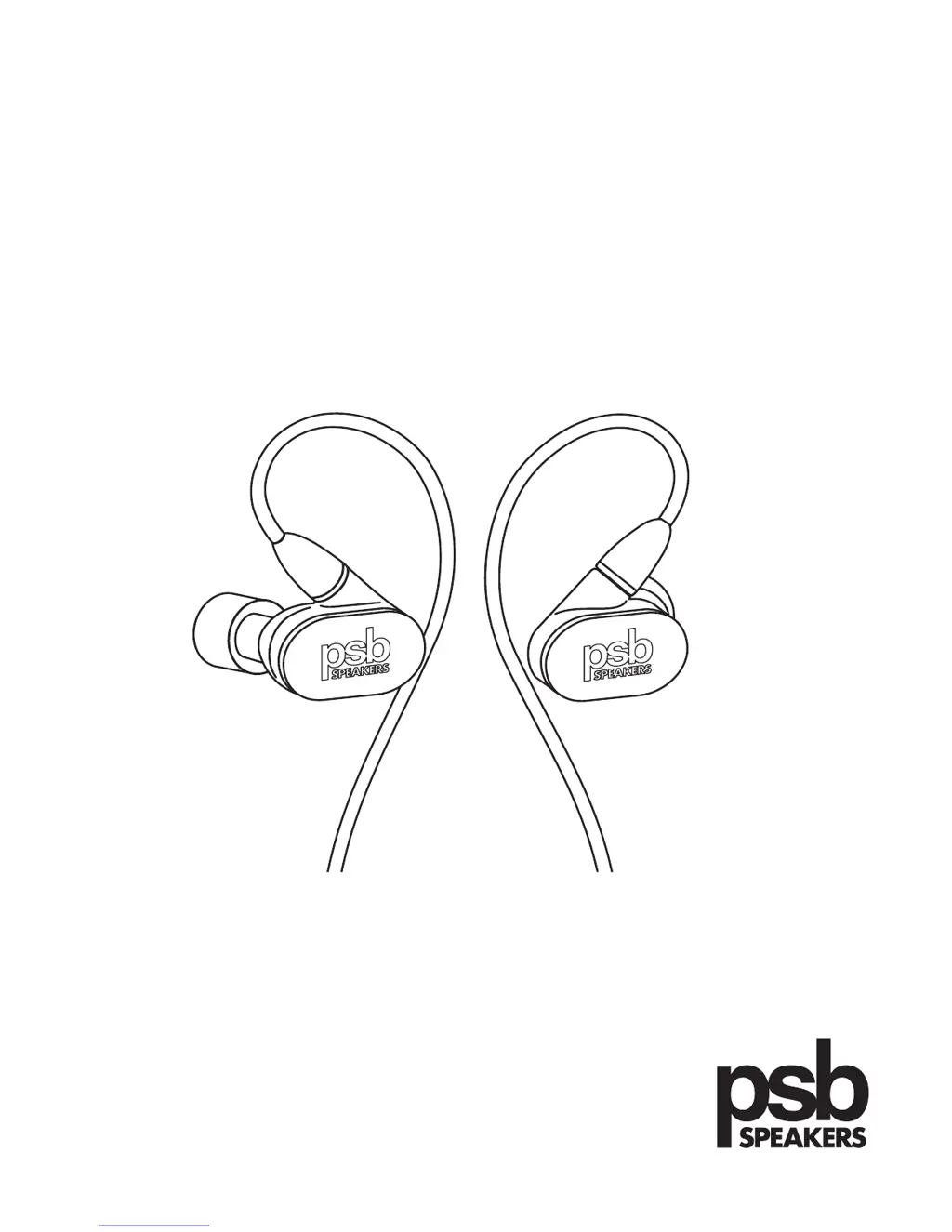
M4U 4 In-Ear Monitor Owner’s Guide

Questions and Answers

  • K
    Kristina ThompsonJul 26, 2025
    What to do if my PSB M4U has no sound?
    • K
      kevin92Jul 26, 2025
      If your PSB Headphone isn't producing any sound, there might be a few reasons. First, ensure that your source device is powered on and playing at a medium volume. Also, verify that the audio output on the source device is activated. If the problem persists, check the connection of the headphone cable to the source device; a faulty connection could be the culprit. Consider changing the cable if necessary.
  • A
    Amanda HudsonJul 31, 2025
    How to increase the volume on my PSB M4U Headphone?
    • L
      Lauren WilliamsonJul 31, 2025
      If you're experiencing low volume output with your PSB Headphone, start by checking that the cable is properly connected and fully inserted into the source device. Then, increase the volume to a medium level using the volume controls on the cable. Also, make sure to increase the volume on your source device as well.
  • K
    kaitlin41Aug 5, 2025
    What to do if the sound is only in one earphone of my PSB M4U Headphone?
    • E
      Emily ThomasAug 5, 2025
      If you're only getting sound in one earphone of your PSB Headphone, the cable might not be correctly connected. Try disconnecting and reconnecting the cable from both the earphone and your device, ensuring it's securely connected.
  • A
    Andrew BradshawAug 10, 2025
    Why are the integrated controls not working on my PSB M4U?
    • B
      Benjamin RobinsonAug 10, 2025
      If the integrated controls on your PSB Headphone aren't functioning properly, it could be due to a few reasons. First, your Apple device may not be compatible or could be faulty. Refer to the Apple compatibility guide on page 5. Also, the cable might not be correctly connected. Try disconnecting and reconnecting the earphone to ensure a secure connection. Additionally, removing any protective case from your source device can improve the connection.
  • W
    Wyatt TuckerAug 15, 2025
    What to do if I hear audible distortion in my PSB M4U Headphone?
    • E
      Elaine StanleyAug 15, 2025
      If you're experiencing audible distortion during playback with your PSB Headphone, the cable might not be correctly connected. Check the connection of the source device to the headphone cable and, if necessary, try using a different cable.
  • A
    Andrew DouglasAug 20, 2025
    How to keep the eartip from falling out of my PSB Headphone?
    • T
      Timothy RamirezAug 21, 2025
      If the eartip keeps falling out of your PSB Headphone, it might not be properly secured to the earphone. Fully remove the eartip, pull back and up on your ear to open the canal, and gently insert the entire earphone tip into your ear. Hold the tip in place until it feels comfortable.

Summary

Introduction to PSB M4 U 4 In-Ear Monitors

Safety Information and Recommendations

Volume Level Recommendations

OSHA guidelines for maximum daily exposure and sound pressure levels in decibels.

General Safety Warnings

Important warnings regarding ambient sound awareness, hearing damage, product modification, and liquid exposure.

Connecting and Detaching Earphones

Eartip Fitting and Selection

Fitting Tips for Proper Seal

Guidance on inserting eartips to achieve a proper seal for optimal sound and comfort.

Silicon Eartip Insertion and Removal

Step-by-step instructions for inserting and removing silicon eartips correctly.

Comply Foam Eartip Usage

Inserting Comply Premium Earphone Tip

Instructions for rolling and inserting the Comply foam earphone tips for maximum isolation.

Comply Earphone Tip Maintenance

Connecting to Music Device

Wearing and Removing Earphones

Connecting to In-flight Entertainment

Listening and Cable Management

Controlling Your Device

Apple Compatibility Guide

Lists Apple devices compatible with the remote controls and microphone.

Apple Cable Control Features

Explains functions like call management, music playback, and Siri activation.

Care and Cleaning

Earphone Tip Cleaning

Instructions for regular cleaning of silicon earphone tips and soundtubes.

Protecting Your Investment & Environmental Protection

Troubleshooting Common Issues

Low Volume Output

Addresses issues with low volume and provides solutions.

No Sound or Intermittent Audio

Solutions for no sound or intermittent audio playback.

Audible Distortion in Playback

How to fix audible distortion during playback.

Eartip Retention Issues

Tips for securing eartips to prevent them from falling out.

One Earphone Not Producing Sound

Troubleshooting steps for sound only in one earphone.

Integrated Controls Malfunction

Solutions when the integrated controls do not work.

PSB M4U Specifications

General IconGeneral
TypeOver-Ear
Impedance32 Ohms
Sensitivity102 dB
Driver Size40 mm
Driver TypeDynamic
Connector3.5mm
Noise CancellingYes
ConnectivityWired
Frequency Response20 Hz - 20 kHz

Related product manuals