Interleaved 2 of 5
Product Reference Guide 6-93
Interleaved 2 of 5 — continued
START
MODE BARCODE
DEFAULT SETTINGS FOR THIS FEATURE: 00 (None)
Set
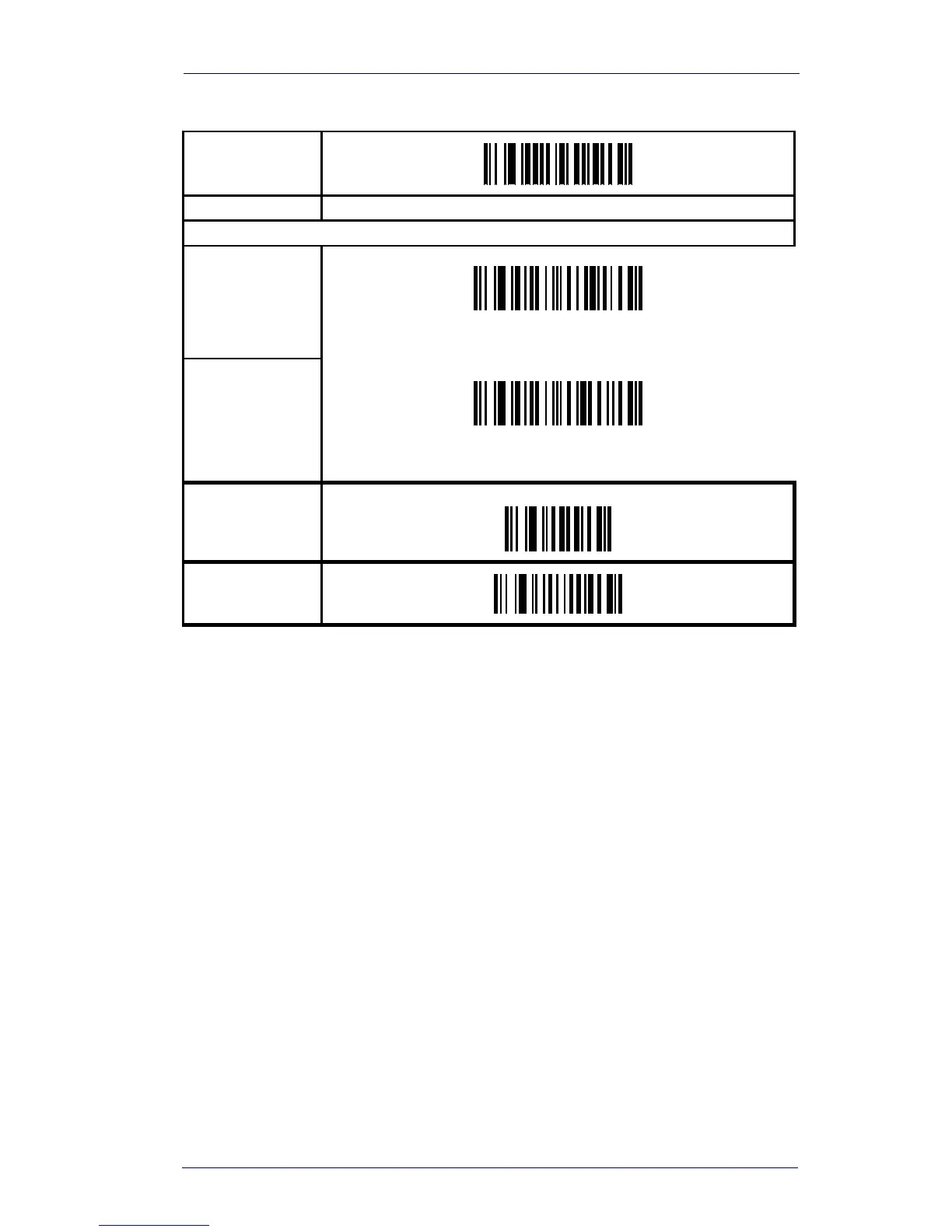
Fixed Length 1
Scan the bar code above, then two digits from
Appendix B,
Alpha-Numeric Pad
representing the desired length.
Set
Fixed Length 2
Scan the bar code above, then two digits from
Appendix B,
Alpha-Numeric Pad
representing the desired length.
SET
END



 To Next Page