Setting up your PumpSpy Sump Pump Smart Outlet
is very easy and only takes a few minutes. You should setup your
outlet at a convenient location in your home and move it to your
sump pump later. Don’t worry, the Smart Outlet will remember
your settings when you unplug it.
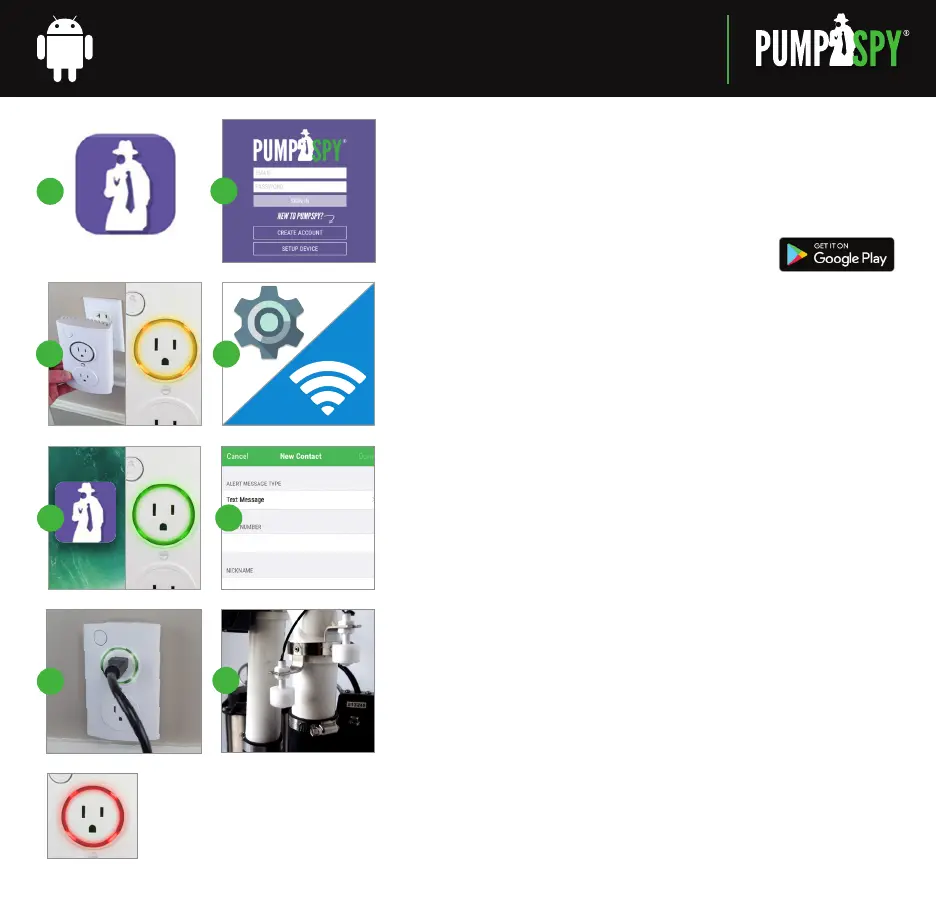
STEP 1: Download and Install the PumpSpy App
from Google Play.
STEP 2: Open the app and create a new PumpSpy Account.
• After entering your info, press Done.
• Press the home button on your Android device.
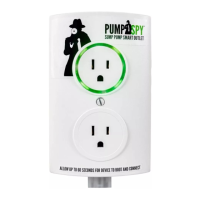
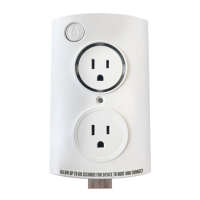
STEP 3: Plug in the PumpSpy Smart Outlet.
• Plug the Smart Outlet into any AC outlet.
• The LED ring will light up and turn yellow (setup mode).
• If the LED ring is not yellow, gently press and hold the button with the
PumpSpy logo. The unit will turn yellow/enter setup mode after 3 seconds.
STEP 4: Connect to the PumpSpy Smart Outlet
• On your Android device, open Device Settings.
• Select WiFi.
• Connect to the WiFi network named “PumpSpy.”
• Press the home button on your Android device.
STEP 5: Setup the PumpSpy Smart Outlet
• Open the PumpSpy app.
• Select your WiFi network from the list of available networks.
• Enter the password for the selected WiFi network.
• The LED ring will turn green. A Green ring means the outlet is connected
to PumpSpy and is ready for use.
• A Success message will be displayed. Press OK.
• Continue the setup process on the app by entering the
location of the Smart Outlet.
STEP 6: Enter Alert Contacts
• On the PumpSpy App, select Contacts.
• Following the onscreen prompts, enter cell phone numbers and/or email
addresses that should receive PumpSpy alerts.
STEP 7: Connect Your Sump Pump to the Smart Outlet
(
Refer to Owner’s Manual
)
STEP 8: Install the High Water Sensor
(
Refer to Owner’s Manual
)
1.
2.
3.
5.
7.
8.
6.
PumpSpy
WATCHING YOUR SUMP PUMP SYSTEM 24
/
7
4.
SMART OUTLET SETUP INSTRUCTIONS
RED LED
Cannot connect to Internet,
or High Water Alarm


 To Next Page
 Loading...