EasyManua.ls Logo

Punkt MP01 - Getting Started with Front Keys

Default Icon
61 pages
Print Icon
To Next Page IconTo Next Page
To Previous Page IconTo Previous Page
Loading...
76
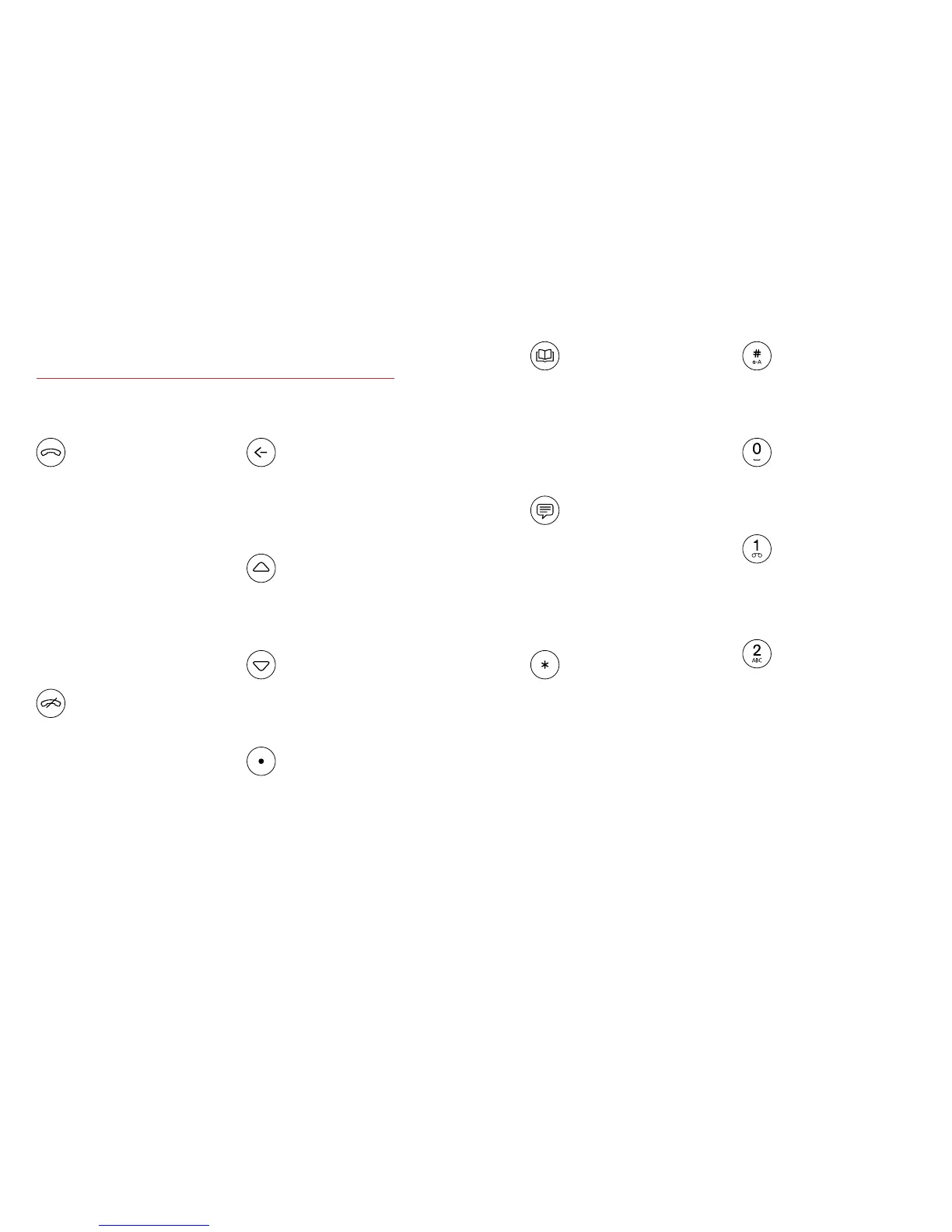
Send
· Places a call to the number
selected or keyed in
· Answers an incoming call
· TogglesHoldon/o
· LONG PRESS on an
incoming call:
answers the call with
speakerphone
· On Home Screen:
opens Call History
End
· Ends a call and/or
navigates to the
home screen
· On Home Screen:
access to shortcuts
Back
· Navigates back one step
· Clears characters when
in an editor
Up
· Moves content into
focus or moves cursor
Down
· Moves content into
focus or moves cursor
Punkt.
· Selects the item in focus
· On Home Screen: opens
the main menu
Getting started: Front keys.
Hash
· Alternates input modes
in message composer
Zero
· In Message Composer:
Space or “0” (zero)
One
· LONG PRESS: dials
voicemail
Other Numeric
Keys (2–9)
· LONG PRESS on Home
Screen: Speed dial to the
assigned number
Contacts
· Opens Contacts or
create new contact
· On Home Screen:
LONG PRESS to
create new contact
Messages
· Opens Messages or
message composer
· On Home Screen:
LONG PRESS opens
Message Composer
Star
· Symbols in a numeric
editor or dialer
· LONG PRESS: mute
on/o,duringacall
· In Message Composer:
Symbol picker

Related product manuals