EasyManua.ls Logo

Punkt MP01 - Basic Phone Operations; Charging the Battery; Turning the Phone On;Off; Locking and Unlocking the Keypad

Default Icon
61 pages
Print Icon
To Next Page IconTo Next Page
To Previous Page IconTo Previous Page
Loading...
1110
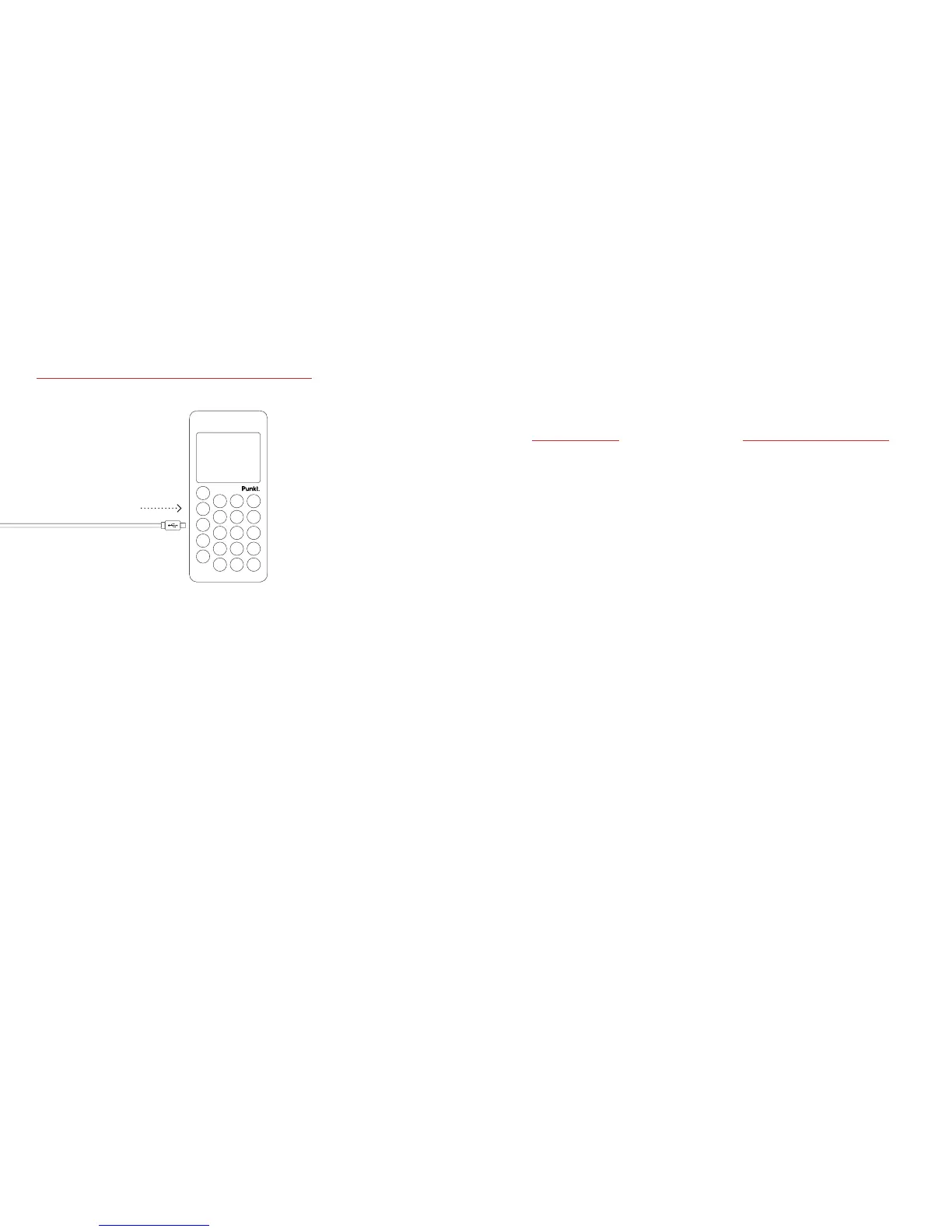
Charging the battery.
· The battery may be
partially charged when
you unpack your phone
but you should recharge
it fully before you start
using it.
· When the battery is
completely discharged,
it may take several
minutes before the
battery charging screen
is displayed.
· When the battery runs
low, a low battery alert
is displayed.
· When the battery is empty,
the phone automatically
shuts down.
· To turn your phone
ON, press and hold the
LOCK KEY.
· If you have set the
passcode request on,
the phone will ask you
to enter the passcode.
By default the passcode
is 7658 and request is
settoo.
· If your SIM has PIN code
set, the phone will ask
you to enter the PIN.
· To turn your phone
OFF, press and hold
the LOCK KEY.
· To lock the keypad,
press the LOCK KEY on
the side of the phone.
When locked, press and
hold the LOCK KEY
to unlock.
· If you have set a passcode
for the phone, you will
be asked to enter it to
unlock the keypad.
Locking and
unlocking
the keypad.
Turning
the phone
on/o.

Related product manuals